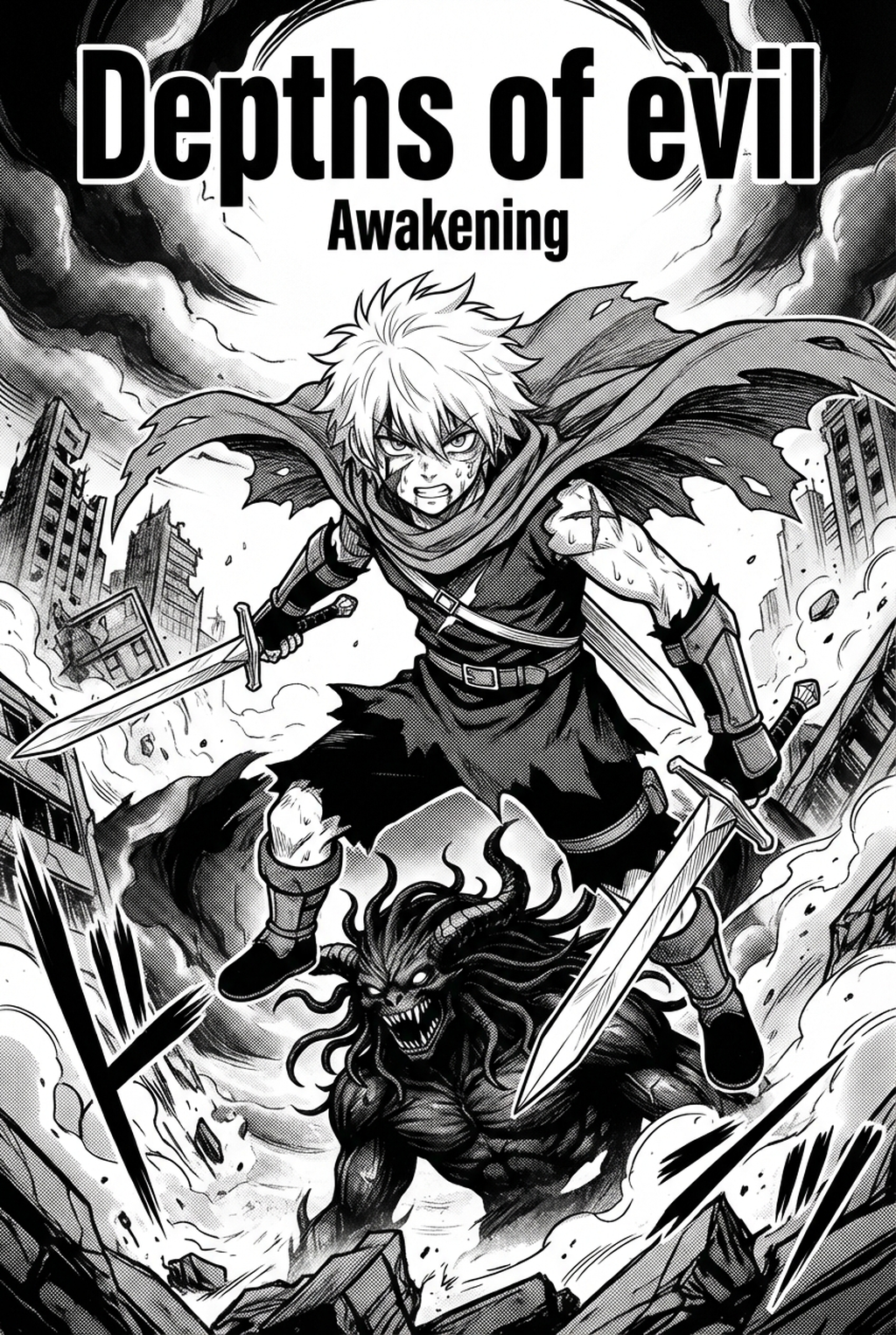
Defining Essential AI Manga Storyboard Builder
Storyboarding acts as a visual roadmap, dictating how the reader’s eye traverses a spread through calculated panel sizing, sequencing, and the strategic use of gutters. While many creators jump straight into sketching figures, a seasoned artist knows that the "name"—the initial rough schematic—must prioritize visual hierarchy over minute details to emphasize key emotional beats.
- Koma (Panels): These are the individual containers for your action, and their dimensions should directly reflect the importance of the content within. * Kabe (Walls/Gutters): The spacing between panels functions as a rhythm tool, where wide gutters signal a shift in time or location, while narrow ones imply continuous motion. * Ma (Rhythmic Pauses): A crucial silent moment in your layout, usually achieved by a singular, lingering panel that allows the reader to process a character’s internal realization or a sudden shift in atmosphere.
Why Narrative Flow Creates Chapter Tempo
The sequence of your panels creates the internal clock of a chapter, dictating how fast or slow a reader perceives the progression of events. If you fail to alternate between large, wide-angle establishing shots and frantic, diagonal high-tension panels, the reader will likely experience visual fatigue, leading them to skim over your hard-earned artwork.
In high-stakes Shonen battles, varying the orientation of your panels is a mandatory strategy to prevent repetitive layouts from dulling the impact of a super-move or a dramatic reveal. Conversely, when crafting Seinen slice-of-life scenes, the implementation of "ma" becomes the most important tool in your kit. By dedicating a full, minimalist panel to a character’s reaction, you force the reader to slow down, effectively turning a static page into an immersive, cinematic experience.
Digital Workflow Integration with Mangaka
manga storyboard techniques with Mangaka automates the initial arrangement of panels, allowing you to iterate on composition before committing to full-page art. By handling the technical overhead of calculating gutter spacing and panel variance, the tool provides a digital sandbox where you can test different layouts without having to manually redraw the entire page every time your script changes.
When you use an AI-assisted builder, you remove the risk of "composition lock," where a poorly planned panel forces you to cram speech bubbles into a corner. This tool creates a logical scaffolding for your perspective shifts, ensuring that even if you are building an complex, multi-perspective fight scene, the physical layout remains clear and accessible for your later inking stages.
| Technique | Primary Benefit | Risk if Skipped |
|---|---|---|
| Rule of Three | Builds narrative tension | Flat, boring climax |
| Spill-over Panels | Breaks action constraints | Stagnant, confined flow |
| Koma Variance | Directs reader focus | Visual fatigue/confusion |
Strategic Applications for Your Layout
Every panel you place on the page must serve a specific narrative function or provide essential visual information, otherwise, it is just adding noise to the spread. Utilizing "spill-over" panels—where an element of the art breaks the physical boundaries of the grid—is an excellent way to signify extreme action or a sudden, shocking character revelation that demands attention.
Implementing the "rule of three" in your panel sequence creates a predictable but effective tension, drawing the reader toward a dramatic cliffhanger at the bottom of the page. Avoid the temptation to fill every corner of a page with minor reaction shots; instead, focus on high-impact imagery that advances the plot. If a panel does not move the story forward or establish a necessary environment, it should likely be merged or removed to ensure the pacing remains tight.
Getting Started with Professional Layout Design
Moving from a rough schematic to a refined storyboard requires a disciplined approach to your draft. A "name" is simply the raw blueprint where you define where dialogue bubbles will sit and where characters will stand, while a storyboard is the polished layout that serves as the final precursor to inking.
- Perspective Scaffolding: Use AI builders to define your vanishing points before you begin your characters, as this prevents the common headache of "warping" architecture. * Emotional Weight: Always base your panel sizing on the intensity of the scene; dedicate large, horizontal panels to high-impact "big moments" and use smaller, frequent panels for rapid-fire, high-tension sequences. * Dialogue Clarity: Ensure that your panel layout leaves at least 15% of the frame empty to accommodate speech bubbles without obscuring your character's facial expressions.
Creators should compare the generated line art with the original sketch and confirm that facial expressions, props, speed lines, and speech-bubble space still support the scene. A repeatable review pass should cover character consistency, panel readability, background clarity, and whether the final file is ready for coloring, lettering, or editor feedback.
Creators should save approved examples of line weight, face detail, clothing folds, and background density. Those references keep later chapters closer to the intended style. For collaboration, creators should mark which panels are final and which panels still need redraws. Clear status labels prevent an assistant, editor, or colorist from polishing the wrong version.
The Bottom Line
Mastering storyboarding techniques is the primary differentiator between a confusing script and a page-turning experience that leaves your readers wanting more. By automating the technical layout, you regain the creative bandwidth necessary to focus on the nuance of character expressions and the kinetic energy of your action sequences. To begin building your next chapter with professional precision, manga storyboard techniques and see how organized pacing can elevate your narrative craft.
Related articles
Streamline Your Manga Storyboard Creation with Mangaka 2026
Manga Storyboard: Draft Not Generated 2026 Guide Manga Guide
Manga Storyboard Guide: How to Map Out Your First Chapter