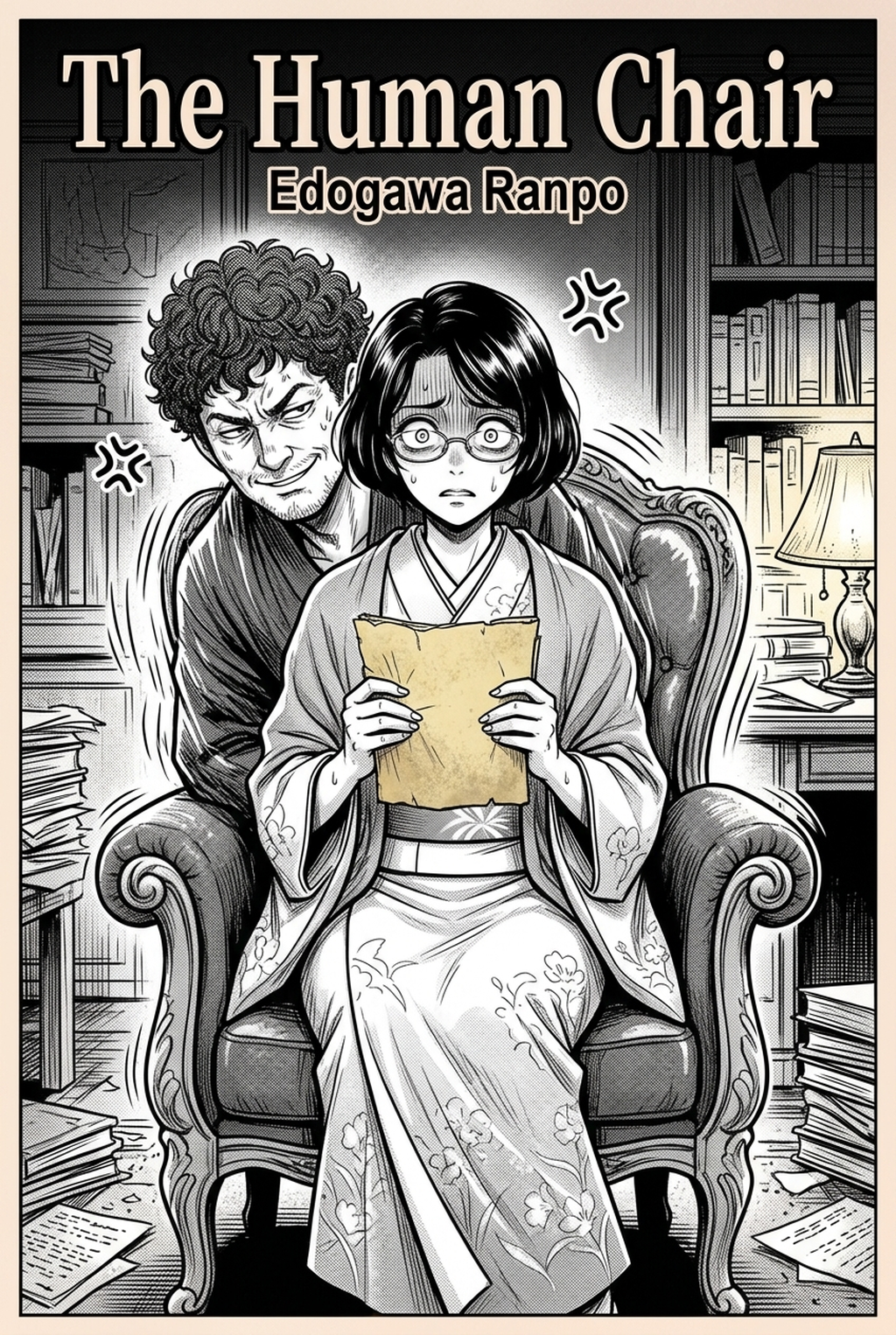
AI Manga Background Artist: How Your Production Utilizes Mangaka
AI tools like Mangaka allow creators to convert scene descriptions into perspective-perfect layouts, effectively automating the conversion of a rough sketch or text brief into a finished delivery format. By removing the need for manual 3D modeling or exhaustive photo-bashing, you retain more time for refining character poses and speech-bubble placement.
- Spatial Alignment: The engine maps environmental geometry to your specific character placement, ensuring the floor plane and vanishing points align perfectly with your character’s eye level. * Style Matching: By providing parameters for line weight and ink threshold, you ensure the output blends seamlessly with your hand-drawn assets. * Iterative Framing: You can generate multiple variations of a camera angle to test which composition provides the most dynamic tension for a specific action sequence.
If you are tired of spending hours on technical drawings for buildings that appear for only one panel, you can manga background art with Mangaka that match your existing storyboards. This workflow ensures that your background generation remains a creative asset for world-building rather than a tedious production bottleneck.
Application of Background Art Across Genres
Different manga categories require specific approaches to environmental density and perspective to satisfy audience expectations. Applying a "filter-to-ink" approach ensures that your generated assets maintain the necessary line quality to sit beneath your digital inking layers without looking like low-resolution textures.
- Shonen Epic Scale: Use expansive, wide-shot backgrounds that emphasize massive environmental destruction or towering structures to increase the perceived stakes of a battle sequence. * Seinen Realism: Prioritize lived-in, intricate interior decor that adds depth to character development, such as specific shelf clutter or historically accurate architecture that grounds the narrative in reality. * Slice-of-Life Atmosphere: Focus on subtle environmental cues like changing shadows or localized weather effects to reflect the emotional state of a scene without needing to state it in dialogue.
Establishing Your Mangaka Workflow
Integrating AI into your workflow does not compromise the "handmade" feel of your manga; it serves as a technical assistant that handles the tedious perspective grids and architectural shading. By using these tools as a texture base or an underlay for digital inking, you maintain full creative direction while scaling your production output. Workflow Fit for Creator Output.
Workflow Fit for Creator Output
- Customization: You can define specific lighting, line-weight, and stylistic parameters to ensure the output mimics your unique artistic tone across all chapters. * Spatial Accuracy: By using tools that support spatial input creative briefs, you can lock the environment’s perspective to your character’s placement, ensuring that characters don't look like they are sliding off a floor plane. * Efficiency: The ability to instantly iterate on framing allows for dramatic camera angles that were previously too time-consuming to sketch, allowing you to experiment with high-angle or low-angle shots.
- Before Export. Creators should compare the generated line art with the original sketch and confirm that facial expressions, props, speed lines, and speech-bubble space still support the scene. A repeatable review pass should cover character consistency, panel readability, background clarity, and whether the final file is ready for coloring, lettering, or editor feedback. - For Longer Projects. Creators should save approved examples of line weight, face detail, clothing folds, and background density. Those references keep later chapters closer to the intended style. For collaboration, creators should mark which panels are final and which panels still need redraws. Clear status labels prevent an assistant, editor, or colorist from polishing the wrong version. - For Publishing. Creators should review the page at the actual reading size before export. Small screens expose crowded dialogue, weak silhouettes, and line details that looked fine while zoomed in. For style control, creators should keep a short reference board beside the draft and compare hair shapes, eye details, costume folds, and texture choices before approving the final page.
Review Controls Before Export
Creators should compare the generated line art with the original sketch and confirm that facial expressions, props, speed lines, and speech-bubble space still support the scene. This keeps the review focused on story intent, line weight, panel readability, and the export quality behind the final AI Manga Background Artist output.
A repeatable review pass should cover character consistency, panel readability, background clarity, and whether the final file is ready for coloring, lettering, or editor feedback. For longer projects, creators should save approved examples of line weight, face detail, clothing folds, and background density. Those references keep later chapters closer to the intended style. For collaboration, creators should mark which panels are final and which panels still need redraws. Clear status labels prevent an assistant, editor, or colorist from polishing the wrong version.
Score Creative Fit Against Reader Impact
This check connects Mangaka to the creator brief, character reference, panel role, and final export target before the page is approved. A useful workflow should explain what the tool generates, what the creator still judges, and how the page will be used in a chapter, webtoon, or reusable asset pack. That keeps the section practical because it links product capability to publishing quality.
The Bottom Line
Mastering the balance between traditional creative effort and automated efficiency is the key to sustainable, professional-grade manga production in the current market. Mangaka provides the necessary workflow integration to scale your output, ensuring that background creation is a creative asset rather than a production bottleneck. You can AI Manga Background Artist workflow to focus your energy on what matters most: your characters and their story.
Related articles
Automate Manga Speech Bubble Placement with Mangaka AI 2026
Manga Background Art: A Guide for Solo Creators in 2026
Automate Your Manga Inking: Instant Clean Line Art in 2026