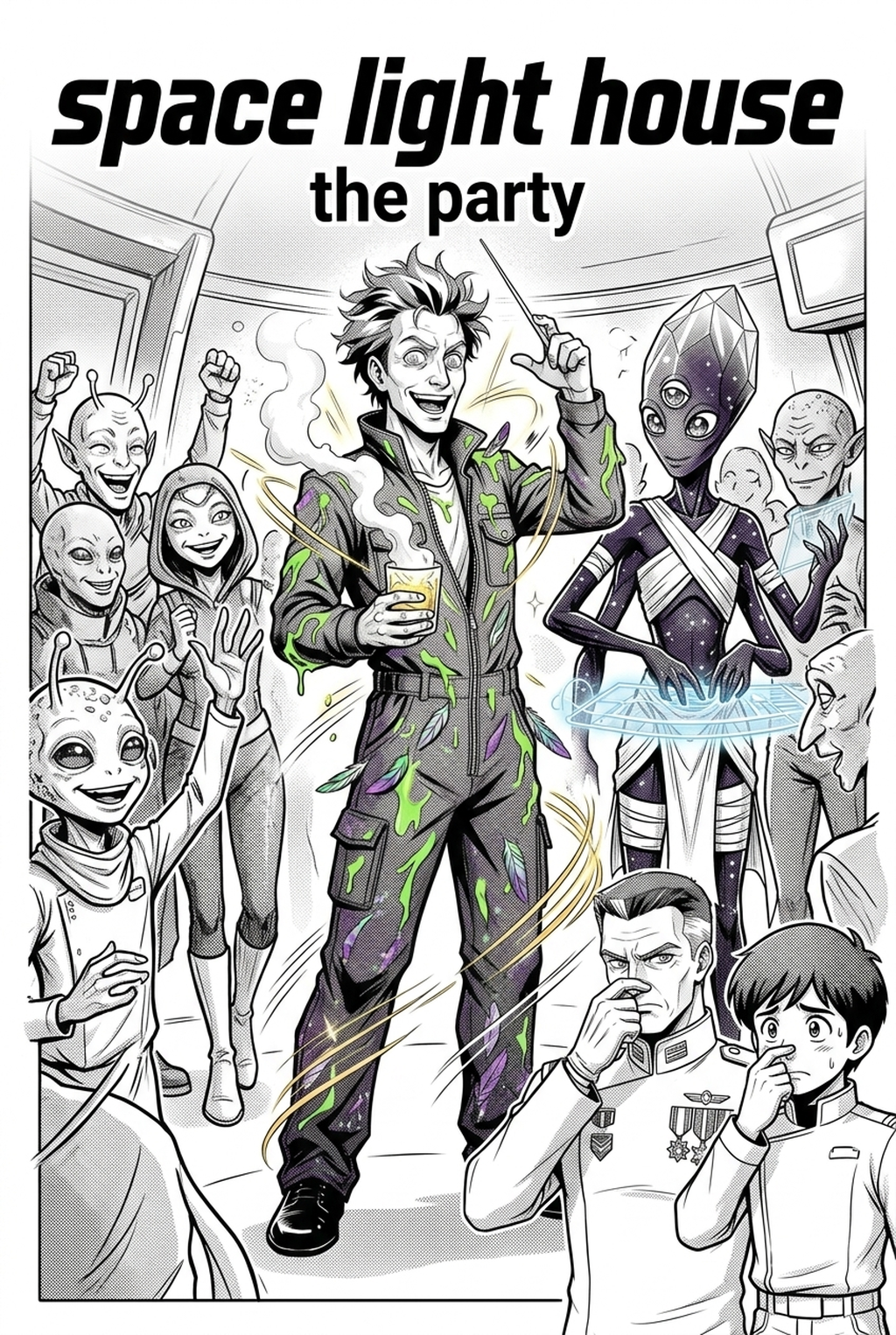
AI Manga Background Artist: Why Structural Consistency Matters for Creators
Consistent environments prevent the "floating character" syndrome, a common failure mode where characters look like paper cutouts pasted onto discordant, mismatched stock backgrounds. When your settings maintain stylistic continuity, you avoid the heavy cognitive load that forces readers to re-orient themselves every time a character moves to a new location in a chapter.
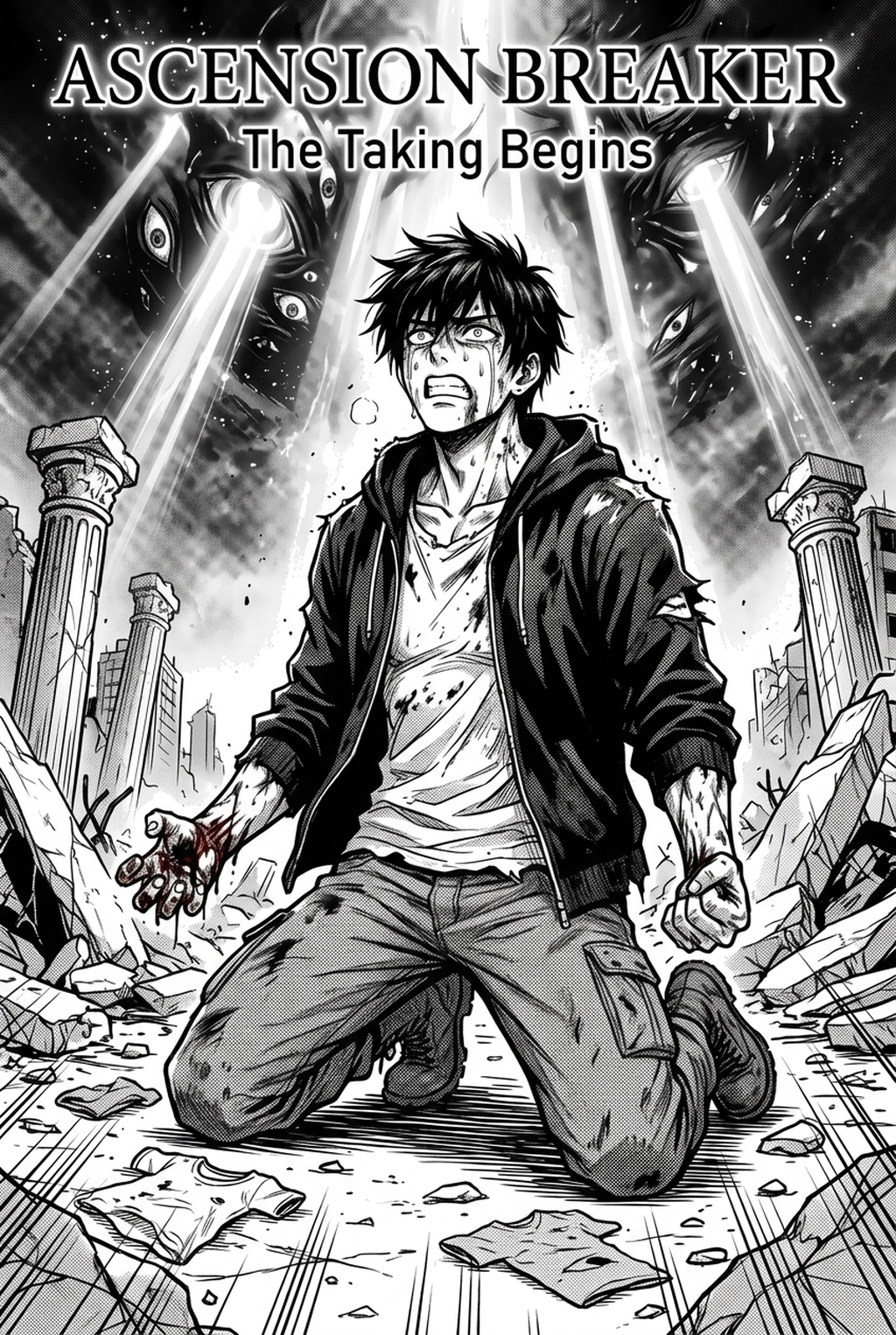
Lean into hyper-realistic shading patterns and architectural decay. Unlike the clear, open compositions of Shojo, Seinen backgrounds require high-contrast ink textures that distinguish the tone of the manga, grounding the reader in a lived-in, tactile world. Maintaining uniformity across hundreds of panels is a matter of strict asset management. Creators who use a master reference sheet for key locations—documenting specific ink brushes and line-weight values—drastically reduce the risk of aesthetic drift that occurs when a project spans multiple months of production.
How Mangaka Produces Background Layers
The Mangaka platform transforms your scene descriptions into structured line art, effectively replacing the manual labor of hand-drawing complex perspective grids. By using AI as a source context tool, you can generate multiple variations of a room or landscape in seconds, selecting the version that perfectly complements the emotional weight of your specific panel.
The most effective workflow involves using AI-generated base layers to handle the heavy mathematical lifting of perspective, then overlaying your own custom ink-line brushes. This hybrid approach ensures that the output maintains the unique, hand-drawn feel your audience expects while solving the logistical nightmares of repetitive background drawing.
Modern digital distribution requires backgrounds optimized for mobile-first formats. You must ensure your export settings in PSD or PNG format prioritize high-resolution clarity, as mobile readers often zoom into panels, exposing any inconsistencies in low-quality or poorly scaled architectural lines.
Use Cases for Complex Scene Production
The primary struggle for the indie artist is the conflict between the time cost of detailed backgrounds and their limited physical real estate on a standard 32-panel chapter. When you have a hard deadline for a 20-page chapter, spending eight hours on a single architectural complex is unsustainable.
- Foreground Hierarchy: When a character is the focal point, background details should be simplified to prevent visual clutter. * Environment Pacing: Allocate high-detail renderings to key establishing shots while utilizing minimalist, tonal-focused backgrounds for dialogue-heavy sequences. * Efficiency Gains: By offloading the foundation of these complex shots to an automated tool, you reclaim hours for character expression and dialogue layout.
Review your exported background layers for line-weight drift. A common pitfall is allowing a background layer to appear sharper than the character art. Always apply a slight blur or lighter line-weight to background elements to pull the reader’s eye back to the characters.
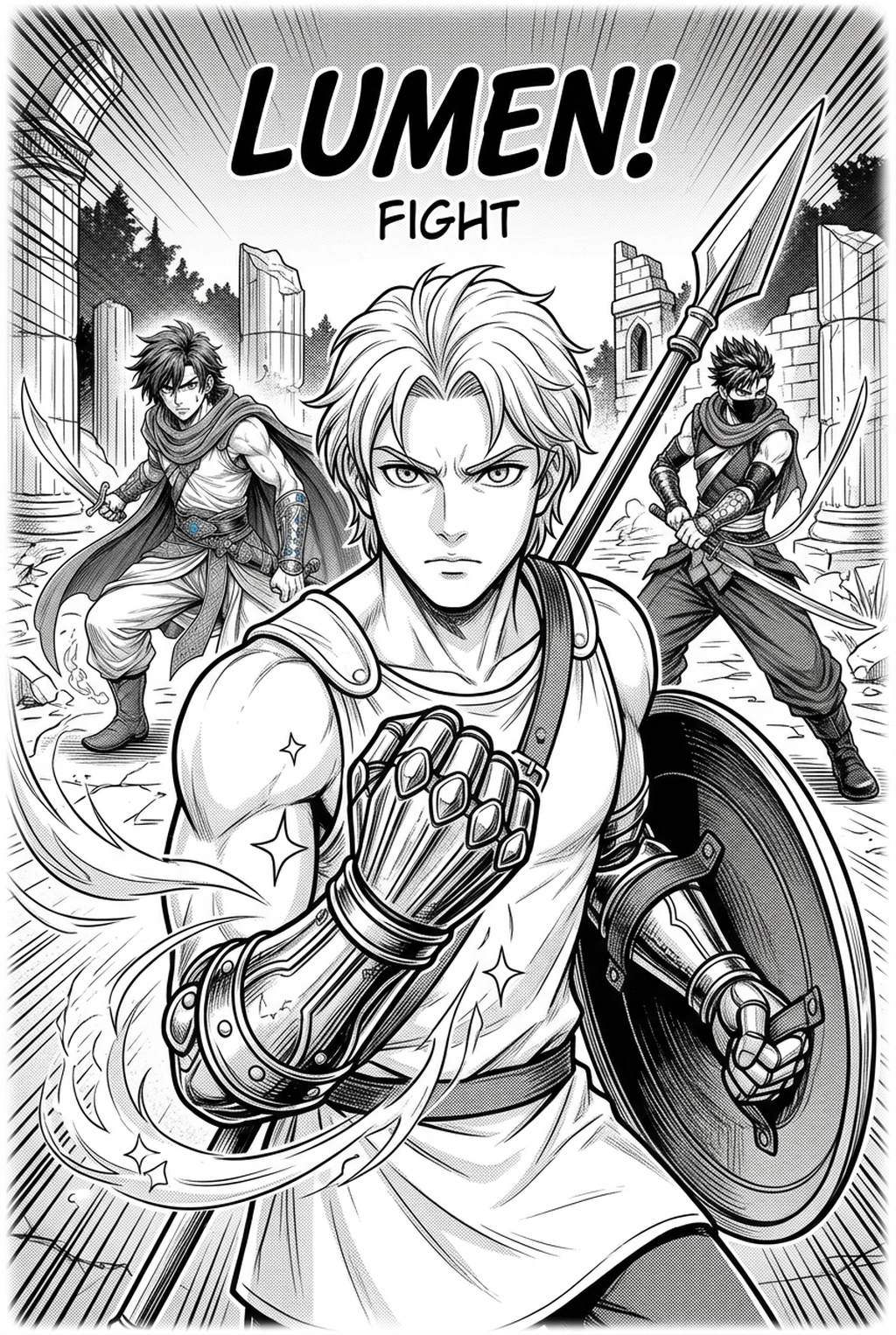
- Chapter cadence. Use the AI pass for pages where speed matters most, such as repeated action poses, transformation beats, or dense speed-line panels. Keep manual cleanup for hero panels where the line style defines the emotional peak.
- Character continuity. Compare the generated lines against the same model sheet, costume notes, and facial-expression range used during sketching. This prevents a fast inking pass from drifting away from the character identity readers recognize.
- Export readiness. Check whether the final manga output can move into lettering, coloring, or final layout without rebuilding panel borders or speech-bubble space. A good manga workflow should save time while keeping the next production step predictable.
Getting Started with Custom Backgrounds
To ensure your AI-generated layers look hand-inked, apply style-transfer layers and custom ink-line brushes directly over the base. This unified look removes the "digital" sheen and helps the background feel like an organic extension of your character designs. Creative Brief and Source Input.
Creative Brief and Source Input
- Commercial Rights: Always check the source context terms of your chosen platform to ensure your project is fully protected for commercial use. * Workflow Evolution: Utilizing AI is not "cheating"—it is a natural evolution in professional production, comparable to the shift from manual nib-and-ink to digital tablets and pressure-sensitive styluses. * Resolution Check: Ensure your export settings match your printing or digital distribution requirements (minimum 300 DPI for print, 72-150 DPI for web) before beginning your final inking pass.
Creators should compare the generated line art with the original sketch and confirm that facial expressions, props, speed lines, and speech-bubble space still support the scene. A repeatable review pass should cover character consistency, panel readability, background clarity, and whether the final file is ready for coloring, lettering, or editor feedback. For longer projects, creators should save approved examples of line weight, face detail, clothing folds, and background density. Those references keep later chapters closer to the intended style.
Generation Review and Export
Creators can evaluate manga background art with Mangaka mid-workflow when they need the product path tied directly to review, refinement, and export. A real test should use the same sketch, character goal, or panel sequence that would otherwise need manual cleanup after generation. Before export, creators should compare the generated line art with the original sketch and confirm that facial expressions, props, speed lines, and speech-bubble space still support the scene.
Creators should mark which panels are final and which panels still need redraws. Clear status labels prevent an assistant, editor, or colorist from polishing the wrong version. For publishing, creators should review the page at the actual reading size before export. Small screens expose crowded dialogue, weak silhouettes, and line details that looked fine while zoomed in.
The Bottom Line
AI Manga Background Artist workflow is a critical element of world-building that should never become the primary bottleneck of your creative process. By utilizing automated tools to handle the foundational perspective math, you can reclaim hours of production time and refocus your energy on the emotional core of your story. To start building your next environment, visit AI Manga Background Artist workflow with Mangaka and see how AI-driven layout generation can streamline your creator workflow today.
Related articles
Mastering Your Manga Background: A Guide for 2026
What Is a 4-Koma Strip? A Guide to the Manga Gag Format 2026
Use Our AI Manga Storyboard Builder to Plan Your Pages 2026