Understanding Traditional AI Manga Background Artist
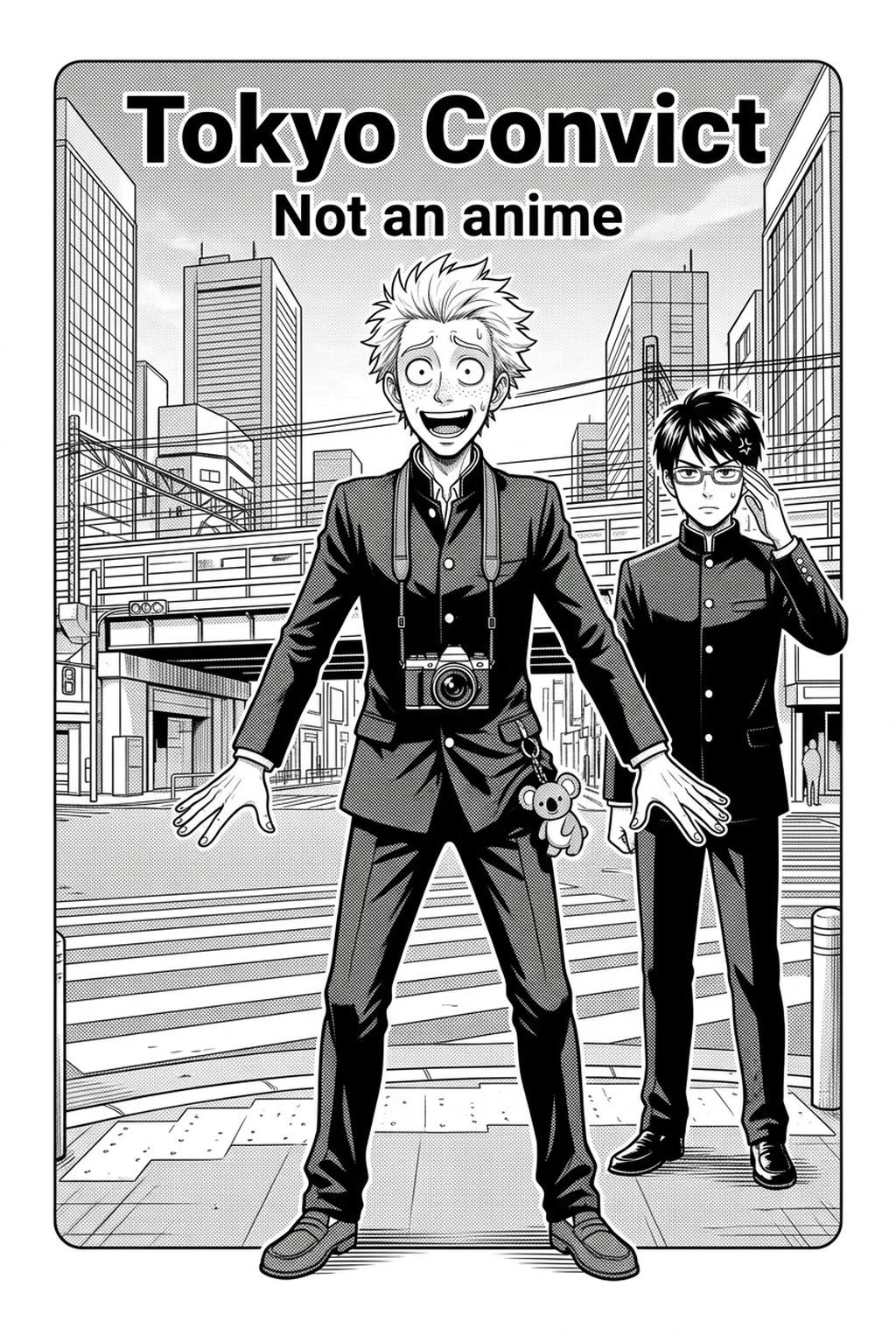
High-quality backgrounds require consistent perspective, architectural accuracy, and a visual style that matches the character linework. Achieving this often involves balancing the raw reality of photographic references with the stylized, high-contrast look of printed manga pages. Atmospheric depth relies on the strategic use of air perspective, where distant objects lose detail and contrast compared to the foreground. By utilizing varying densities of screentone, creators can push distant buildings or forests further into the visual background, preventing them from competing with the primary action. This is the primary method for maintaining legibility when your page layout contains complex character poses that overlap with structural elements like staircases or urban alleyways.
The most effective art bridges the gap between hyper-realistic reference photos and clean, readable black-and-white manga line art. While tracing a 3D model offers accuracy, the "uncanny valley" of overly perfect lines often clashes with the organic grit of hand-drawn characters. Achieving a cohesive look requires thinning out architectural detail in the background to ensure that your protagonist’s silhouette remains the undeniable focal point of the panel.
Why Professional Background Environments Matter
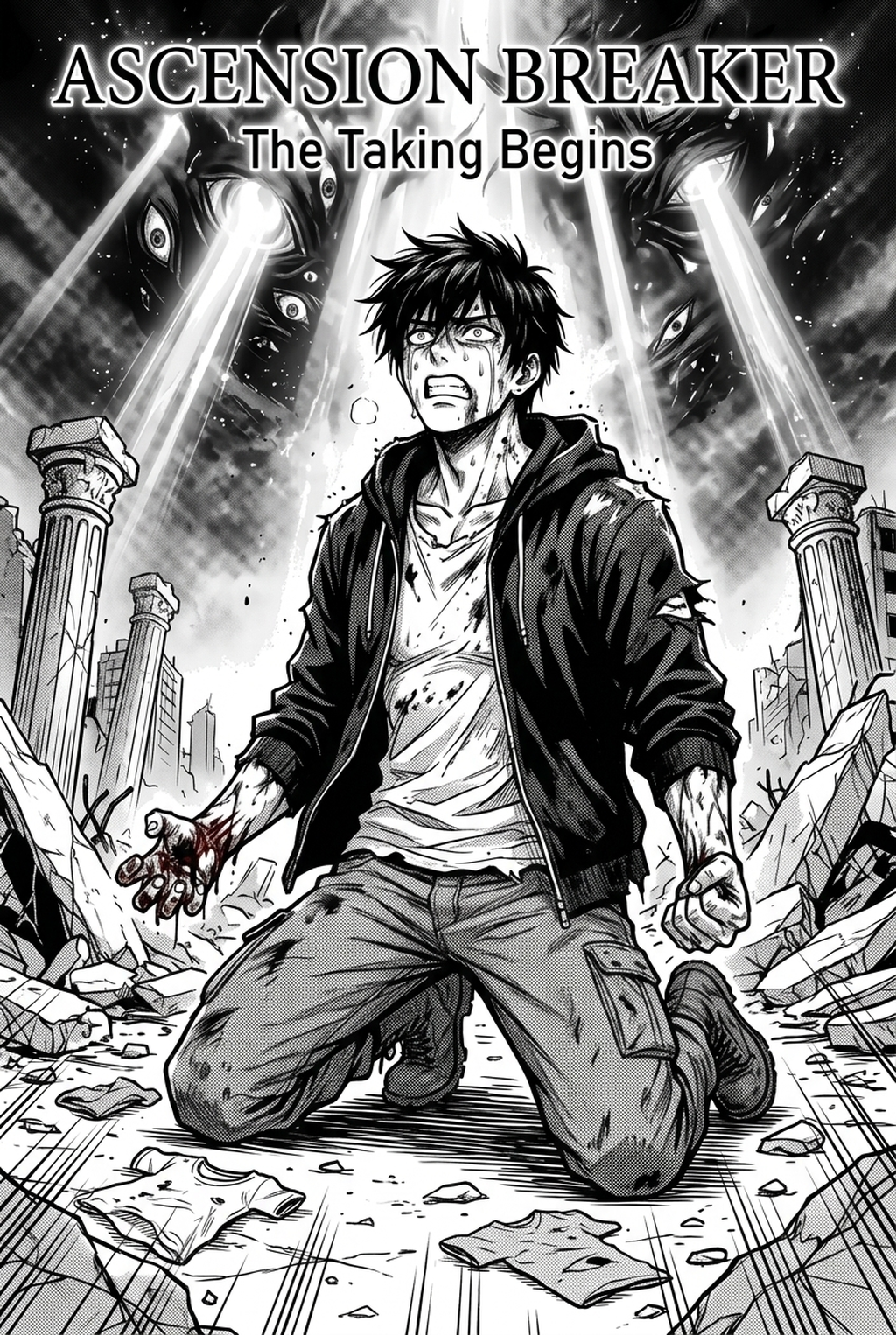
In Shonen series, backgrounds emphasize scale and action, using dynamic angles to heighten the intensity of combat sequences. For Seinen, the focus shifts toward dense, hyper-detailed urban or atmospheric settings that communicate psychological state and world-building. Shonen-specific speed lines and motion-blurred backgrounds are critical for conveying impact, forcing the eye toward the center of a strike or dodge. If your background art lacks this intentional distortion, even the most dynamic character pose will feel static and disconnected from the momentum of the scene.
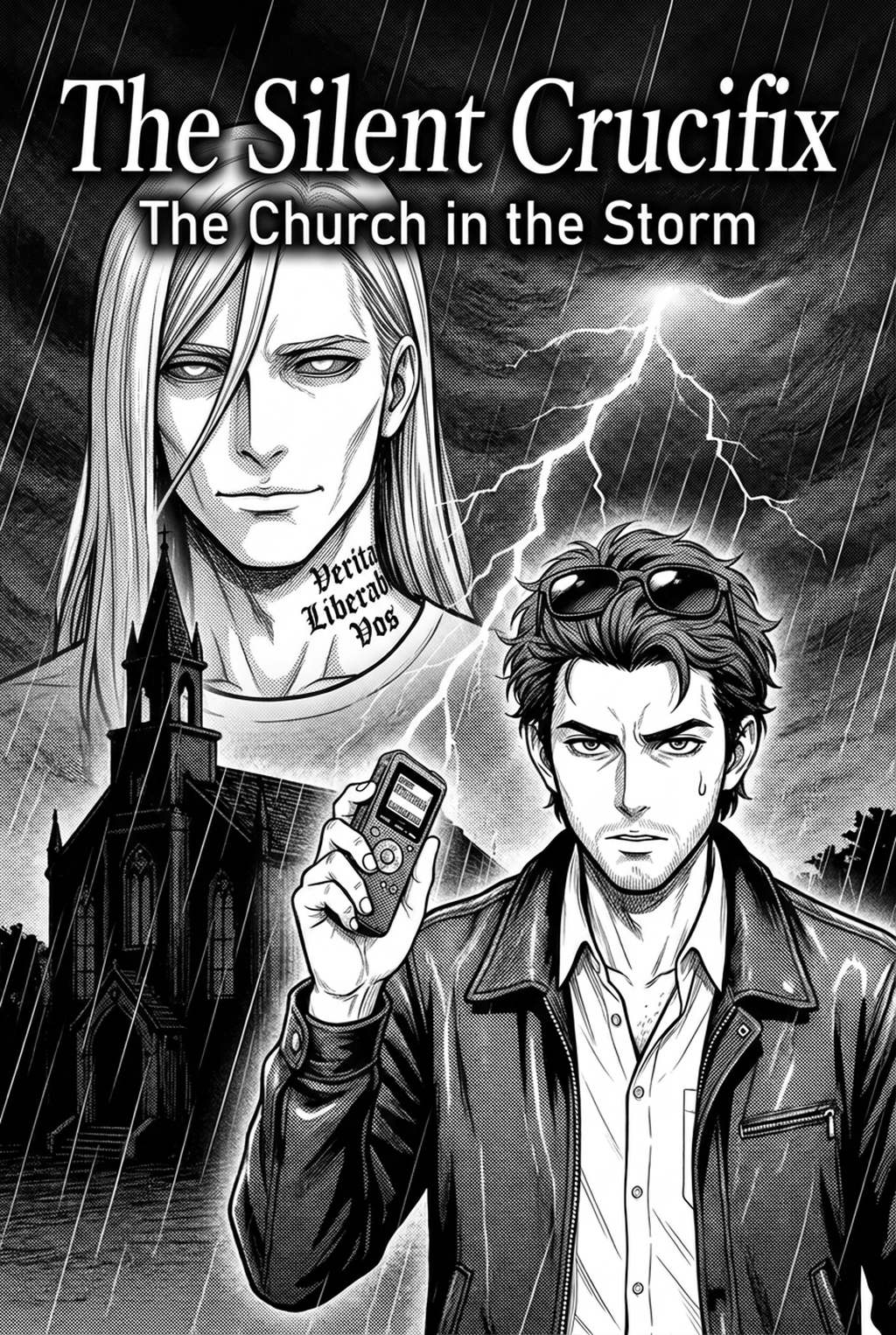
Seinen requires focus on environmental grime and consistent lighting sources to maintain a sense of grit that reinforces the narrative’s maturity. You must track your light sources across every panel in a sequence to ensure shadows on walls remain consistent with the lighting on your character's face. Failing to sync these shadows leads to "lighting drift," a common production error that immediately alerts readers to a lack of environmental grounding.
How Mangaka Produces Efficient Environments
Mangaka automates the conversion of text-based scene descriptions into high-fidelity manga environments, eliminating the need for tedious manual perspective grids. This process removes the technical burden of drawing complex structures from scratch, letting you focus entirely on your final page composition.
Integrating into the Production Production Process. The tool integrates directly into the production production process, allowing users to control line weight, cross-hatching density, and tone values for a cohesive look. By providing a manga background art with Mangaka that matches your specific inking style, the system bridges the gap between rough sketches and polished, publication-ready art.
By automating repetitive architectural structures, creators can reallocate 60% of their production time to character acting and final page composition. This shift is essential for independent artists who previously spent dozens of hours on tedious perspective work for a single chapter, only to sacrifice quality in the character-acting phase due to fatigue.
Use Cases for AI Manga Background Artist
Digital-first manga requires backgrounds that remain legible on small mobile screens through high contrast and simplified composition. Meanwhile, print layouts demand higher-resolution assets and specific threshold settings to prevent moiré patterns when printing on standard newsprint. Creators must manage delivery format metadata, ensuring digital scrolls prioritize vertical composition while print layouts adhere to double-page spread gutter safety margins. For instance, a background designed for a 1080px wide vertical scroll often requires a wider field of view when converted to a 6x9 inch print page to account for the gutter.
| Format Type | Priority | Resolution Requirement |
|---|---|---|
| Mobile Scroll | High Contrast | 72-150 dpi |
| Trade Paperback | Gutter Safety | 300-600 dpi |
| Color Splash | Atmospheric Tone | 300+ dpi |
- Chapter cadence. Use the AI pass for pages where speed matters most, such as repeated action poses, transformation beats, or dense speed-line panels. Keep manual cleanup for hero panels where the line style defines the emotional peak.
- Character continuity. Compare the generated lines against the same model sheet, costume notes, and facial-expression range used during sketching. This prevents a fast inking pass from drifting away from the character identity readers recognize.
- Export readiness. Check whether the final manga output can move into lettering, coloring, or final layout without rebuilding panel borders or speech-bubble space. A good manga workflow should save time while keeping the next production step predictable.
Getting Started with Mangaka for Your Series
Can AI-generated backgrounds match my unique drawing style? Yes, modern tools allow you to adjust stylistic parameters to ensure backgrounds blend seamlessly with your hand-drawn character work. You simply adjust the line weight and cross-hatching density to match the nib size or brush setting you use for your figures.
Using tools to automate repetitive technical labor is standard industry practice, similar to using 3D models for perspective references. Professional studios have used digital assistants for years to handle architectural heavy lifting; adopting modern tools is simply a way for solo creators to achieve comparable production value.
Mangaka is specifically designed to handle the complexity and high resolution required for full-page splashes and atmospheric landscape shots. By inputting detailed scene descriptions, you can generate vast, sweeping vistas that would take days to ink manually, ensuring every tree and building follows the correct perspective rules for the wide-angle view. Before export, creators should compare the generated line art with the original sketch and confirm that facial expressions, props, speed lines, and speech-bubble space still support the scene.
The Bottom Line
Solo manga creators can now achieve the production value of a full studio team without sacrificing their unique creative vision. By offloading technical perspective and inking tasks, you gain the freedom to focus on the storytelling elements that define your series. Ready to speed up your workflow? Try generating your first scene at AI Manga Background Artist workflow with Mangaka and see how quickly you can complete your next page layout.
Related articles
Mastering AI Character Design for Professional Manga in 2026
AI Character Design: A Guide for Modern Manga Creators 2026
Mastering AI Manga Character Design for Consistent Results