AI Manga Style Transfer: Why This Look Defines Reader Retention
Consistency in character design—specifically hair shape, costume silhouettes, and eye intensity—acts as the primary anchor that keeps an audience engaged during long-running story arcs. Without a strict adherence to these visual identifiers, you risk "proportion drift," where a character’s face or stature changes subtly from page 5 to page 15, eventually breaking immersion and lowering the professional quality of your digital publication.
Visual cohesion transforms your work from a loose collection of panels into a recognizable brand that stands out on digital manga platforms. When readers can identify your character by their specific silhouette or line weight from a thumbnail alone, you have successfully established a visual signature that sustains interest during slow plot beats or transition chapters.
Maintaining a core style allows you to experiment with "chibi" or off-model comedic interludes without confusing the reader. Because the audience understands the baseline "serious" shonen art style, these deviations feel like deliberate narrative choices rather than errors in drawing or poor technical planning.
Check character consistency, panel readability, line quality, and export readiness before publishing. Creators should also record why the page passed review, which panel details still need manual cleanup, and which export format the next collaborator will use. That makes the subsection useful instead of leaving a short checklist under a large heading.
Transforming Sketches via Style Transfer
Mangaka automates the most time-consuming aspects of the genre aesthetic by re-rendering your initial gesture sketches into final, production-ready panels through high-fidelity style transfer. By focusing on your core directorial vision—the layout of the fight and the weight of the characters—you offload the repetitive inking and hatching tasks to an engine that understands the specific line density requirements of professional work.
Your initial rough sketches contain the "soul" of the panel, and the software preserves this underlying structural context during the style transfer process. This ensures that the final output maintains your specific camera angle and character posing, preventing the AI-generated output from deviating into a generic, unrecognizable aesthetic that does not fit your established series.
Artists often lose hours on repetitive hatching or speed-line placement, a common technical bottleneck that leads to burnout before the coloring phase begins. By using shonen manga art style with Mangaka , you shift your role from manual laborer to creative director, spending your energy on high-level decisions like panel pacing and character expressions while the software handles the base layer rendering and line-weight refinement.
Use Cases for Professional Panel Construction
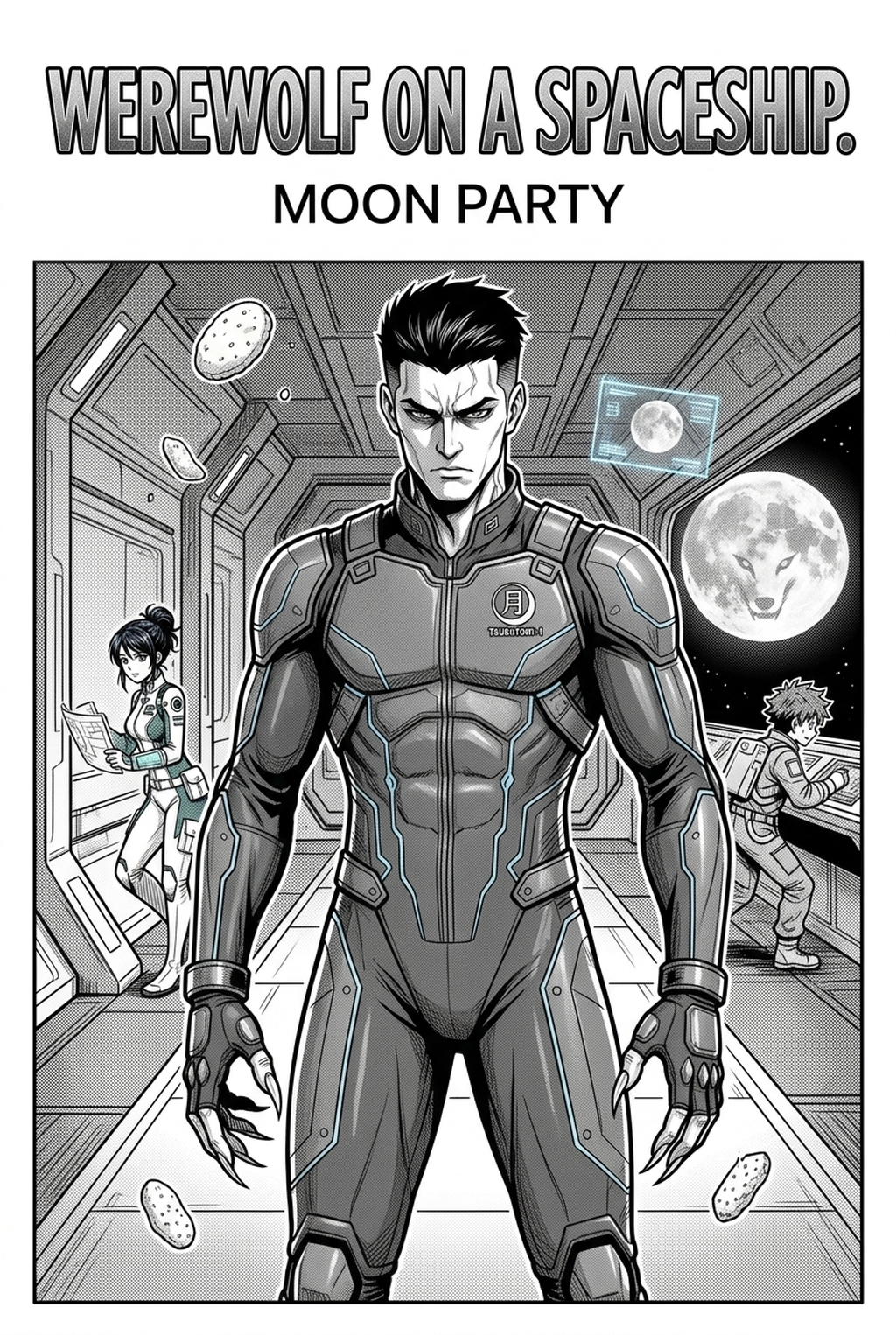
You can achieve high-tension combat sequences by using high-contrast hatching that emphasizes a character's physical strain. In a typical fight scene, you should aim for a 3:1 ratio of high-detail foreground characters against minimalist backgrounds to keep the focus on kinetic energy.
Mobile displays often shrink complex background details into illegible noise, making it necessary to prioritize character silhouettes above all else. By integrating focus-blur effects and aggressive, clean line-work in your combat panels, you ensure that the delivery format of your fight is readable even on the smallest smartphone screens.
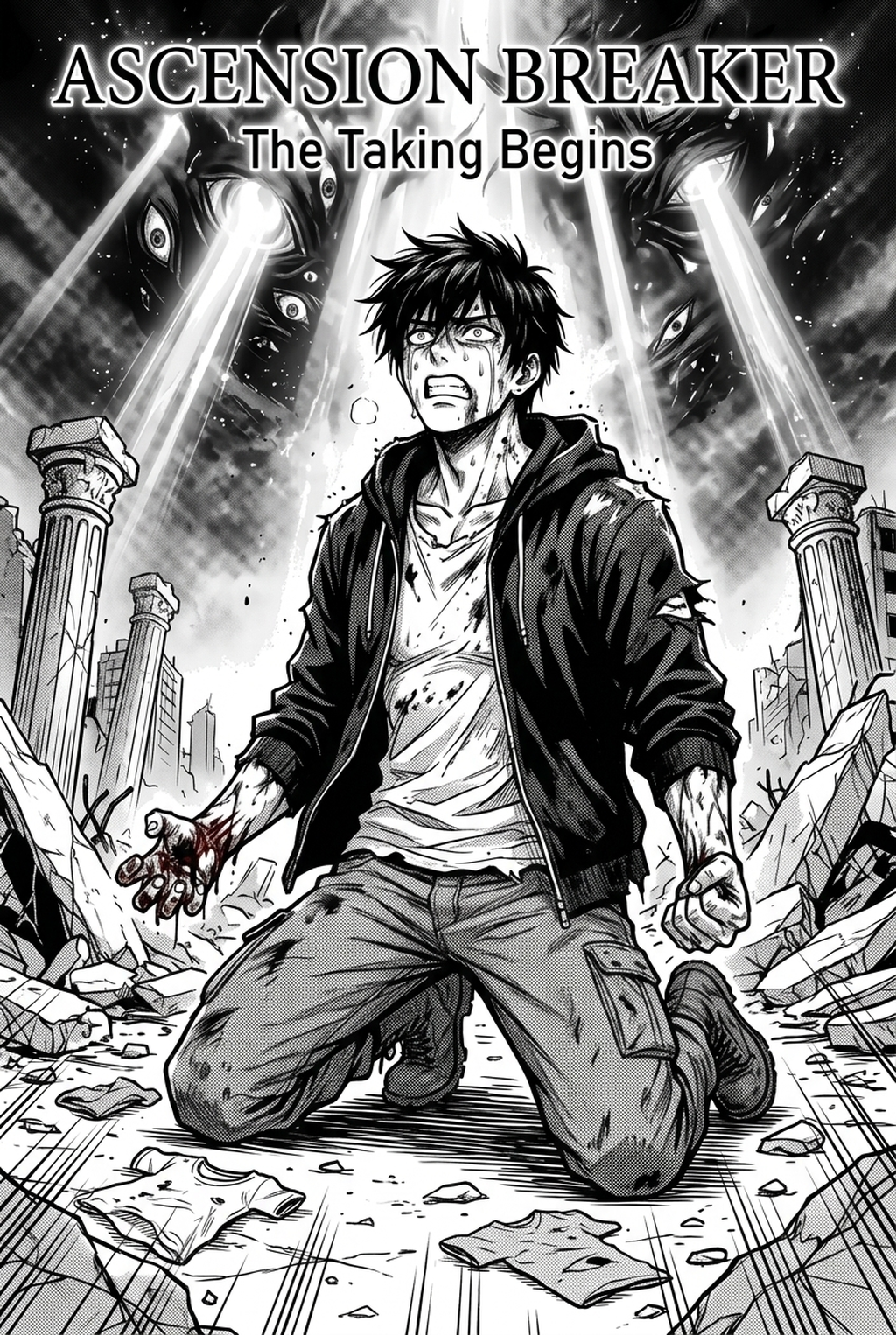
Use heavy, dark ink shading to communicate internal struggle and physical exhaustion. This contrast provides a visual "rest" for the eye after chaotic fight scenes, allowing the reader to connect emotionally with the character's progress before the next high-velocity confrontation occurs.
How to Get Started with the Engine
Developing a signature look does not happen by replacing your skills but by building upon them. The style transfer engine serves as a foundation, which means you can iterate over the generated results to refine the line art or add your own distinct flourishes.
- Identify your baseline: Use the engine to establish a consistent base for all characters. * Add your signature: Perform a final pass on the generated PNG or PSD files to inject unique stylistic quirks, such as specific iris designs or costume accents. * Scale your output: Increase your weekly output frequency without sacrificing the professional polish required by competitive digital platforms.
Many professional solo creators now utilize automated rendering for the "heavy lifting" of inking to hit strict deadlines that would be impossible to meet manually. This shift does not involve "contract clauses" or complex compliance hurdles; it is simply a practical application of modern digital tools to maintain a consistent output of high-quality pages.
- Before Export. Creators should compare the generated line art with the original sketch and confirm that facial expressions, props, speed lines, and speech-bubble space still support the scene. A repeatable review pass should cover character consistency, panel readability, background clarity, and whether the final file is ready for coloring, lettering, or editor feedback.
- For Longer Projects. Creators should save approved examples of line weight, face detail, clothing folds, and background density. Those references keep later chapters closer to the intended style. For collaboration, creators should mark which panels are final and which panels still need redraws. Clear status labels prevent an assistant, editor, or colorist from polishing the wrong version.
- For Publishing. Creators should review the page at the actual reading size before export. Small screens expose crowded dialogue, weak silhouettes, and line details that looked fine while zoomed in. This keeps the review focused on story intent, line weight, panel readability, and the export quality behind the final AI Manga Style Transfer output.
Creators can evaluate shonen manga art style with Mangaka mid-workflow when they need the product path tied directly to review, refinement, and export. A real test should use the same sketch, character goal, or panel sequence that would otherwise need manual cleanup after generation.
The Bottom Line
Mastering the creator workflow is an act of balancing raw kinetic energy with the technical discipline required for long-form storytelling. By automating the rendering phase through style transfer, you reclaim the time needed to polish your narrative and character development, ensuring your work remains competitive in an increasingly crowded market. Visit the platform today to begin transforming your rough concepts into professional-grade panels.
Related articles
Mastering Sci-Fi Manga Character Design: A Creator's Guide
Designing a Fantasy Courtroom: A Manga Background Guide 2026
Mastering the Castlevania Art Style for Modern Manga 2026