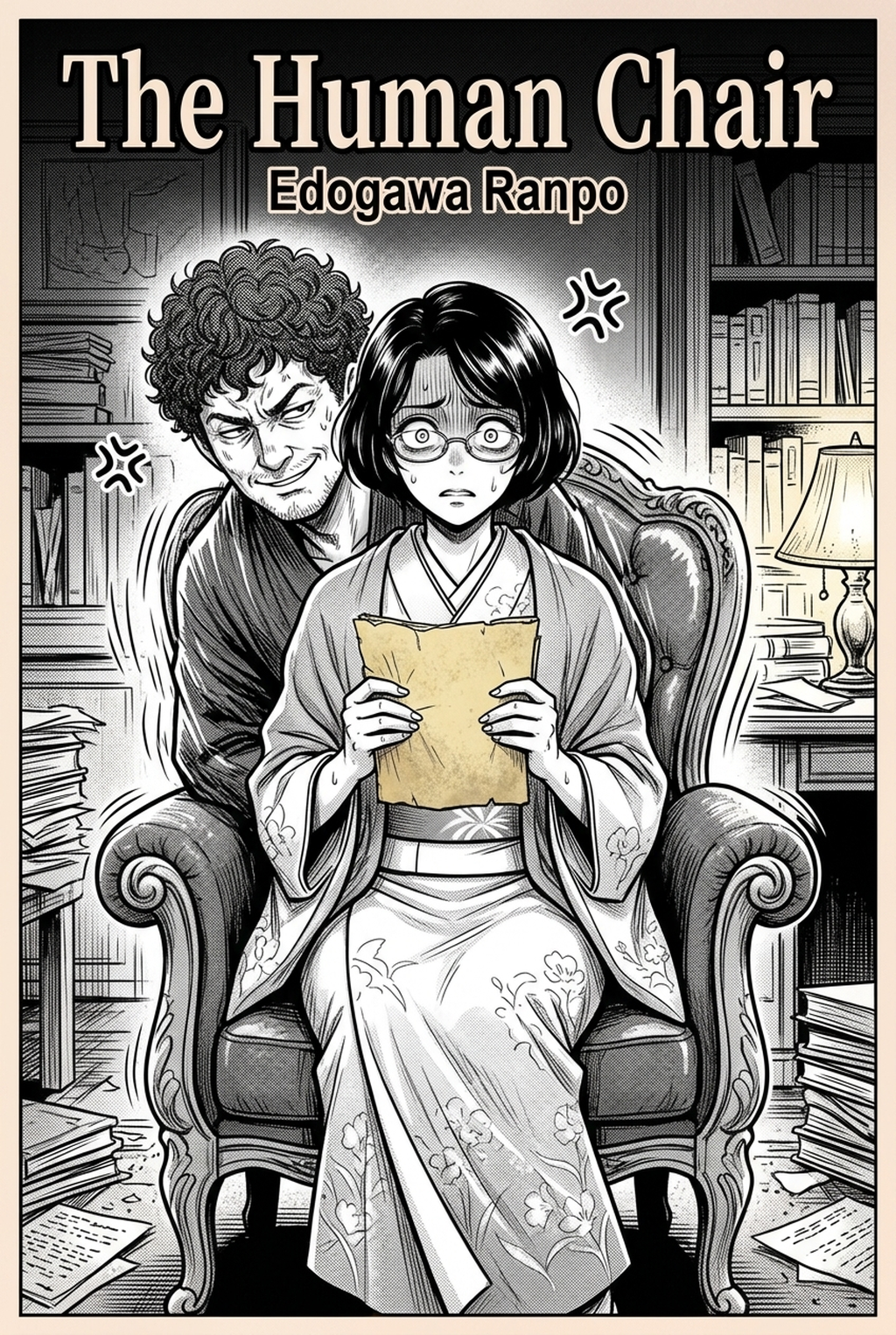
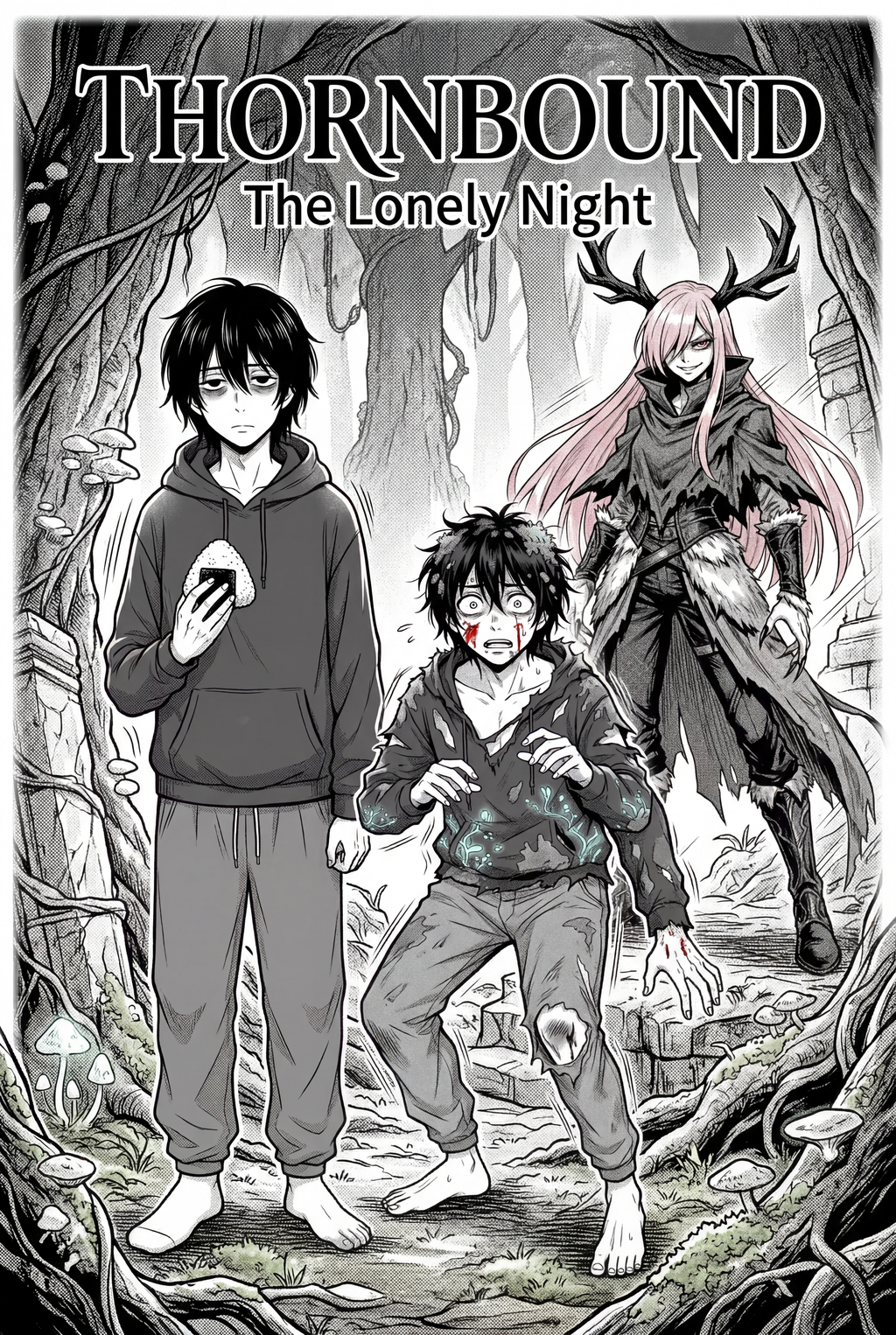
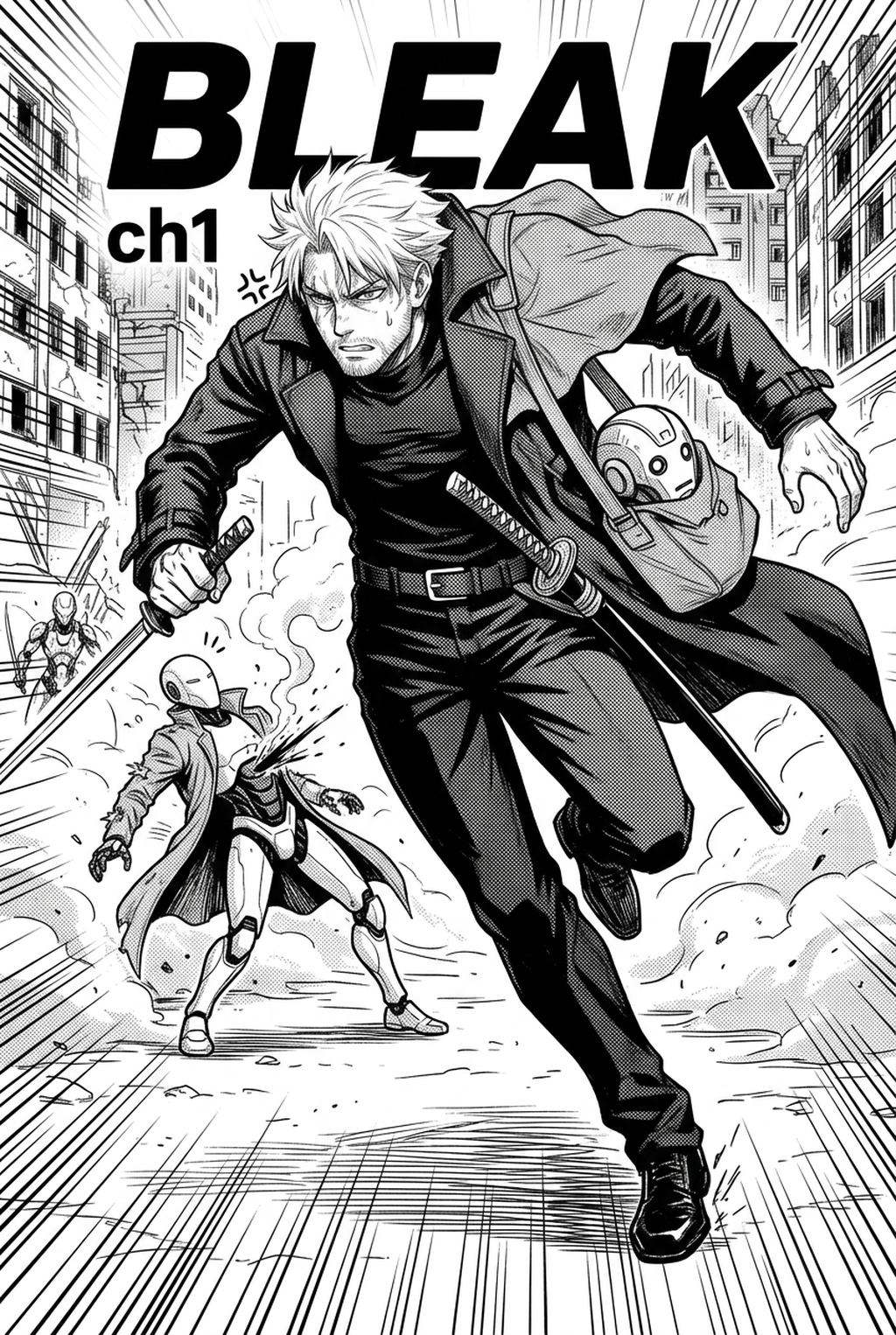
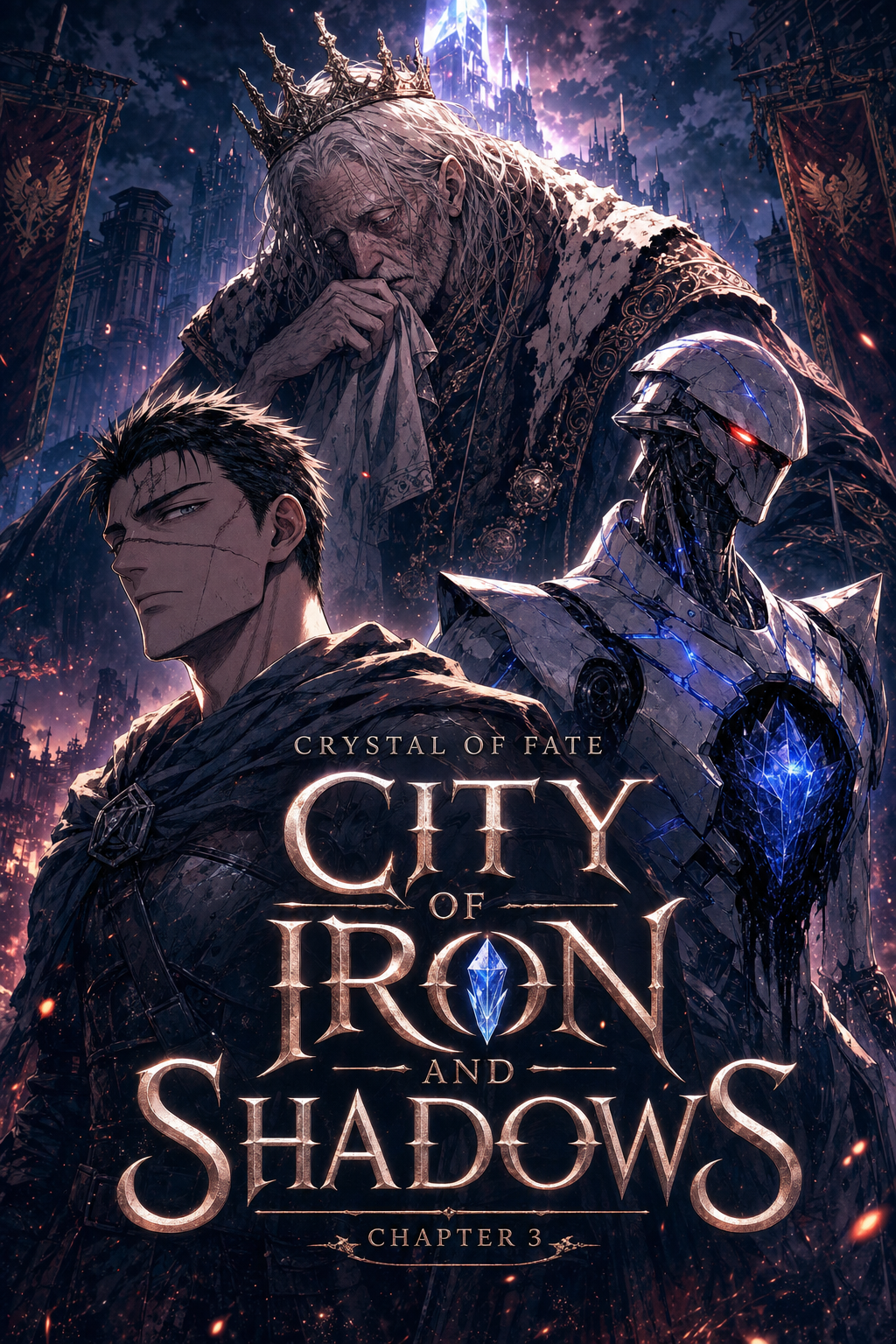
Understanding the Traditional AI 4-Koma Strip Maker
The four-panel structure is defined by the classical ki-sho-ten-ketsu narrative arc, which segments your story into introduction, development, twist, and conclusion. You must treat these panels as a rhythmic unit rather than four separate drawings, as the distance between each border—the gutter—controls how quickly a reader processes the visual information.
| Component | Purpose | Pacing Effect |
|---|---|---|
| Ki (Intro) | Establish characters | Slows initial eye movement |
| Sho (Development) | Elaborate on premise | Builds anticipation |
| Ten (Twist) | Subvert expectations | Forces a sudden visual focus |
| Ketsu (Conclusion) | Final gag resolution | Provides comedic release |
Standard layouts typically favor a vertical strip format for modern mobile vertical comic platforms, which encourages a continuous, immersive reading experience. However, traditional print publications in Japan still rely heavily on the 2x2 square grid, requiring you to fit your punchline into a much smaller, static footprint.
Visual Pacing and Composition Logic
Effective 4-koma layouts use variable panel sizing to emphasize the 'ten' or twist panel, creating a visual 'beat' that triggers the reader’s laughter before they even finish reading the final dialogue. If your layout fails to leave enough negative space around the character's expression in that third panel, the punchline will feel cluttered, effectively burying the gag under excessive line art.
You should consider these three creator-specific strategies for high-impact pacing:
- Impact Line Framing: Use concentrated speed lines or high-contrast backgrounds specifically in the third panel to isolate the twist from the preceding narrative steps. * Character Consistency Metrics: Ensure your character proportions do not drift between the first and fourth panels, as a sudden change in height or limb length forces the reader to stop and analyze the art, which breaks the comedic flow. * Text Bubble Eye-Pathing: Place your speech bubbles to dictate a Z" or S" path that leads the reader’s eye directly from the character’s action to the final, punchy observation in the bottom-right corner.
Automated Structure Generation with Mangaka
AI tools like Mangaka automate the mechanical tedium of setting up panel borders, allowing you to focus your limited creative energy on the script and punchline timing. Instead of manually drawing four equidistant boxes and worrying about gutter alignment, modern generators convert your text-based ideas into a mathematically sound, 4-panel sequence that adheres to industry standards.
When you use 4-koma gag manga layout with Mangaka , you are bypassing the tedious structural setup of traditional manual panelling. By providing a single punchline idea, the software maps your concept into a standardized 4-panel grid that ensures correct aspect ratios and prevents the common "cramped panel" error where dialogue obscures the character's face. You can rapidly iterate through multiple arrangements to determine which visual flow provides the punchiest resolution for your specific gag, saving you hours of trial-and-error in your initial sketching phase.
Selecting Layouts for Specific Use Cases
Your choice of layout should be dictated by your distribution platform rather than personal aesthetic preference, as mobile readers respond differently to panel density than print readers. Vertical strips allow for a scrollable, continuous experience that keeps a reader engaged through the "ten" panel, while square grids force you to make harder decisions about background detail to prevent the reader from becoming distracted by unnecessary environmental clutter.
- Mobile Vertical Strip: Ideal for slice-of-life humor, this format allows you to increase the vertical gap between panels, giving the reader a literal "pause" in time before the punchline reveal. * Square Grid Print: Necessary for anthology magazines where space is at a premium, requiring you to use thinner line weights and tighter character framing to maintain readability at smaller sizes. * Absurdist Framing: When your gag relies on visual absurdity, keep backgrounds sparse or abstract in the first two panels to emphasize the character’s reaction in the final two panels.
Initiating Your First AI-Assisted Strip
Does the layout intensity change based on the punchline? Yes; if the punchline is visual, you should adjust the third and fourth panels to take up 60% of the vertical space. If the punchline is dialogue-heavy, you may find that traditional uniform panels perform better because they keep the focus on the text, reducing the risk of competing visual information.
You should always aim for high-resolution PNG exports if you are prepping for print, as TIFF files can become bloated, while optimized JPEGs are generally sufficient for the compression-heavy environments of most web platforms. While most AI-driven layouts currently favor the efficiency of a grid, the most successful creators export these base structures and perform final touch-ups in external software to add unique artistic flourishes or custom speech-bubble shapes that emphasize the characters' specific voices.
Creators should compare the generated line art with the original sketch and confirm that facial expressions, props, speed lines, and speech-bubble space still support the scene. A repeatable review pass should cover character consistency, panel readability, background clarity, and whether the final file is ready for coloring, lettering, or editor feedback. For longer projects, creators should save approved examples of line weight, face detail, clothing folds, and background density. Those references keep later chapters closer to the intended style.
The Bottom Line
Mastering the AI 4-Koma Strip Maker workflow is essentially an exercise in managing rhythm through precise, intentional visual intervals. By automating the structural framework of your panels, you free yourself to focus on the character performance and comedic timing that make a strip memorable. Start your next sequence at 4-koma gag manga layout and see how quickly a single concept transforms into a professional-grade comic strip.
Related articles
Mastering the One Piece Manga Background Style in 2026
Decoding the Grand Blue Manga Art Style: A 2026 Guide
Mastering the Fairy Tale Manga Art Style: A 2026 Guide