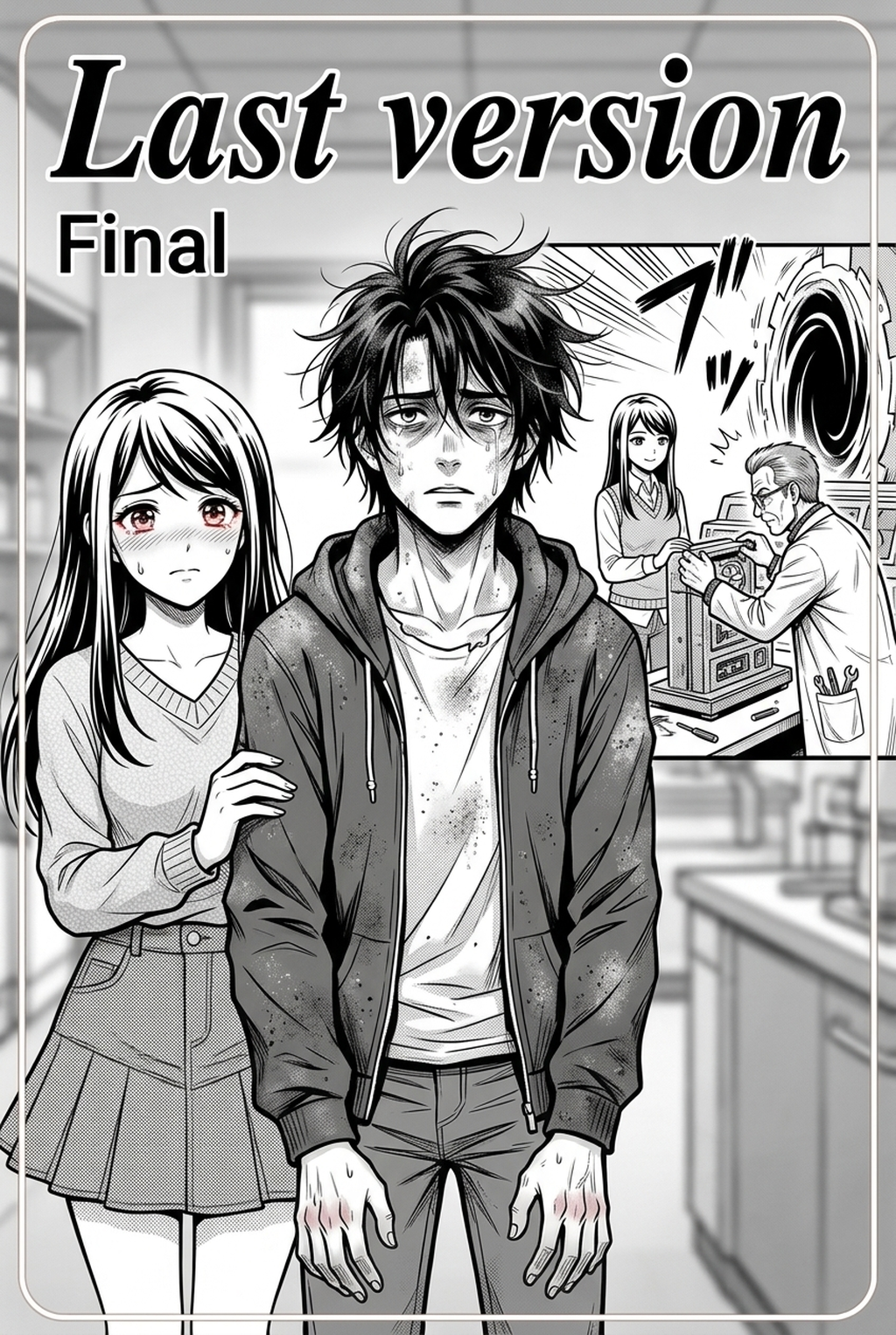
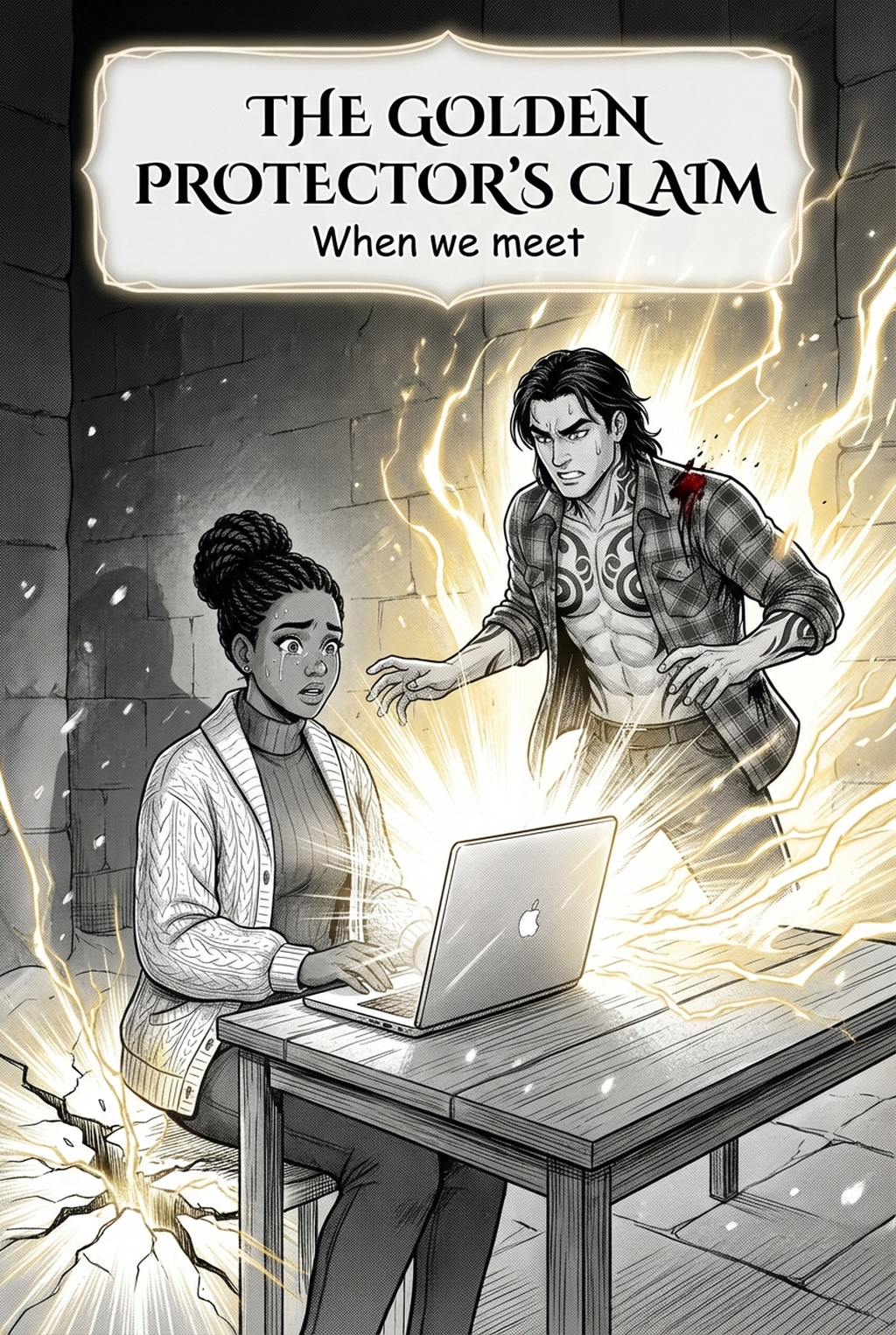
AI Manga Style Transfer: Culinary Impact on Your Production Workflow
Effective food illustration requires mastery of appetite-inducing lighting, which mimics studio photography with sharp highlights and deep, rimmed shadows. Because your reader expects the food to look tangible, texture-mapping in monochrome requires precise screentone application to distinguish between broth, crust, or fresh produce without muddying the line art.
You must balance these realistic textures with established manga iconography to prevent the food from clashing with your character designs. A common failure mode involves over-rendering the dish, which makes it look "pasted on" rather than belonging to the world; keeping your line weight consistent between the character's hands and the dining utensils is the primary technical check to avoid this visual drift.
How Mangaka Accelerates Your Culinary Rendering
Mangaka’s style transfer allows you to instantly apply specialized gourmet filters to your rough sketches, generating complex light reflections and appetising textures automatically. By inputting a basic storyboard, the tool handles the labor-intensive rendering of reflective surfaces and heat-distorted steam, allowing you to focus entirely on the emotional reaction of your characters while they eat.
The software manages the transition from a raw, unfinished sketch to a polished, high-contrast ink layer by maintaining your original composition while enhancing the gourmet quality of the culinary subjects. This integration ensures that your final Gourmet manga art style with Mangaka retains the artistic intent of your original lines while achieving the polished look of professional-grade culinary scenes.
Strategic Use Cases for Detailed Food Panels
Creators often struggle with maintaining visual balance between food shots and character interactions, as heavy detail can sometimes distract from the narrative flow during high-dialogue scenes. You must decide when to use a "beauty shot"—a full-panel, highly rendered masterpiece of a dish—and when to pull back into a simplified, tone-light style for conversational background items.
- Macro-Perspective Intensity: Use extreme close-ups for "first-bite" scenes where the sensory experience is critical to the character’s emotional arc. * Narrative Anchor Points: Apply detailed texture gradients to dishes that represent specific plot moments, such as a signature recipe or a shared meal between rivals. * Simplification Guards: Maintain simplified lighting on background items to keep the reader's focus on the primary subject, preventing the "uncanny valley" effect where food looks more realistic than the characters.
Getting Started with Gourmet Style Workflows
Adopting this style is part of the production decision reserved for top-tier studios, as AI-integrated production methods now allow independent artists to achieve professional-grade results on a tight schedule. While food manga is the obvious candidate for these techniques, you can effectively use these filters for any high-value object, such as ornate magical weapons, textured armor pieces, or detailed environmental elements like rusted machinery. Creative Brief and Source Input.
Creative Brief and Source Input
- Subject Versatility: The style transfer works by reinterpreting light and material density, making it just as effective for non-food items that require a high degree of visual interest. * Maintaining Integrity: AI serves as a force-multiplier that handles the technical rendering of light and texture, leaving the creative vision and page layout entirely in your control. * Production Scaling: You can reduce the time spent inking individual steam molecules by 60% by letting the style-transfer engine define the highlights and shadows on complex objects.
- Before Export. Creators should compare the generated line art with the original sketch and confirm that facial expressions, props, speed lines, and speech-bubble space still support the scene. A repeatable review pass should cover character consistency, panel readability, background clarity, and whether the final file is ready for coloring, lettering, or editor feedback. For longer projects, creators should save approved examples of line weight, face detail, clothing folds, and background density. Those references keep later chapters closer to the intended style. - For Collaboration. Creators should mark which panels are final and which panels still need redraws. Clear status labels prevent an assistant, editor, or colorist from polishing the wrong version. For publishing, creators should review the page at the actual reading size before export. Small screens expose crowded dialogue, weak silhouettes, and line details that looked fine while zoomed in. - For Style Control. Creators should keep a short reference board beside the draft and compare hair shapes, eye details, costume folds, and texture choices before approving the final page. For revision planning, creators should separate art fixes from story fixes. Line cleanup, panel order, dialogue clarity, and character acting each need a different review question.
Creators should compare the generated line art with the original sketch and confirm that facial expressions, props, speed lines, and speech-bubble space still support the scene. This keeps the review focused on story intent, line weight, panel readability, and the export quality behind the final AI Manga Style Transfer output.
Generation Review and Export
A repeatable review pass should cover character consistency, panel readability, background clarity, and whether the final file is ready for coloring, lettering, or editor feedback. For longer projects, creators should save approved examples of line weight, face detail, clothing folds, and background density. Those references keep later chapters closer to the intended style. For collaboration, creators should mark which panels are final and which panels still need redraws. Clear status labels prevent an assistant, editor, or colorist from polishing the wrong version.
Creators can evaluate Gourmet manga art style with Mangaka mid-workflow when they need the product path tied directly to review, refinement, and export. A real test should use the same sketch, character goal, or panel sequence that would otherwise need manual cleanup after generation.
The Bottom Line
Mastering the AI Manga Style Transfer workflow gives you the power to elevate simple scenes into memorable, sensory-driven narrative beats that stay with your readers long after they finish the chapter. By automating the technical heavy lifting of texture and light, you can focus on what truly matters: your character's journey and your unique storytelling voice. And see how quickly you can turn simple sketches into professional-grade panels.
Related articles
Create Your Shonen Manga Character Sheet in Seconds in 2026
Mastering Shojo Manga Character Design: A Creator’s Guide
Mastering Firefly Wedding Character Design for Manga 2026