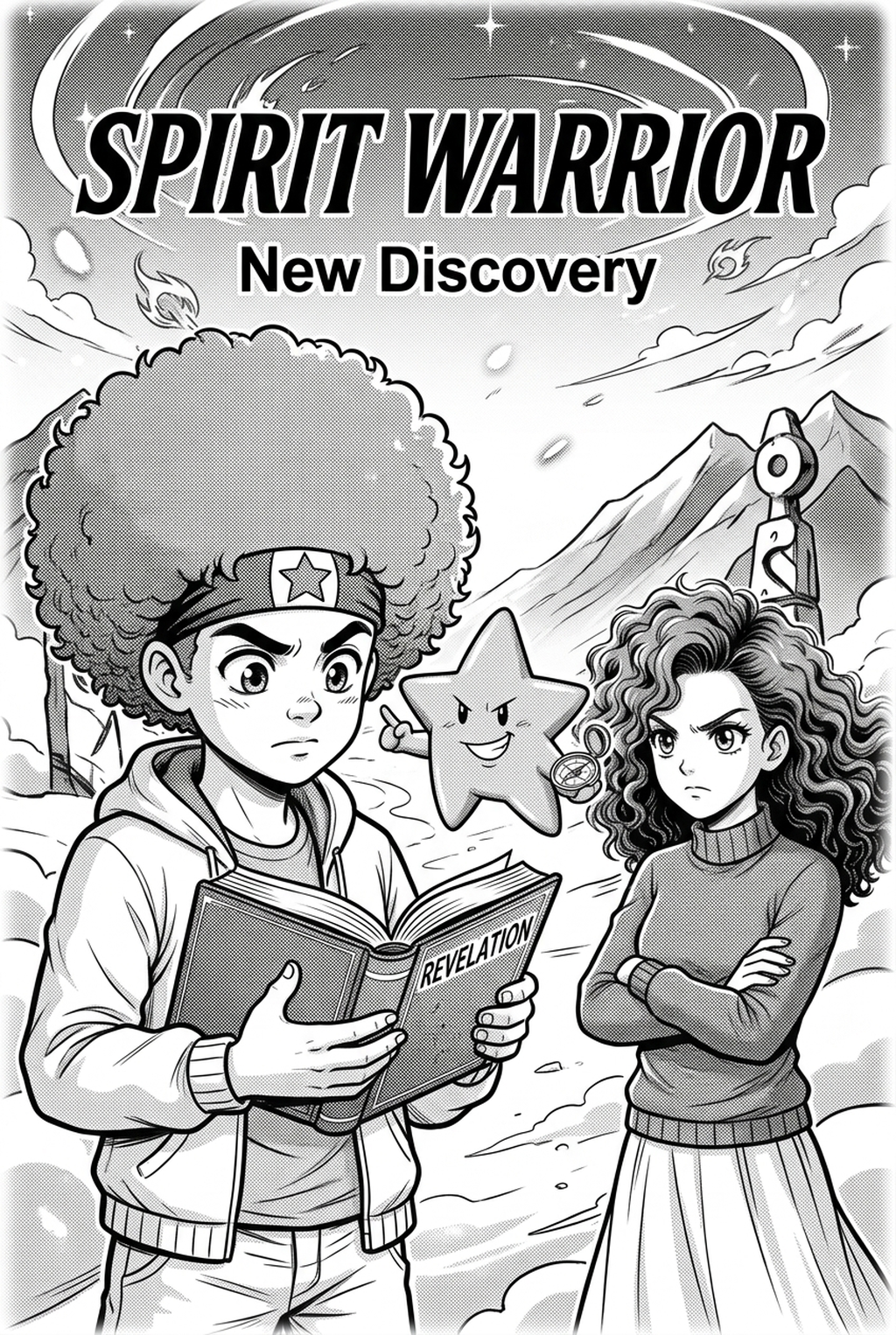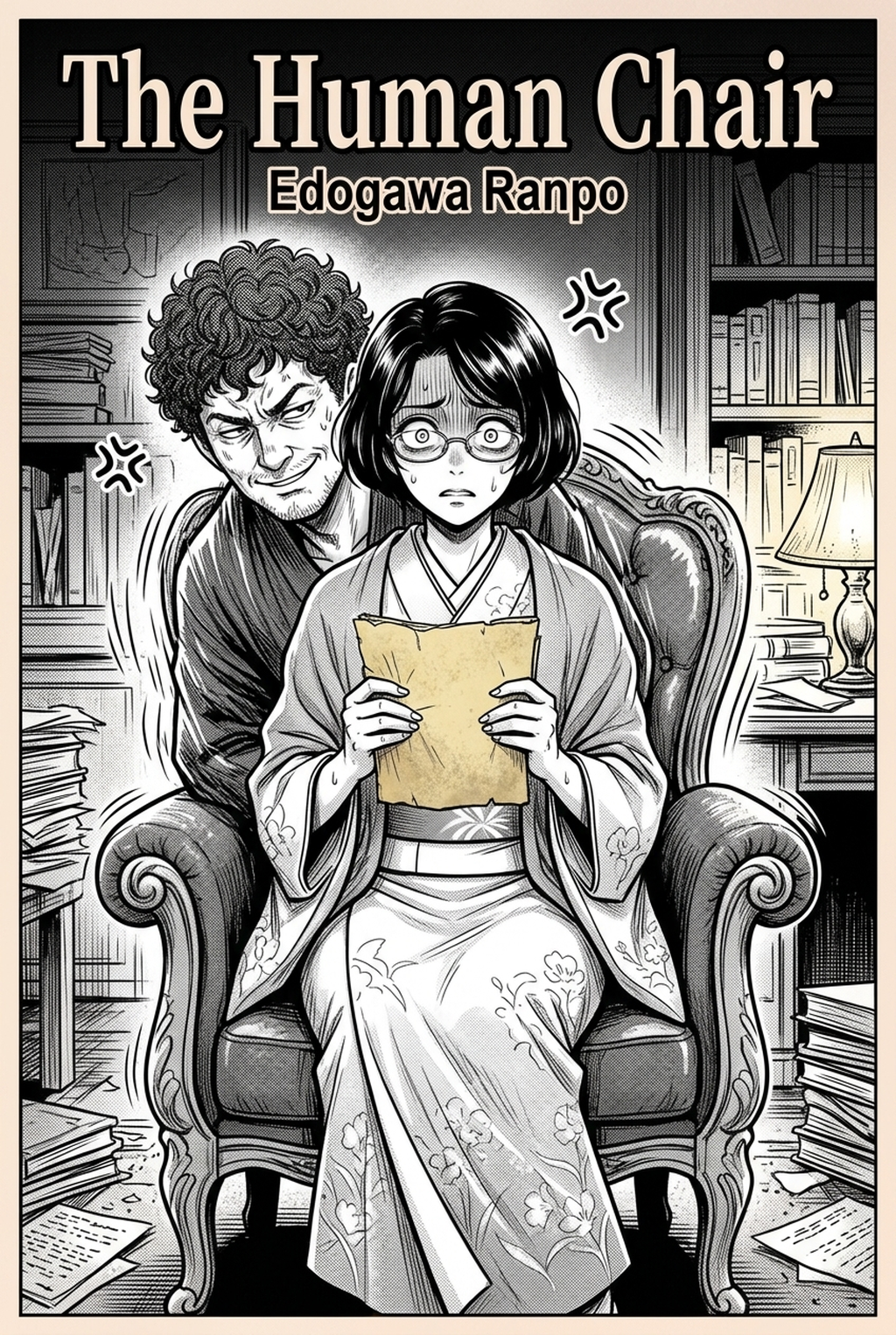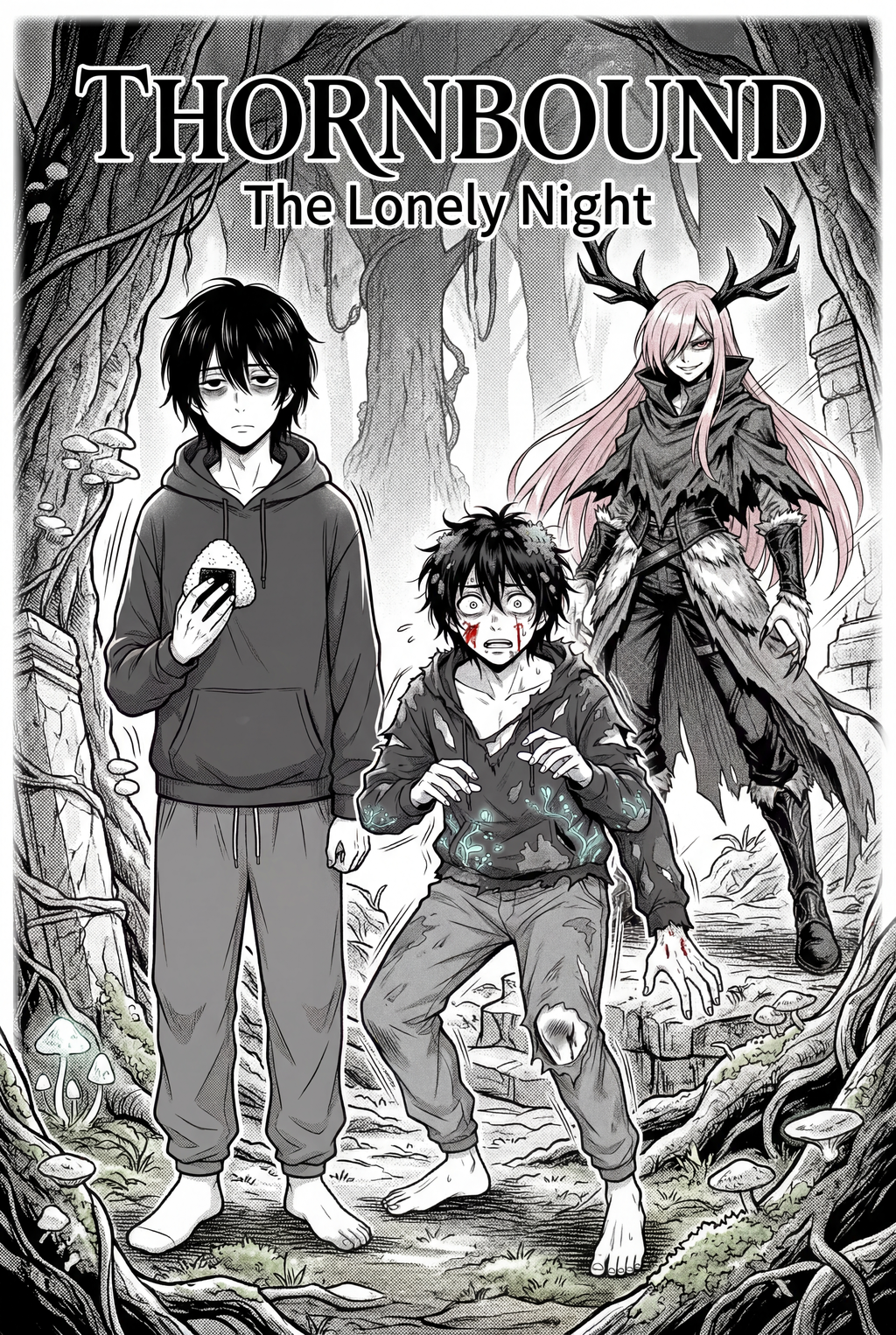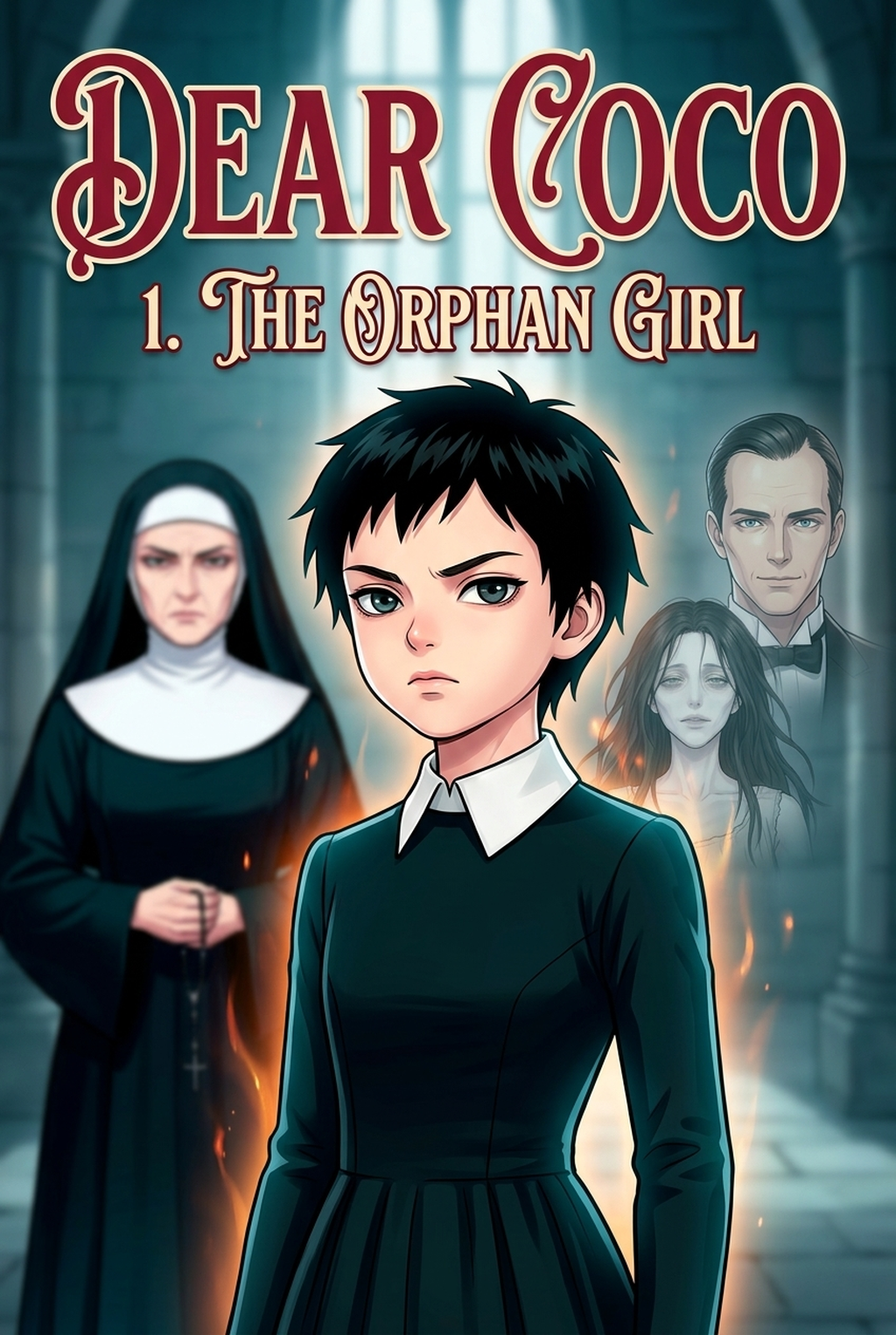
AI Manga Background Artist: Why Convert Scene Description to Background Art
The Anime News Network feature on how manga is made describes manga as staged work from rough draft to finished page. That production context matters for Shonen creators because AI assistance is useful only when the sketch, inking pass, and final page review stay connected.
Scene description to background art manga helps creators choose the right Mangaka workflow for cleaner pages, steadier style, and review-ready output. The comparison starts with production speed, manual control, line quality, and export readiness because those factors shape whether a page can move into final review.
You likely find that the gap between a written script and a finished panel is where most production momentum dies. Whether you are drafting a tournament arc or a quiet moment of character development, the environment needs to feel grounded, yet dynamic enough to support your lead characters.
Reader Expectations and Visual Quality
The pressure to hit weekly deadlines is the reality of the vertical comic platforms industry. If you spend three hours on a single establishing shot, you are actively stealing time from character anatomy or ink clean-up—the elements that truly define your style. Using text-to-image technology allows you to offload the repetitive geometry work, ensuring your page goals remain attainable without burning out your creative energy.
Where Style Consistency Breaks
Visual cohesion is the hallmark of professional Shonen work. Problems arise when backgrounds look disconnected from character designs, usually because of inconsistent line weight or clashing lighting schemes. If you manually draw one panel and use a different technique for the next, the "reading flow" is disrupted, pulling the audience out of the immersion.
Consistent background generation ensures that the environment maintains the same level of detail, line density, and color grading across an entire chapter. Authority checks. - Reader expectations. MyAnimeList manga news keeps genre expectations visible for readers who scan action, character acting, and page rhythm quickly. Shonen inking should therefore preserve panel clarity, not just produce cleaner lines.
How Mangaka Handles Scene Description to Background Art
When you use Mangaka, you are moving away from manual perspective sketching and into a process centered on narrative flow. Instead of wrestling with vanishing points, you provide a descriptive anchor that bridges your script with your finished canvas.
Workflow Fit for Creator Output
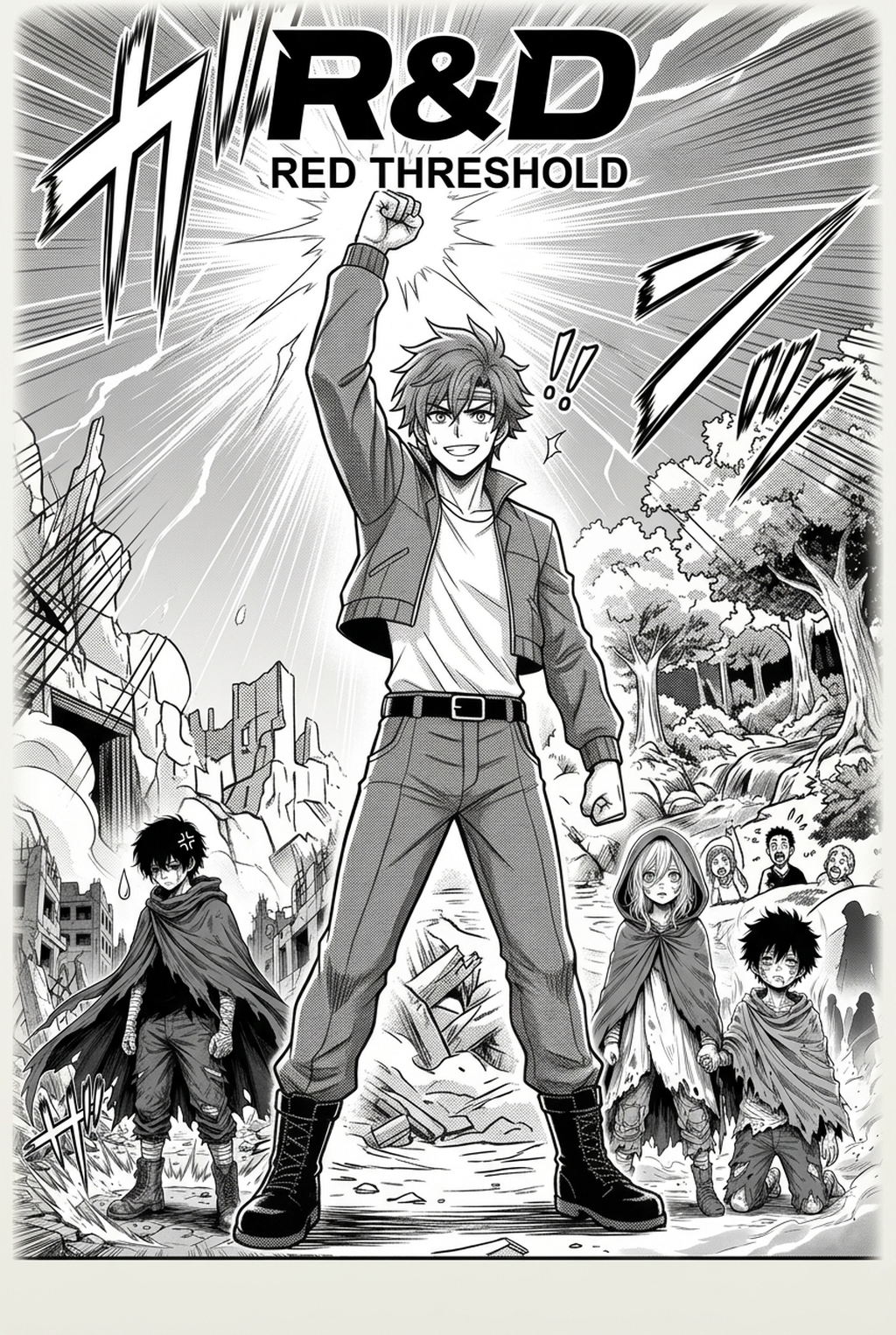
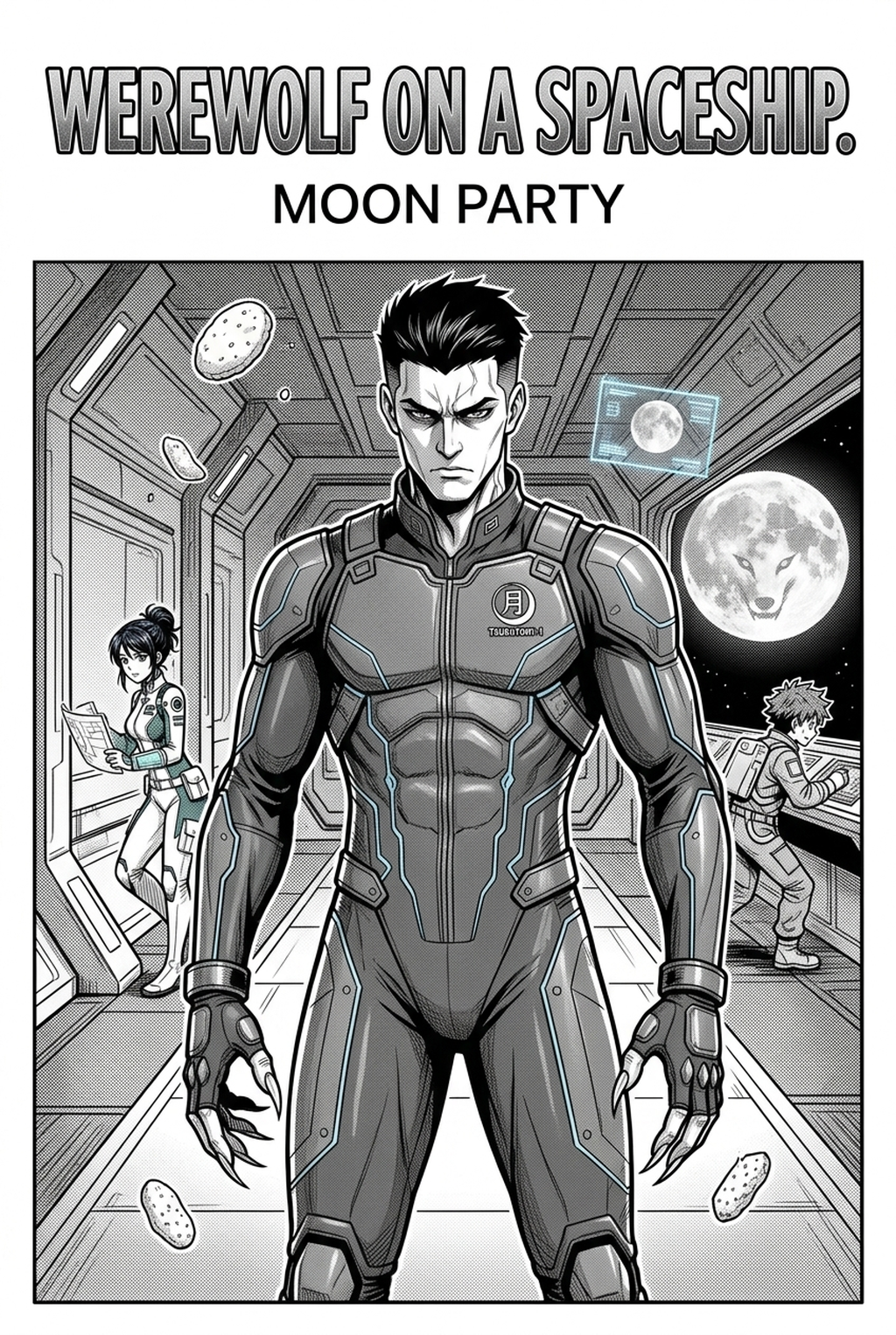
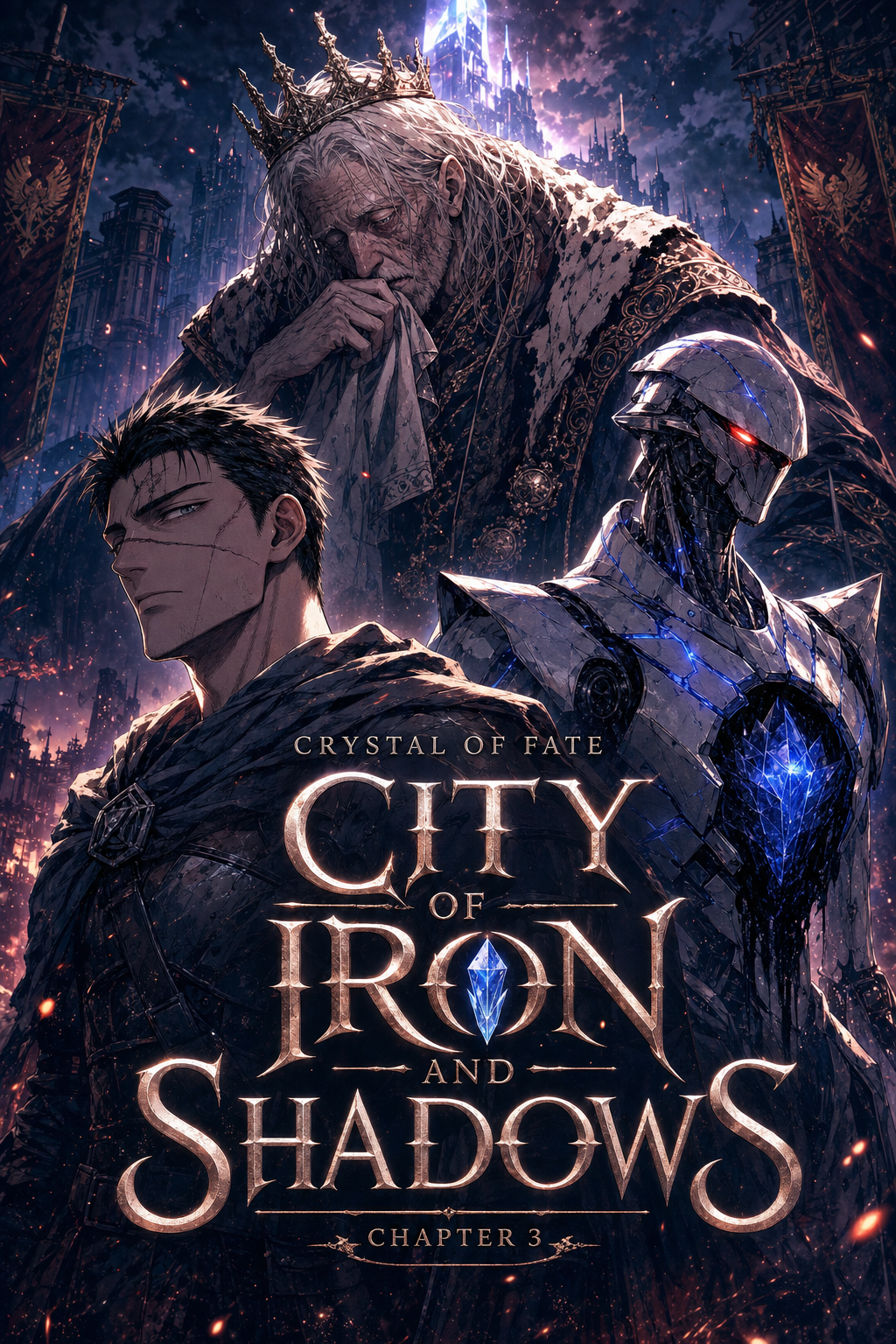
Mangaka is designed specifically for the unique demands of color vertical comic platforms. By inputting your scene description, the engine interprets the spatial requirements of a manga panel—such as high-contrast shadows or wide-angle distortions—and delivers an asset that fits your existing character layers. This prevents the "pasted-in" look often seen in amateur work, as you can tune the output to match the specific color palette of your current chapter. You can start generating your own scene description to background art manga with Mangaka .
Review Controls Before Export
Once Mangaka generates your scene, you retain full control over the composition before it ever touches your final file. You can adjust the intensity of the lines, verify that the horizon line matches your character’s eye level, and ensure that the scale of the environment doesn't dwarf your cast. This review stage ensures that while the heavy lifting is automated, the artistic vision remains entirely yours.
Step-By-Step Guide
To successfully integrate this into your production production process, treat your scene descriptions as a technical roadmap for the AI. This keeps the review focused on story intent, line weight, panel readability, and the export quality behind the final AI Manga Background Artist output.
Creative Brief and Generation Quality
To get the best results, focus your descriptions on the essential elements of the environment rather than abstract concepts., "cracked concrete floor, foreground debris")., "low angle looking up at a towering gate")., "harsh orange sunset, deep shadows, high contrast").
Quality Checks Before Export
Before Finalizing. Verify the output against your production standards:
- Perspective Integrity: Does the background match the eye level of your character? If the characters are viewed from below, the background must follow suit. * Line Weight Harmony: Ensure the thickness of the background lines doesn't compete with your character outlines. * Color Balance: Check that the background colors do not wash out the characters or distract from the action.
Tips for Cleaner Output
Achieving a professional finish requires balancing technical accuracy with stylistic flair. Creators can use each revision decision to clarify panel readability, character consistency, and export quality before publishing or sharing.
Creative Decisions and Export Quality
When generating backgrounds for Shonen vertical comic platforms, prioritize readability. The audience should be able to process the environment in milliseconds. * Simplify Complex Shapes: Avoid cluttering the background with too many small, noisy details that distract from the main character. * Maintain Depth: Use atmospheric perspective to push less important elements into the background, keeping the focus on the immediate action. * Apply Consistent Shading: Use uniform lighting directions across the entire scene to prevent the background from feeling like a collage of mismatched images.
Export Checks Before Publishing
- Layer Separation: Always keep your background on a separate layer from your line art to allow for easier color adjustments later. * Resolution Check: Ensure the exported asset matches the DPI of your project (usually 300-350 DPI for vertical comic platforms). * Final Squint" Test: Squint your eyes while looking at the completed panel. If the character "pops" against the background, the composition is successful.
Release cadence belongs in the production context for manga tools. For creators, the useful product question is whether pages stay readable when schedule pressure rises. Export quality depends on whether the creator can still adjust cleanup, line weight, and handoff settings after AI assistance. Wacom comic and manga creation guidance ties that point to drawing practice instead of broad AI-image claims.
Creators should define the scene goal, character references, page count, reading direction, and target Color vertical comic platforms. That gives AI Manga Background Artist enough context to support the story instead of producing disconnected panels. Before export, creators should compare the generated line art with the original sketch and confirm that facial expressions, props, speed lines, and speech-bubble space still support the scene.
- Drawing practice. Wacom's comic and manga creation guide ties tool choice to brush control, cleanup effort, and export readiness. That keeps review grounded in creator workflow.
Transform Text Descriptions into Production Manga Backgrounds with Mangaka.app
Describing an intricate scene in your script should immediately translate into print-ready manga backgrounds. Mangaka.app bridges scriptwriting and visual production seamlessly:
- Natural Language Scene Prompting: Convert raw scene notes and script descriptions directly into layered monochrome perspective drawings.
- Accurate Vanishing Point Calibration: Ensure correct one-point, two-point, and three-point perspective alignment with customizable camera horizons.
- Custom Texture and Tone Density: Match your manga style from clean minimalist interiors to ultra-detailed historical and fantasy landscapes.
- Seamless Asset Reusability: Store and recall established background locations across recurring chapters for rapid, consistent world-building.
For comic artists, manga creators, and indie publishers looking to elevate their production workflow, Mangaka.app provides an end-to-end AI creation suite with consistent character generation, automated komawari paneling, and professional 600 DPI monochrome inking.
The Bottom Line
A useful creator workflow keeps the story goal, visual style, and review step clear before export. AI Manga Background Artist gives creators a faster first pass without removing the final human review. That extra context helps the reader connect the creative choice to character consistency, composition, speech-bubble space, and final file format.
Start creating with scene description to background art manga when you are ready to turn the reviewed idea into finished manga pages. Test it with one real page goal, one reference boundary, and one export requirement so the decision stays tied to production quality.