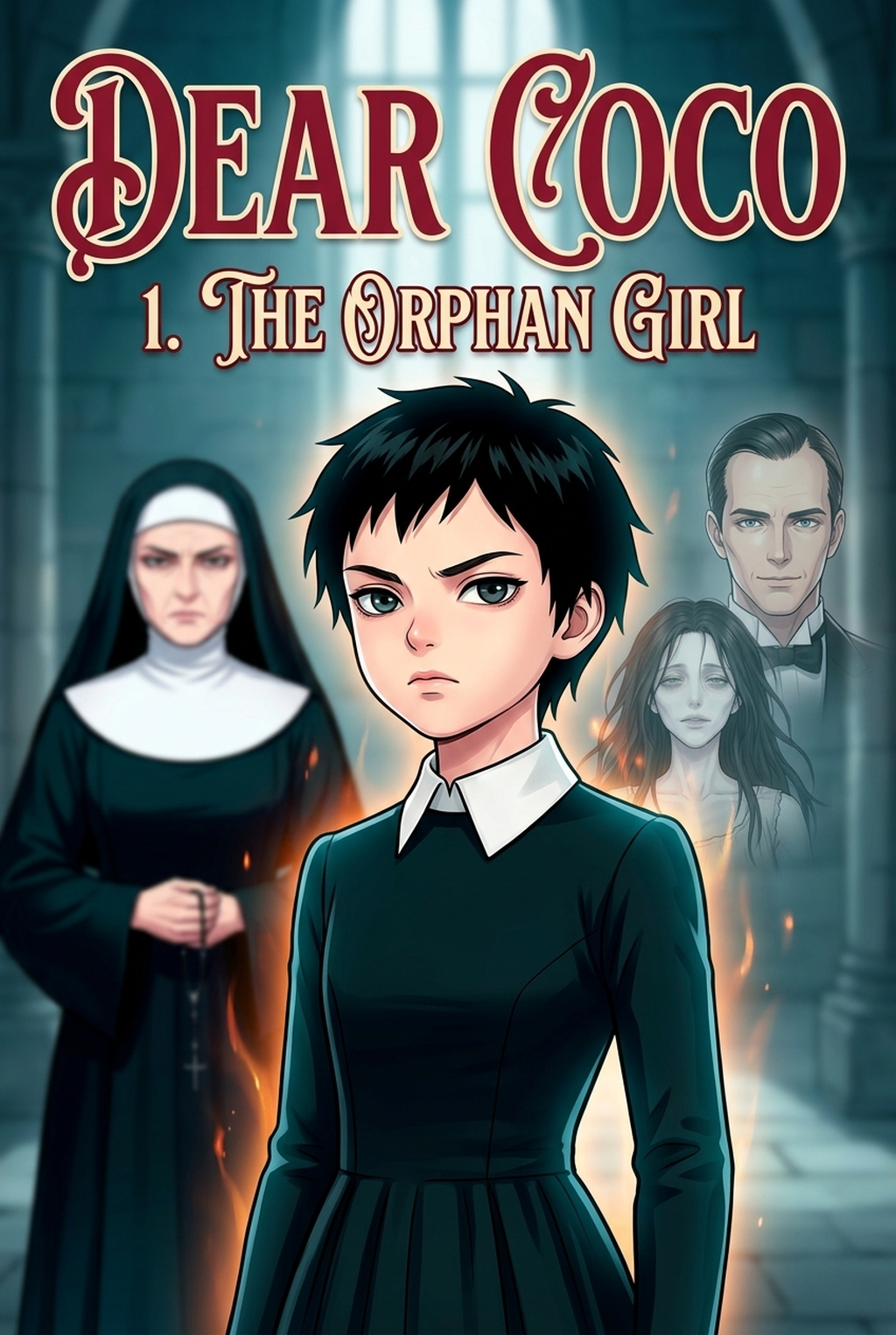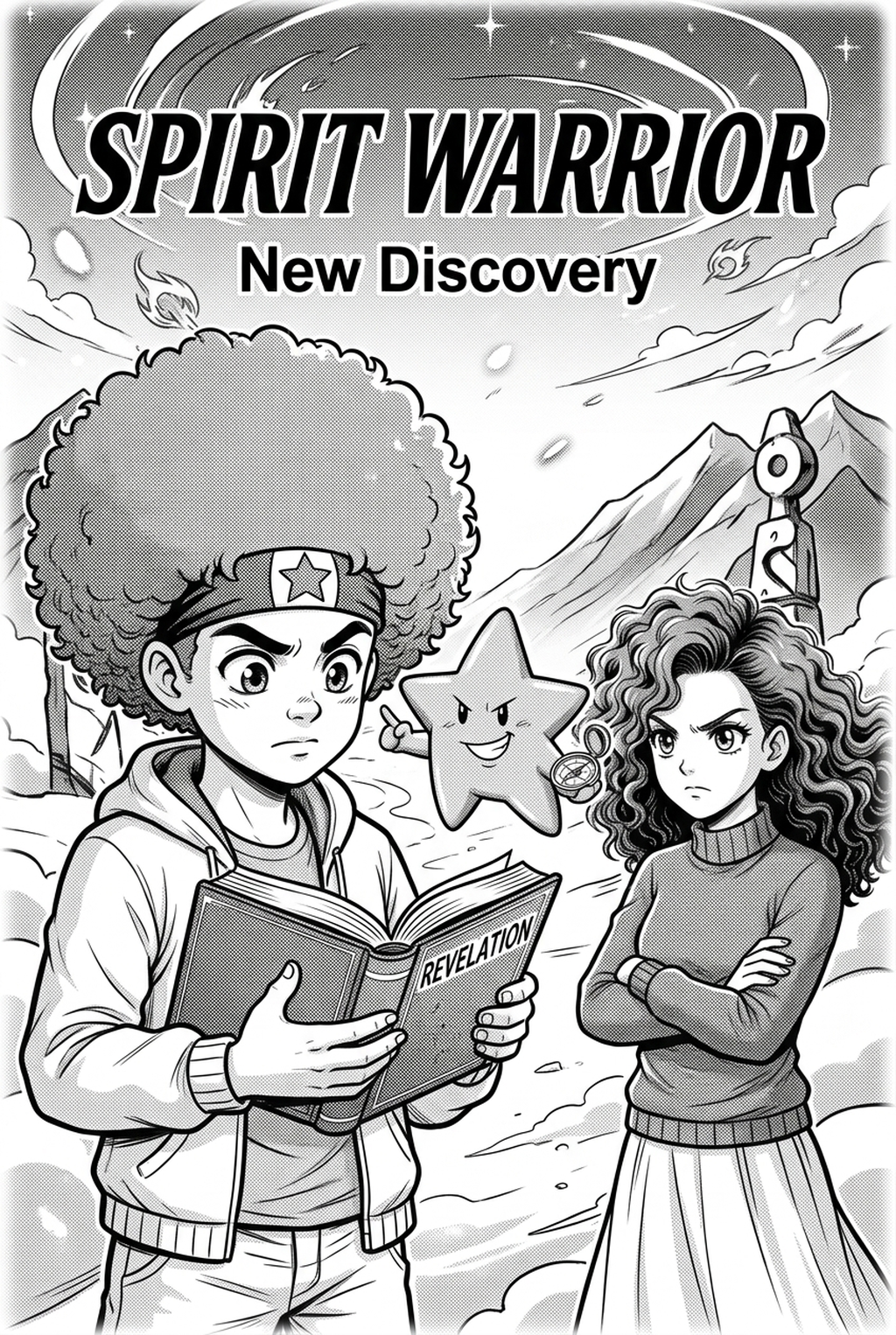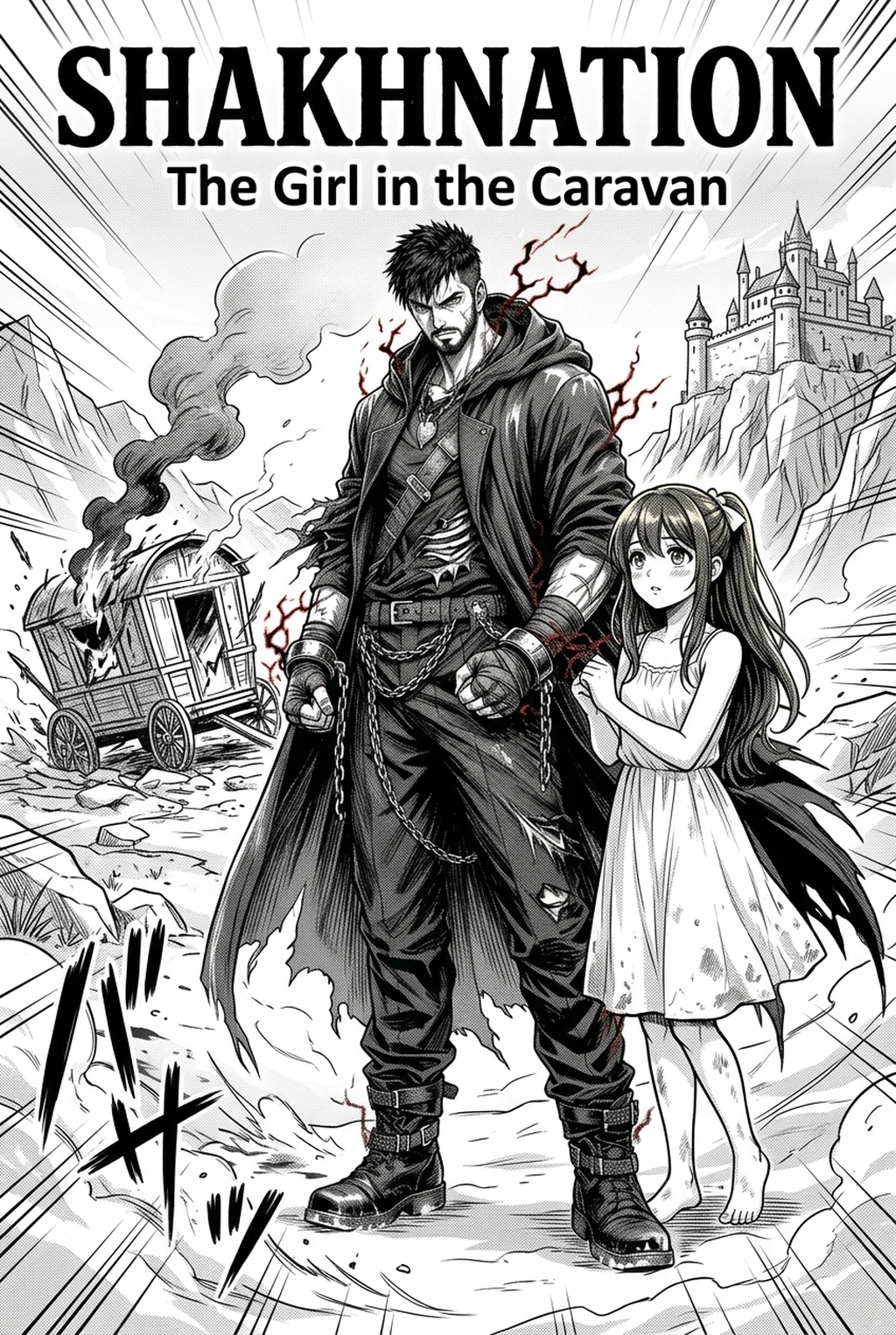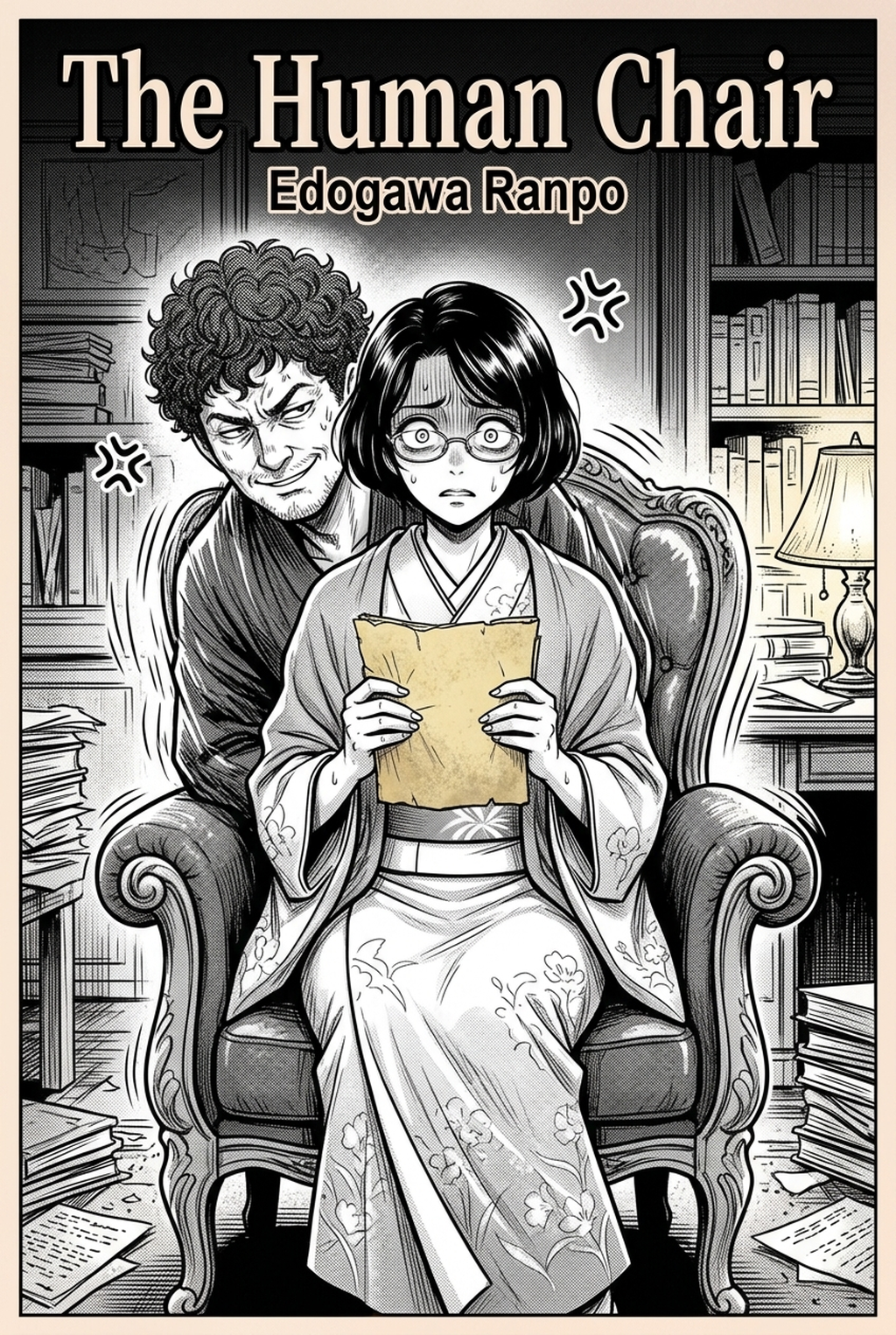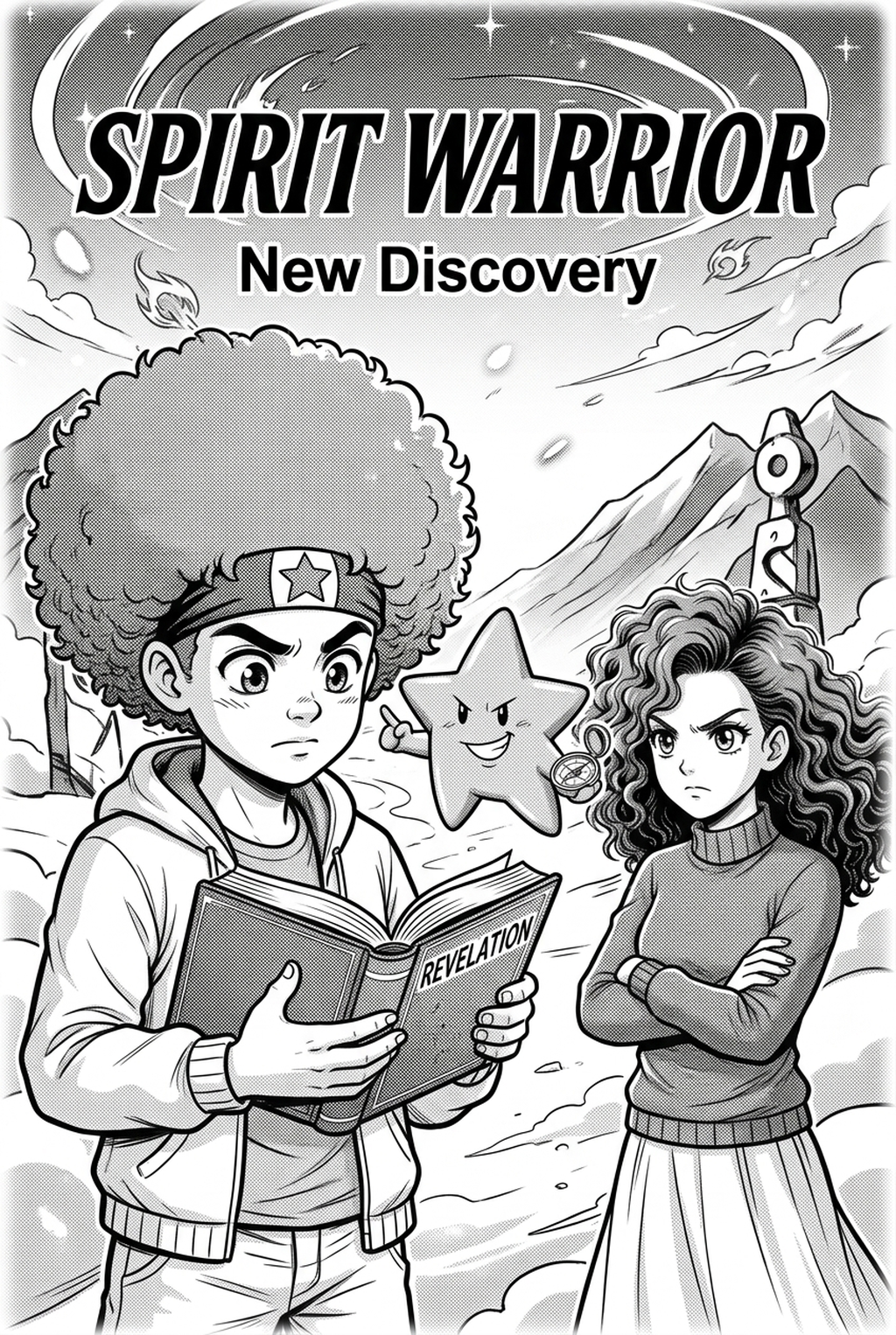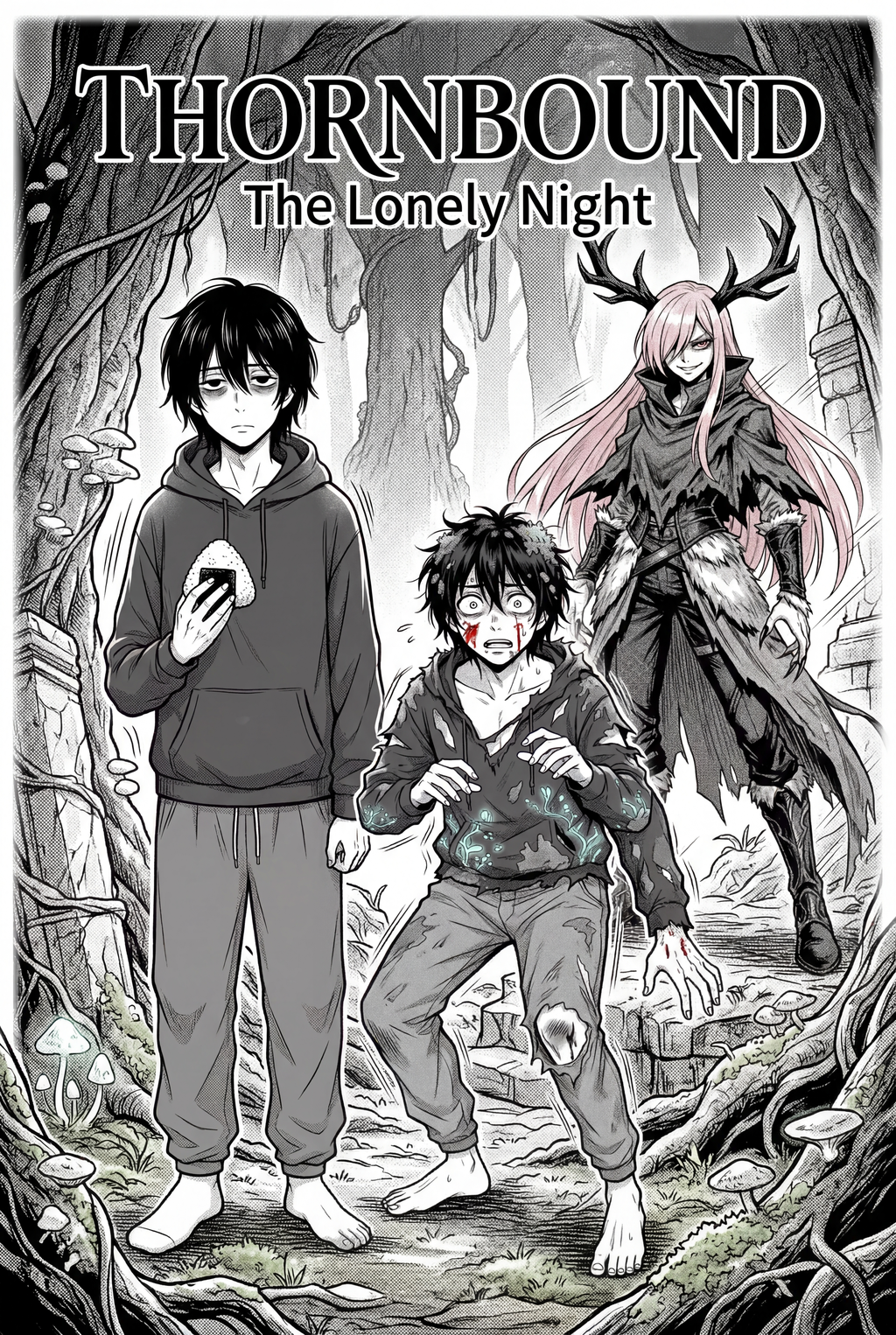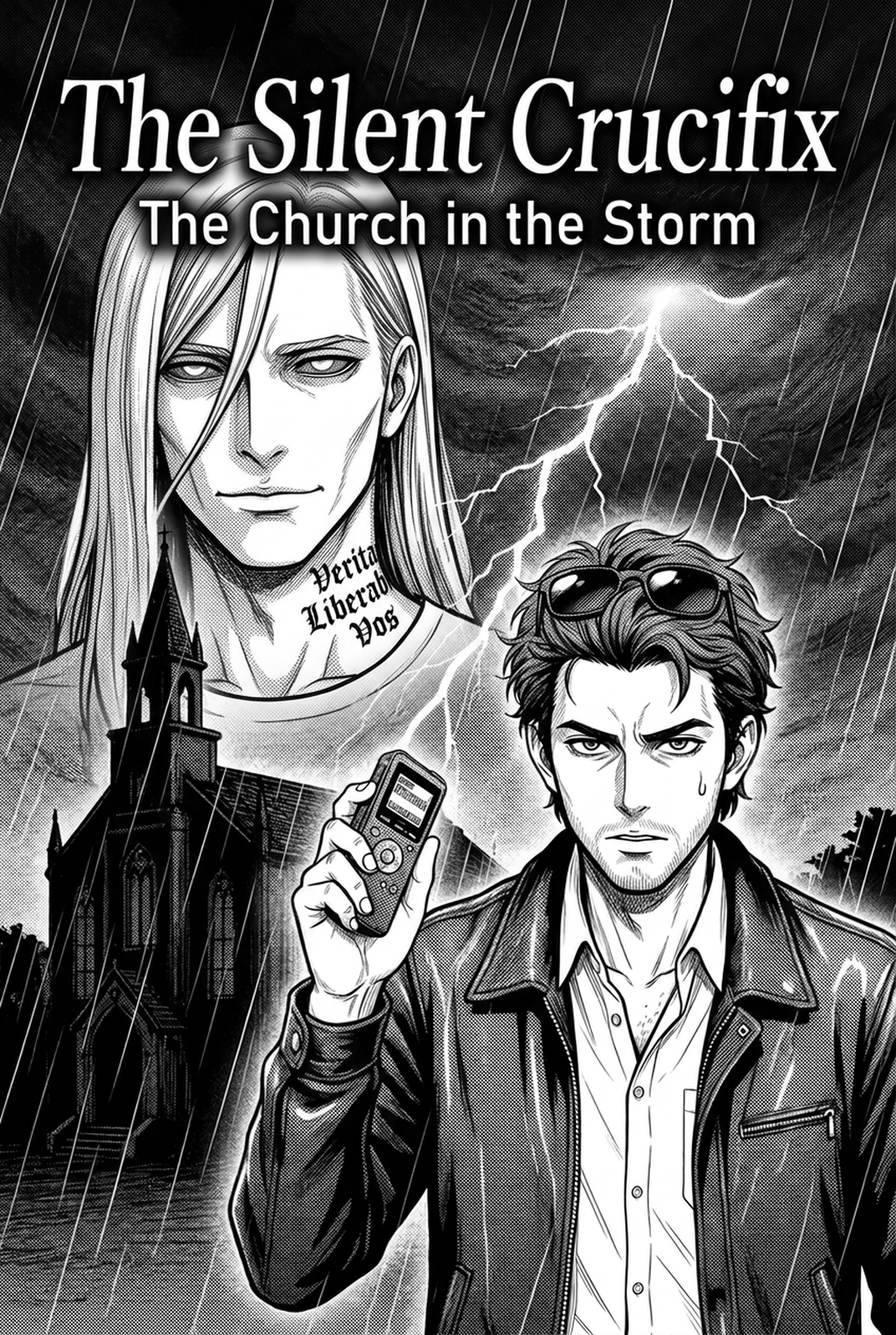
AI Manga Character Designer: Why Convert Text Description to Character Sheet
text description to character sheet manga helps creators choose the right Mangaka workflow for cleaner pages, steadier style, and review-ready output. The comparison starts with production speed, manual control, line quality, and export readiness because those factors shape whether a page can move into final review.
You know that your creative momentum lives or dies by your ability to visualize scenes quickly. When you are building an Isekai world, the character sheet is the blueprint that keeps your art grounded, preventing you from losing hours to minor adjustment errors.
Reader Expectations and Visual Quality
The demands of consistent serialization are unforgiving, and many creators struggle with the "page goal" trap. If you spend three days designing a hero’s armor, you fall behind on your weekly update schedule, potentially leading to burnout. By converting a text description into a reliable character sheet early, you establish a reference that you can glance at while working, significantly reducing the cognitive load required to maintain proportions and intricate details. As noted by industry standards in Anime News Network , professional production relies on these "model sheets" to keep teams—or individual artists—in sync during long-term projects.
Where Style Consistency Breaks
Style drift is the silent killer of immersion, especially in long-form manga. Even if you have a clear mental image of your character, small variations in line weight, color saturation, or costume accessories tend to creep in as you draw under pressure. When the source of your character is purely a mental note or a changing sketch, you inevitably lose the specific "look" of your Isekai world. A fixed character sheet acts as a visual contract, ensuring that the reader stays connected to your protagonist regardless of how many intense action sequences they encounter.
How Mangaka Handles Text Description to Character Sheet
You require a solution that understands the specific aesthetic of high-quality, full-color manga, not just generic illustration software. Mangaka is built to bridge the gap between your imagination and the canvas by anchoring your textual input into a formal visual structure.
Workflow Fit for Creator Output
Instead of struggling with vague generators, you can use text description to character sheet manga with Mangaka to interpret specific descriptive text—like "a silver-haired mage with a tattered cloak and glowing blue runic tattoos"—into a unified character sheet. This feature directly addresses the pain of manual redrawing by generating the necessary views (front, side, and back) that you need for consistent posing. It fits into your existing production routine by handling the heavy lifting of visual base construction so you can jump straight into panels.
Review Controls Before Export
You need the power to refine the output without losing the base design. Mangaka provides controls that allow you to adjust the generated output to match your personal style preferences, ensuring the character feels like it belongs in your specific universe. This prevents the "generic AI" look, allowing you to curate the results until the character sheet is ready for your storyboards.
Step-By-Step Guide
To turn your concepts into usable assets, follow a structured process that prioritizes stability. This keeps the review focused on story intent, line weight, panel readability, and the export quality behind the final AI Manga Character Designer output.
Creative Brief and Generation Quality
| Phase | Action | Purpose |
|---|---|---|
| Conceptualize | Write out the character's core identity, including unique clothing and traits. | Prevents ambiguity during generation. |
| Generation | Input the description into Mangaka to create the initial character sheet. | Creates a visual source of truth. |
| Validation | Cross-reference the sheet with your previous pages for lighting and color. | Maintains narrative continuity. |
Quality Checks Before Export
Before you commit a character sheet to your project files, verify that the following elements are present:
- Color Palette Consistency: Ensure the hex codes or color values match your established world-building. * Prop Alignment: Check that signature items—like a legendary sword or a magical artifact—are clearly defined. * Accessibility: Verify that the file format allows you to easily pull assets into your drawing software of choice.
Tips for Cleaner Output
You want your character sheets to be tools, not just static images, so focus on clarity above all else. Creators can use each revision decision to clarify panel readability, character consistency, and export quality before publishing or sharing.
Creative Decisions and Export Quality
Export Checks Before Publishing
- Resolution: Always export at the highest resolution available to ensure your character sheet remains sharp when zoomed in during your work process. * Format: Stick to PNG or lossless formats to keep your colors crisp, which is vital for full-color manga output. * Metadata: Keep your original text descriptions saved in a separate document for future reference if you ever need to recreate a character variant.
Export quality depends on whether the creator can still adjust cleanup, line weight, and handoff settings after AI assistance. Wacom comic and manga creation guidance ties that point to drawing practice instead of broad AI-image claims. Setup Readiness. Creators should define the scene goal, character references, page count, reading direction, and target Full color manga.
That gives AI Manga Character Designer enough context to support the story instead of producing disconnected panels. Creators should check line weight, facial expression, pose clarity, panel order, and space for dialogue before export. Those checks matter more for Isekai pages because action beats and emotional pauses need to read quickly.
- Production context. Anime News Network's manga production feature describes manga as staged work from rough draft to finished page. Use it to judge whether AI inking helps cleanup without weakening review.
- Reader expectations. MyAnimeList manga news keeps genre expectations visible for readers who scan action, character acting, and page rhythm quickly. Shonen inking should preserve panel clarity, not just cleaner lines.
- Drawing practice. Wacom's comic and manga creation guide ties tool choice to brush control, cleanup effort, and export readiness. That keeps review grounded in creator workflow.
The Bottom Line
A useful creator workflow keeps the story goal, visual style, and review step clear before export. AI Manga Character Designer gives creators a faster first pass without removing the final human review. That extra context helps the reader connect the creative choice to character consistency, composition, speech-bubble space, and final file format.
Start creating with text description to character sheet manga when you are ready to turn the reviewed idea into finished manga pages. Test it with one real page goal, one reference boundary, and one export requirement so the decision stays tied to production quality.