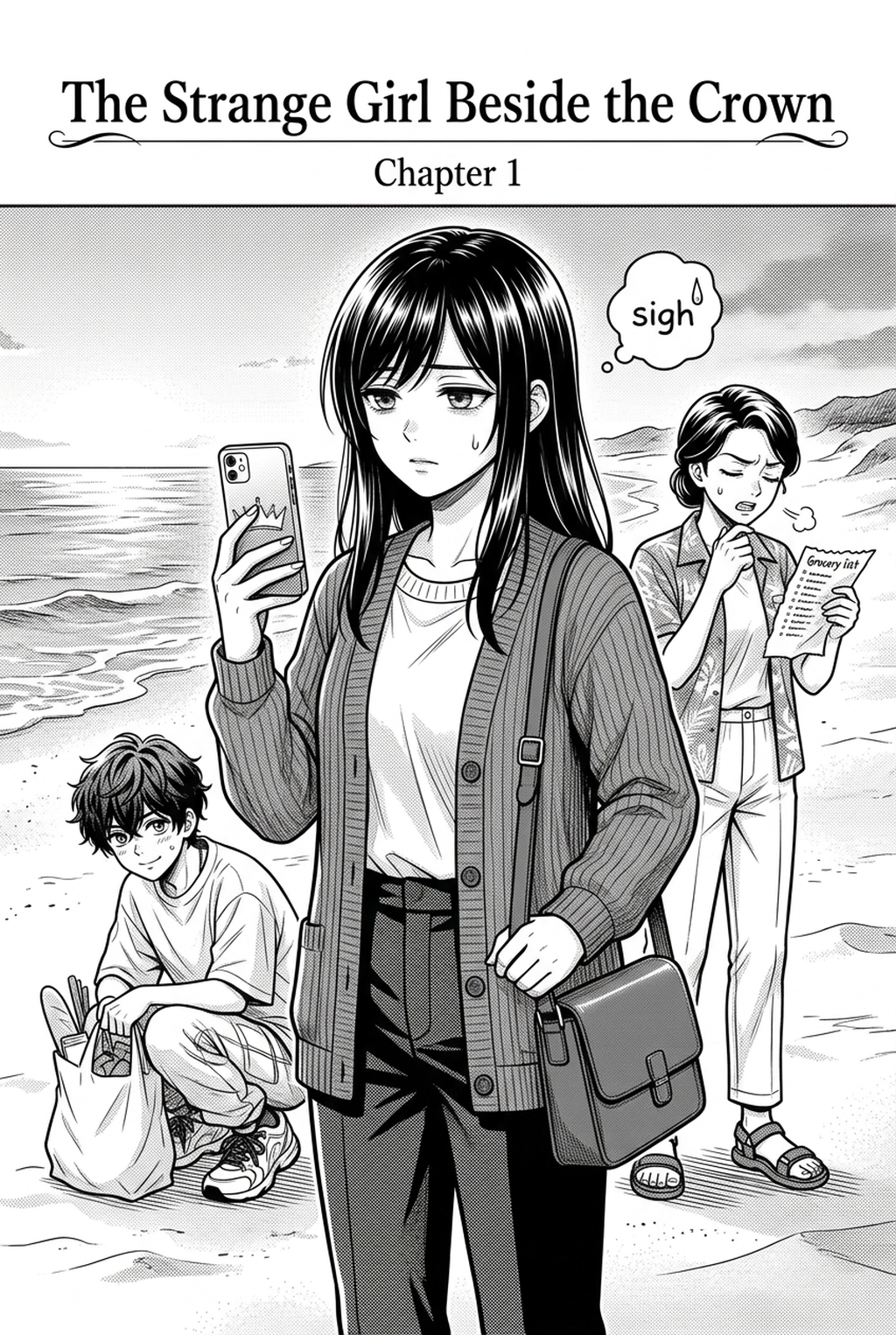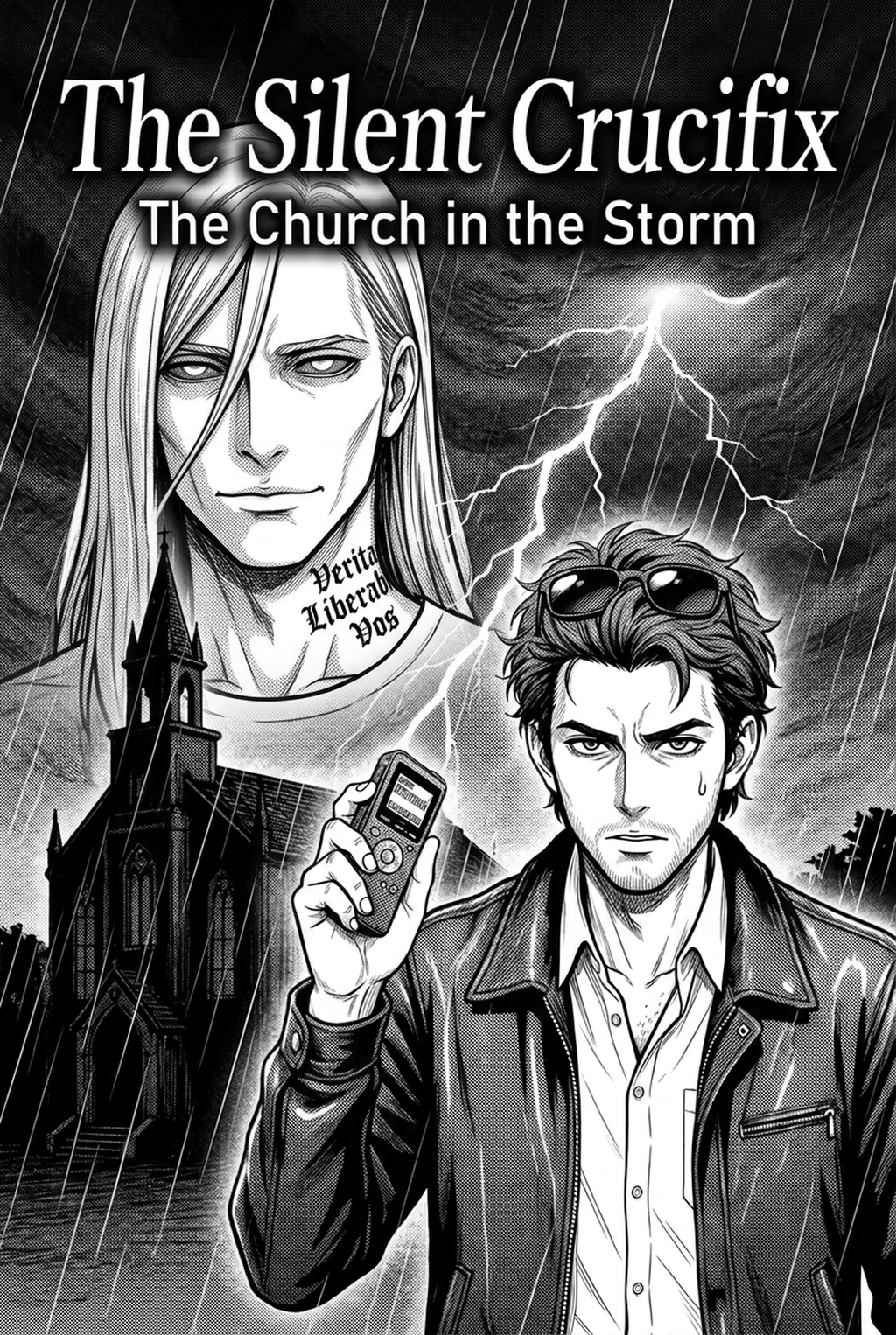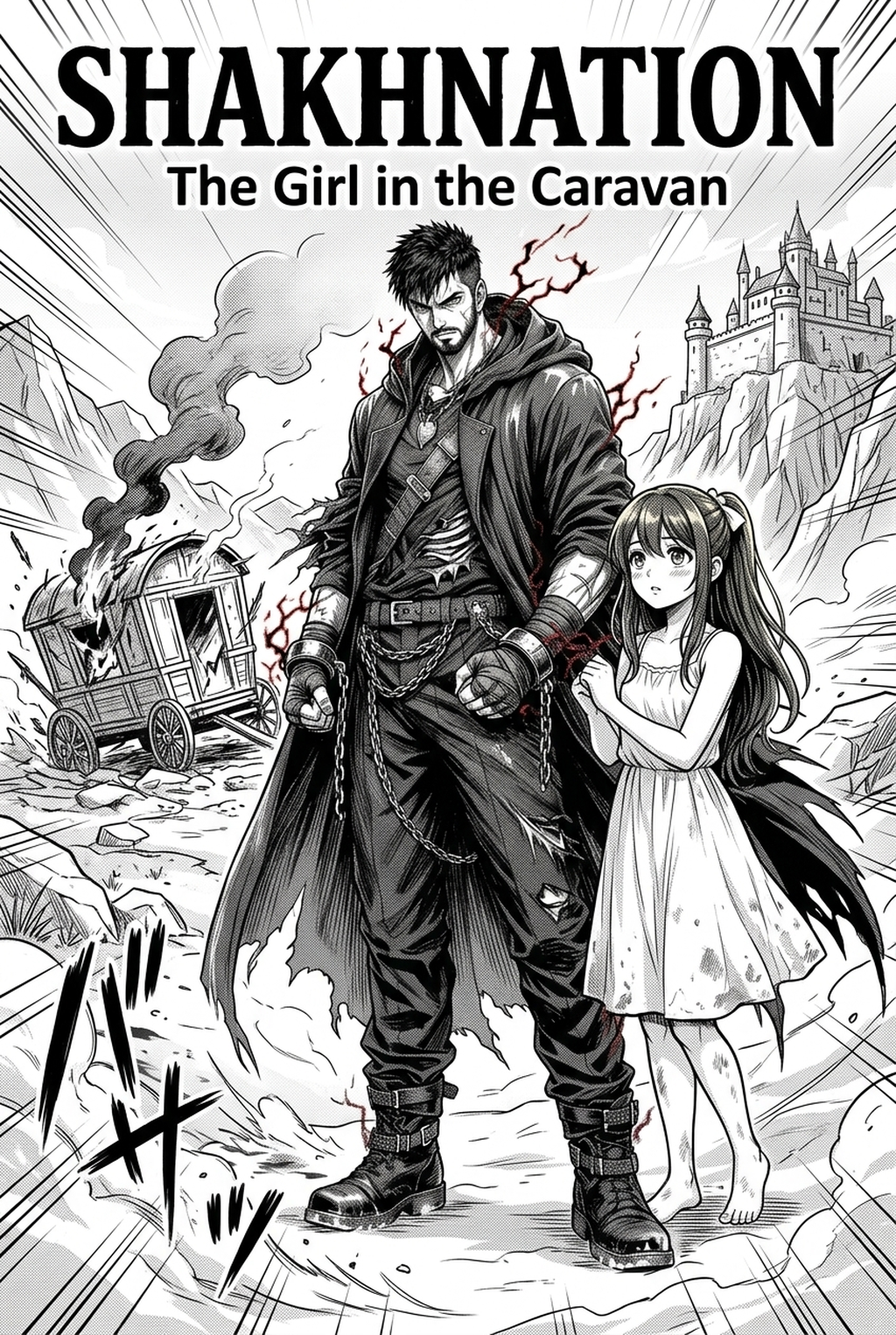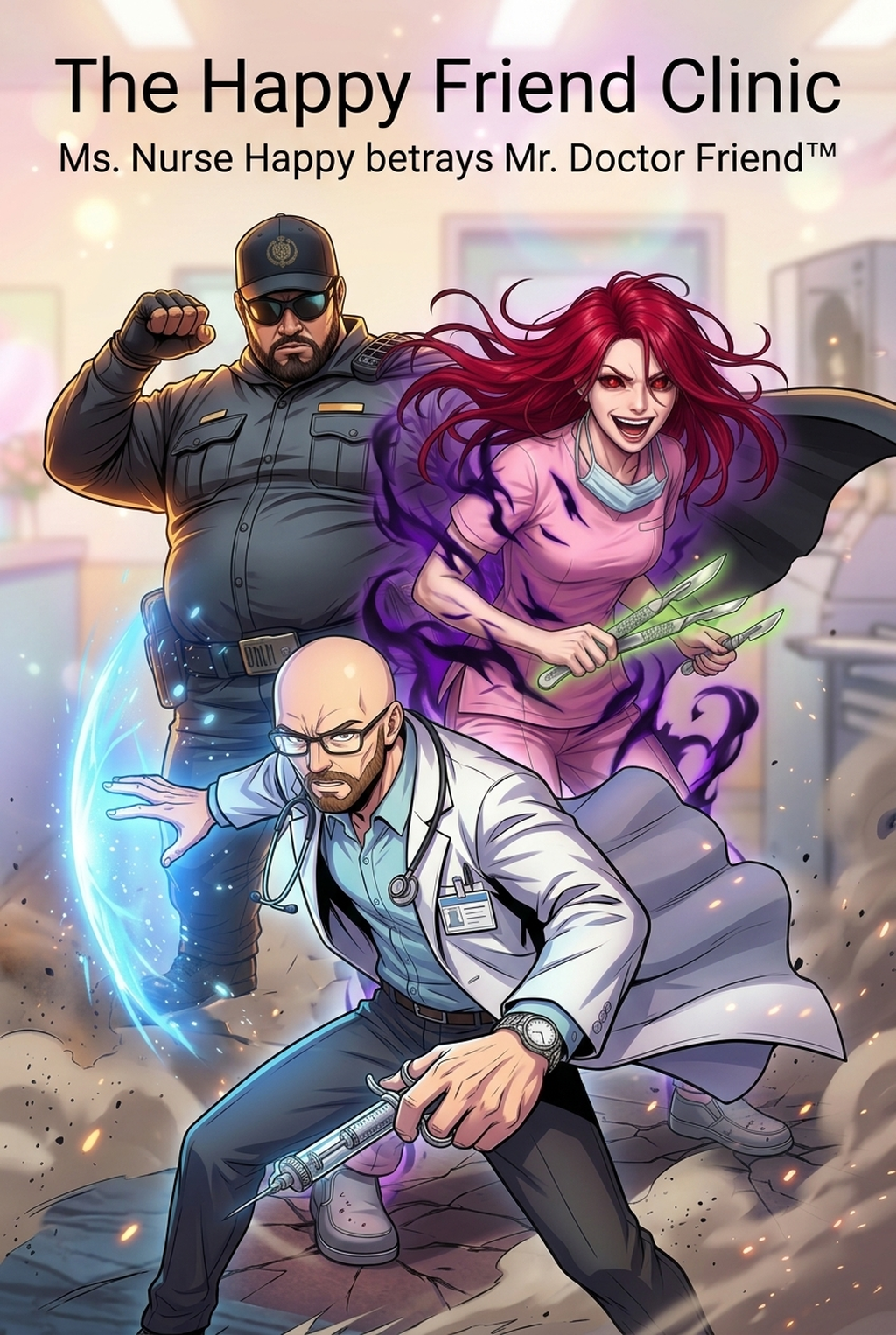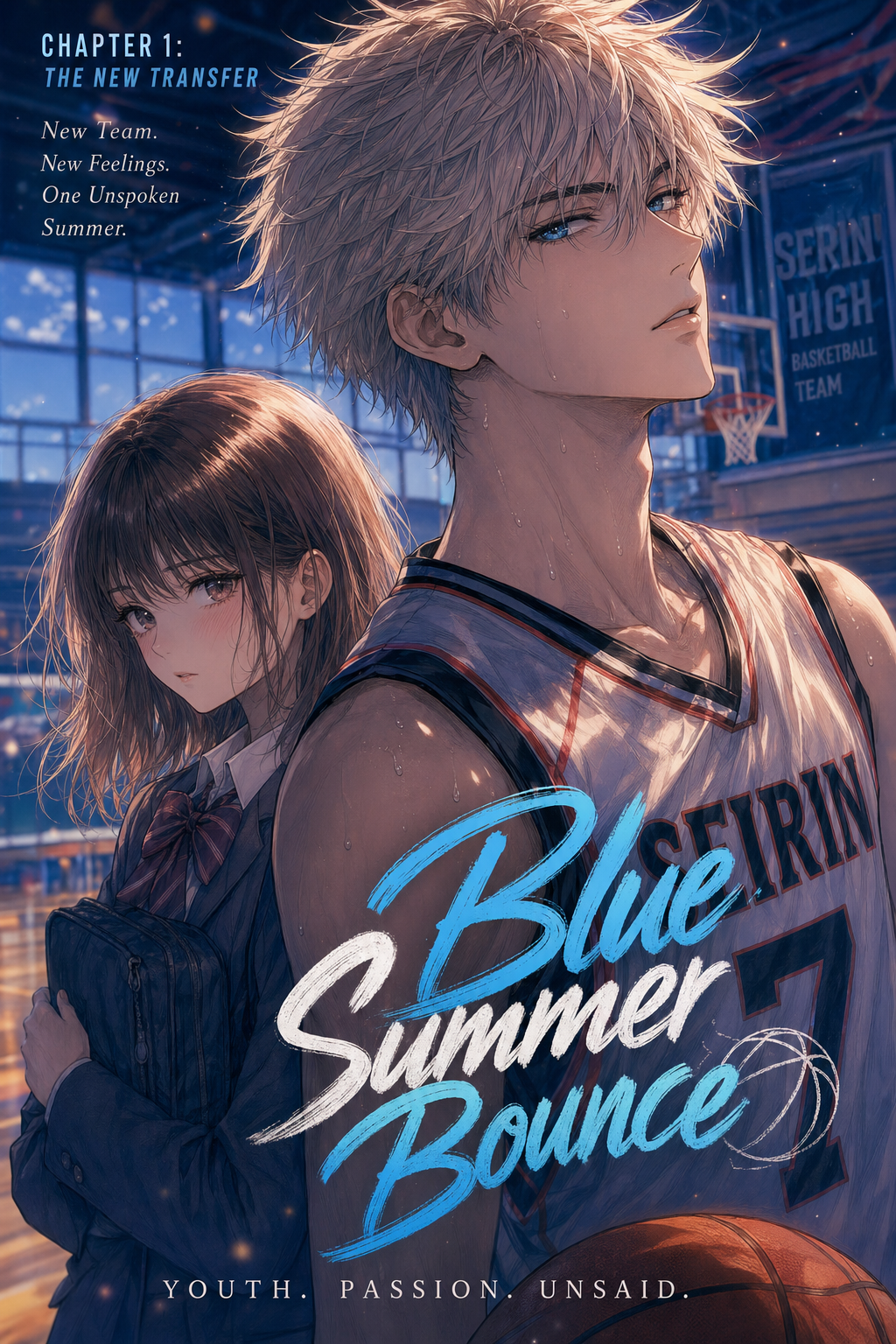
Developing an Isekai series requires consistent visual world-building, and using an AI Manga Inker for Isekai manga is the most effective way to turn your raw pencil sketches into clean, professional-grade line art without sacrificing your unique artistic vision. As you transition from the initial character concept stage to final paneling, maintaining precise, uniform line weights across hundreds of pages is often the most significant hurdle for independent artists. By automating the inking phase, creators can spend more time focusing on narrative pacing and complex background details rather than spending countless hours tracing their own work.
What Is AI Manga Inker for Isekai Manga?
An AI Manga Inker workflow is a specialized digital tool designed to translate the organic, variable lines of a lead pencil sketch into crisp, high-contrast black line art suitable for professional publishing. These tools leverage machine learning models trained specifically on the distinct aesthetic requirements of Japanese-style comics, such as line sensitivity and the clear differentiation between foreground characters and background environments. By analyzing your source sketch, the tool interprets intent, effectively smoothing out jittery hand-drawn lines while preserving the original gesture and anatomical proportions.
The precision of your line work directly impacts the readability of your panels; automated inking ensures that you avoid common pitfalls like line-weight drift, which often occurs during marathon drawing sessions. This technology doesn't just trace; it intelligently applies varying stroke thickness to emphasize silhouettes and highlight focal points within an action-heavy Isekai sequence.
Why AI Manga Inker Matters for Isekai in 2026
The demand for high-frequency content in the digital market has made production speed a critical factor for independent creators, often leading to burnout during the tedious manual inking of intricate armor or sprawling magical landscapes. Creators often face a catch-22: spend days on a single page to get the line quality just right, or rush the process and risk losing the reader’s immersion through sloppy linework.
By leveraging an AI solution, you collapse the gap between your initial sketch and your final colored output. This is not about cutting corners, but about optimizing your creative energy; you remain the director of your page, while the tool handles the technical labor of consistent line weights. As noted by Anime News Network in their industry reporting , the adoption of automated assistance tools is standardizing the way digital manga is produced, allowing indie teams to compete with the quality of larger studios by focusing on core composition rather than mechanical execution.
How AI Manga Inker Works for Isekai in Full Color Manga
The process of moving from a rough sketch to a full color manga file is streamlined by focusing on high-fidelity input and targeted output settings. You begin by uploading a high-resolution scan of your sketch, ensuring the lines are clear enough for the model to differentiate between your subject and the background. The AI then processes the image, automatically identifying the strokes and mapping them to clean, vector-like lines that maintain their integrity even when scaled for different display formats.
For a consistent aesthetic across your full color manga series, it is important to consider how your linework interacts with flat colors and shading layers. You can Isekai manga inking workflow with Mangaka and experiment with different line-weight presets that complement your unique style, whether you prefer a minimalist look or a heavy, dramatic ink density. Once the inking is complete, the file remains compatible with all major digital painting software, ensuring you can layer your colors, gradients, and atmospheric effects over the finished lines without losing the clarity of your original vision.
Use Cases for AI Manga Inker
There are several scenarios where automated inking provides a tangible boost to your creative workflow, particularly for projects that require rapid iteration or high visual density. This keeps the review focused on story intent, line weight, panel readability, and the export quality behind the final AI Manga Inker output.
- High-Density Fantasy Landscapes: Isekai settings are notorious for demanding complex background designs. By inking these elements automatically, you maintain the structural integrity of your castles or magical ruins without manual fatigue. * Rapid Character Turnarounds: When you need to keep a character’s design perfectly consistent across multiple action panels, the tool ensures that their silhouette and line-weight details remain identical in every frame. * Large-Scale Chapter Production: For indie creators aiming for a weekly or bi-weekly release schedule, an automated inker significantly reduces the number of hours spent on the mechanical aspects of page completion. * Enhancing Rough Conceptual Sketches: Even if your original sketch is loose and experimental, the tool can clarify your intent, helping you see which compositions work best before you commit to final coloring.
- Chapter cadence. Use the AI pass for pages where speed matters most, such as repeated action poses, transformation beats, or dense speed-line panels. Keep manual cleanup for hero panels where the line style defines the emotional peak.
- Character continuity. Compare the generated lines against the same model sheet, costume notes, and facial-expression range used during sketching. This prevents a fast inking pass from drifting away from the character identity readers recognize.
- Export readiness. Check whether the Full color manga can move into lettering, coloring, or final layout without rebuilding panel borders or speech-bubble space. A good Isekai workflow should save time while keeping the next production step predictable.
Step-By-Step Guide to Start with Mangaka
Getting your workflow up to professional speed takes only a few minutes. App to access the dashboard and start your free trial, which requires no credit card. 2. Paste your descriptive creative brief or upload your hand-drawn source file directly into the platform interface. 3. Generate your professional manga page and download the resulting inked file, ready for your final coloring pass.
Creators should compare the generated line art with the original sketch and confirm that facial expressions, props, speed lines, and speech-bubble space still support the scene. A repeatable review pass should cover character consistency, panel readability, background clarity, and whether the final file is ready for coloring, lettering, or editor feedback.
The Bottom Line
Successfully producing an Isekai series in 2026 relies on balancing narrative quality with efficient technical execution. By adopting automated tools to handle the heavy lifting of inking, you liberate your creative time to focus on what matters most: character growth, world-building, and high-impact paneling. If you are ready to modernize your production cycle and see how much time you can save while improving the consistency of your pages, Isekai manga inking workflow with Mangaka .
Streamline Isekai Line Art and Inking Workflows with Mangaka.app
Isekai manga production often demands intricate fantasy armor, ornate magical sigils, and detailed creature outlines that overwhelm solo creators. Mangaka.app accelerates professional inking:
- Intricate Armor & Costume Inking Presets: Generate crisp, clean contour linework for layered fantasy garments, gauntlets, and royal vestments in seconds.
- Automated Magic Circle & Sigil Geometry: Insert perfectly symmetrical runes, glowing spell circles, and enchanted particle outlines directly onto scene layers.
- Consistent Hero & Monster Model Lineage: Maintain character proportions, distinct hairstyles, and beast silhouettes across high-intensity action chapters.
- High-Precision 600 DPI Export: Output production-ready black-and-white spreads calibrated for Japanese print publishing and digital serialization.
Ready to elevate your serialized manga and speed up chapter production? Create your professional manga storyboard and character sheets on Mangaka and transform your creative workflow today.