AI Manga Colorist: What to Look for in AI Manga Colorist Tools for Isekai
The Anime News Network feature on how manga is made describes manga as staged work from rough draft to finished page. That production context matters for Isekai creators because AI assistance is useful only when the sketch, inking pass, and final page review stay connected.
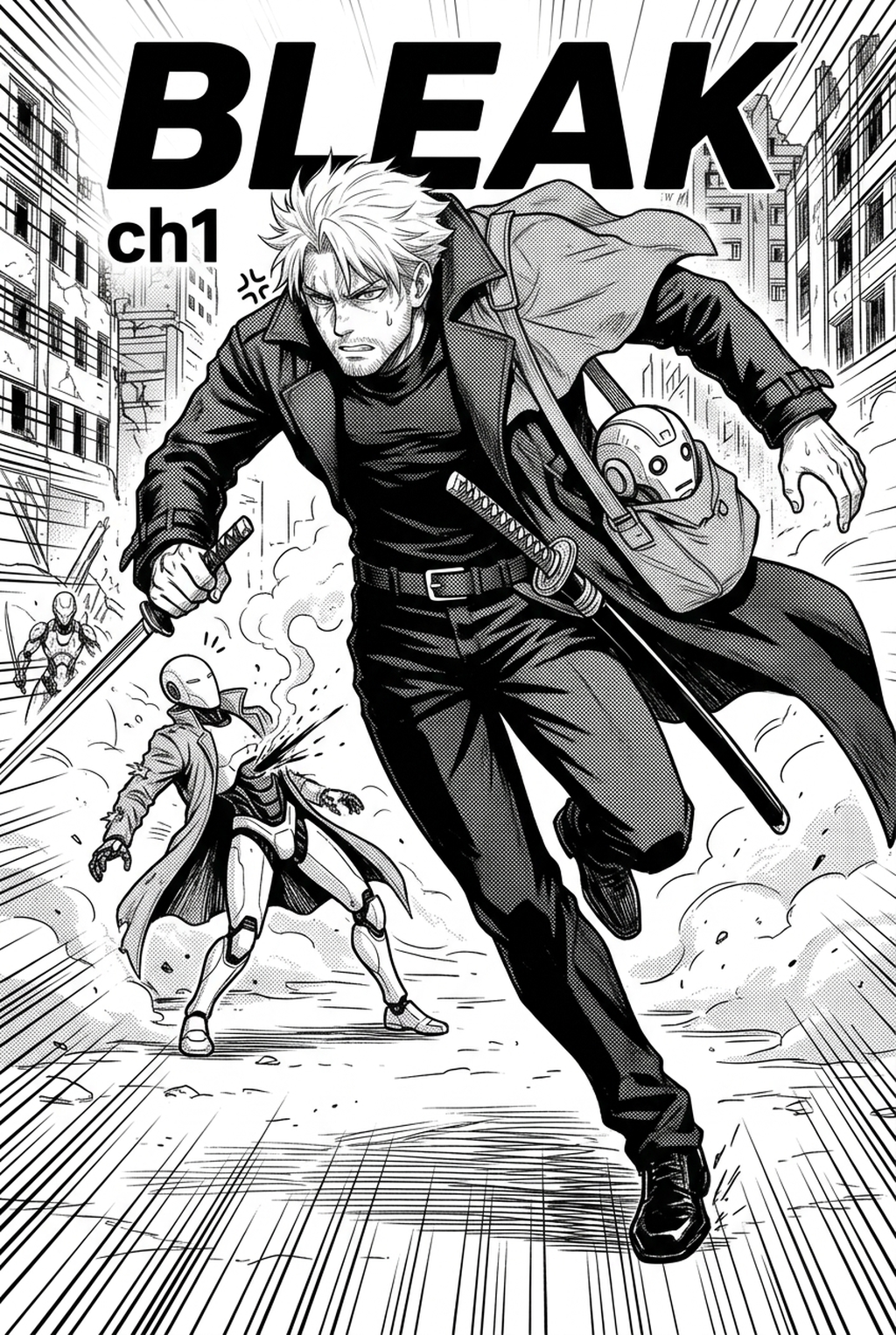
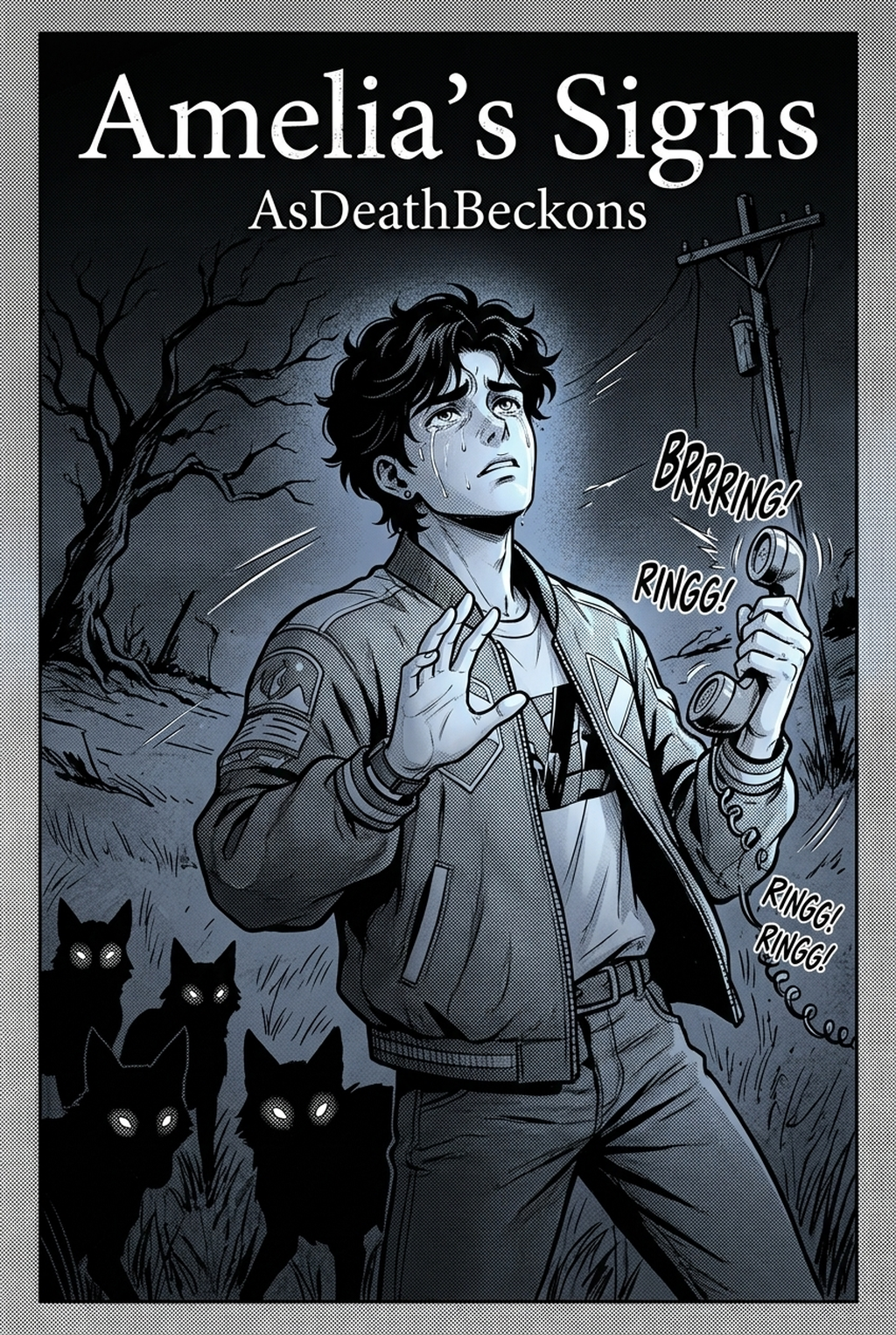
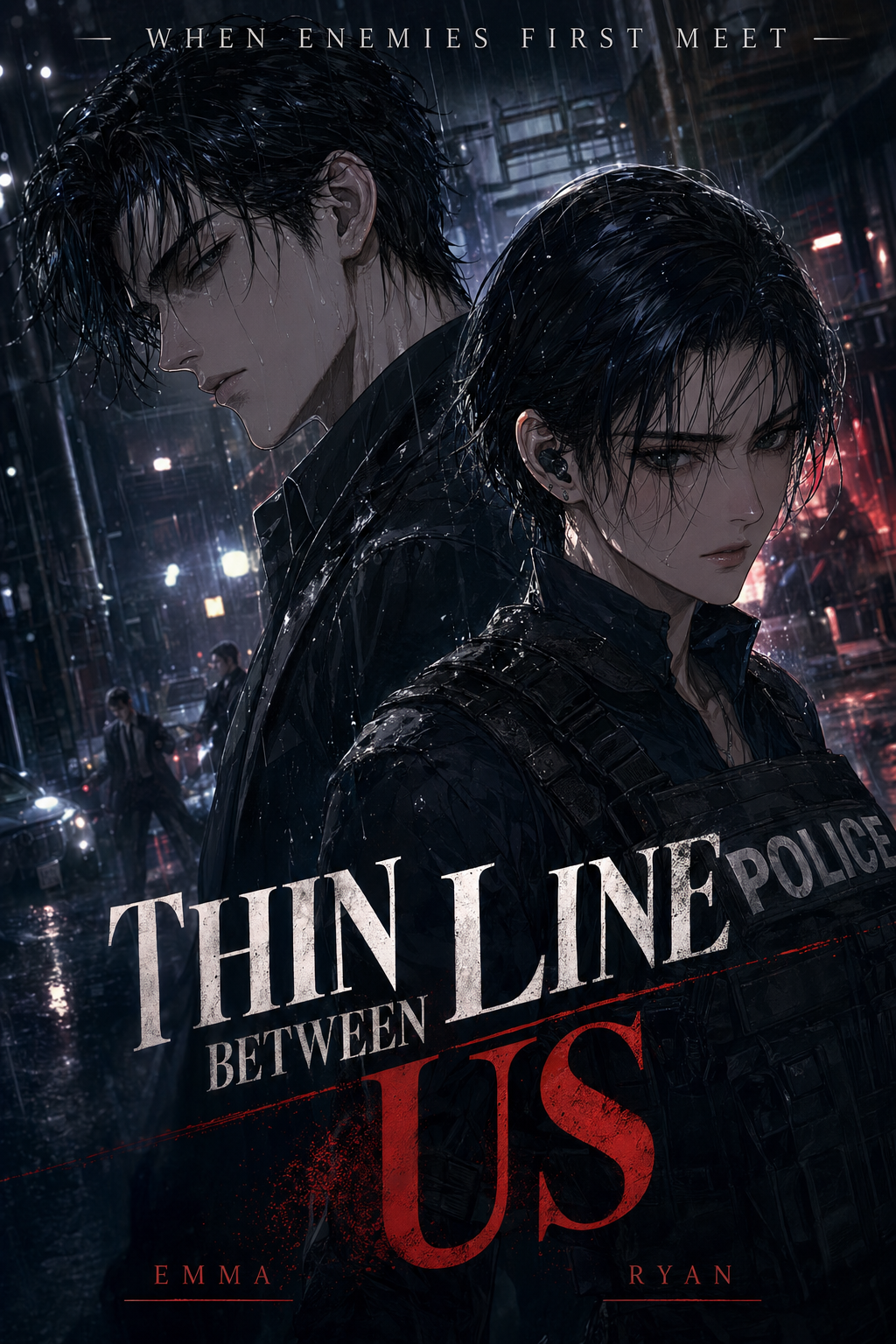
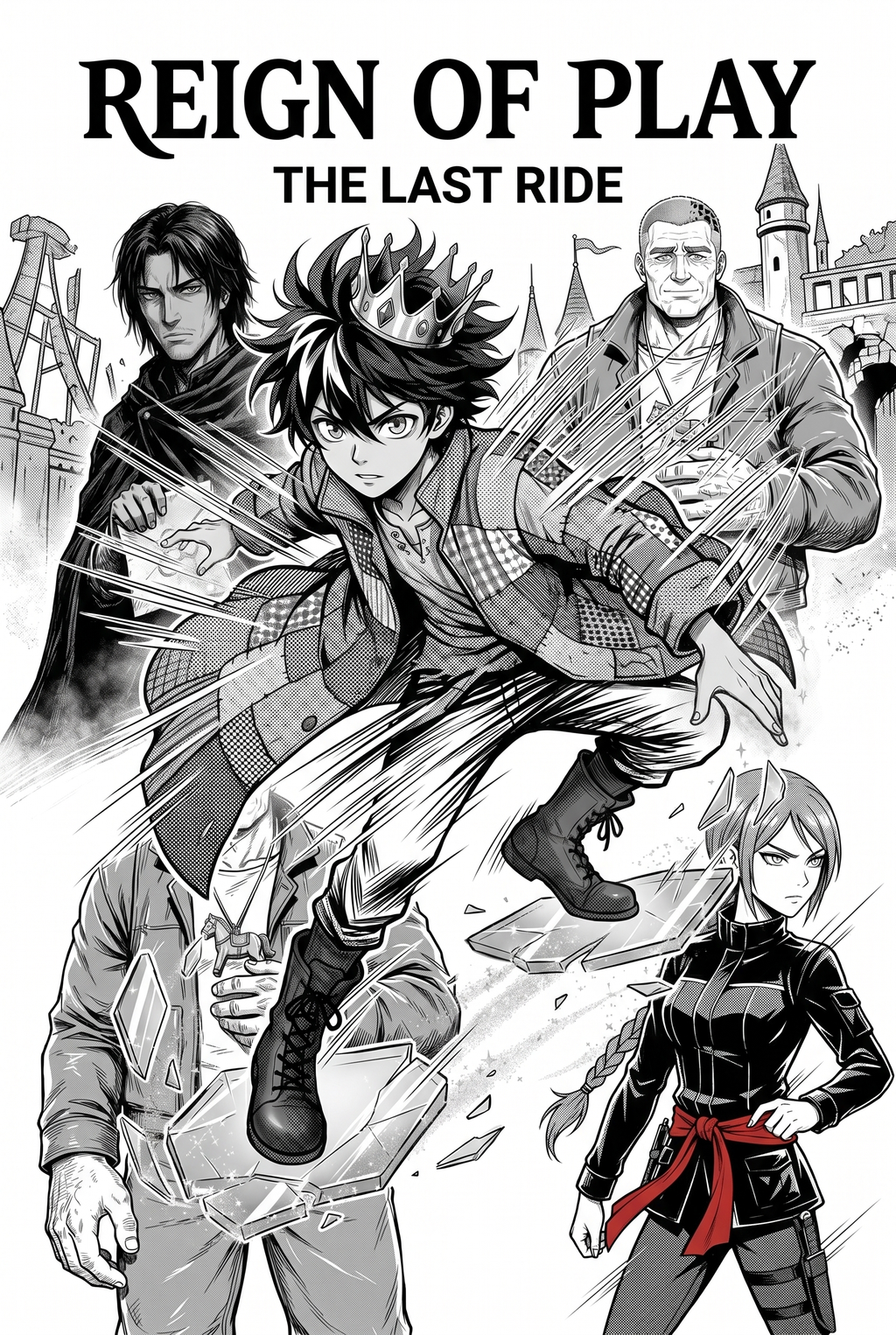
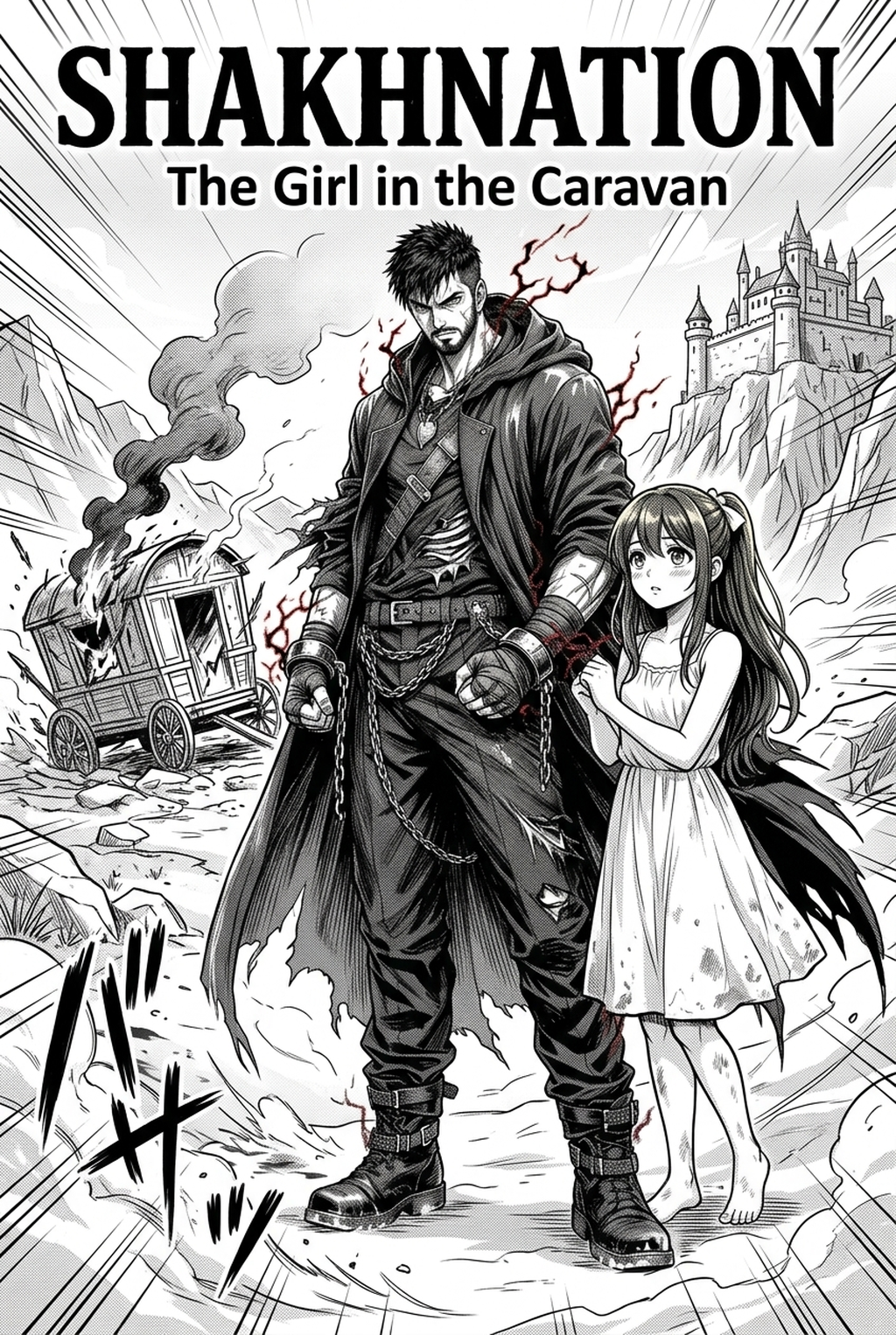
AI Manga Colorist for Isekai manga helps creators choose the right Mangaka workflow for cleaner pages, steadier style, and review-ready output. The comparison starts with production speed, manual control, line quality, and export readiness because those factors shape whether a page can move into final review. Whether you are illustrating grand fantasy castles or tense battle sequences, your chosen software should act as a force multiplier for your creative vision rather than a barrier.
Creative Goals and Style Context
Your production pace is everything in the competitive Isekai market. You need a tool that handles high-volume output without sacrificing the specific color palettes that define your world. If a tool requires you to spend hours fighting with settings for every single frame, it isn't serving your need for efficiency.
Quality Checks Before Export
The primary risk when using automated tools is the degradation of your line art. Your black-and-white ink work is the backbone of your manga; if an AI tool bleeds into your lines or softens your edges, the professional look of your page is compromised. Before committing to a tool, look for evidence that it respects the integrity of your original line art, keeping the ink crisp and distinct from the color layer.
How We Evaluated These Tools
We assessed these platforms based on their ability to integrate into a standard professional manga production workflow. We prioritized tools that respect existing ink layers, provide user-controllable color palettes, and handle the specific demands of fantasy art—such as magical effects and diverse, non-human character designs.
Line Weight and Panel Readability
We looked for software that reduces "manual grunt work," such as flatting and base shading, while keeping the human creator in control of the final output. The best tools in this category allow you to maintain the "manga aesthetic" rather than turning your pages into generic, overly-rendered digital paintings that lose the texture of traditional ink.
Score Panel Readability at Final Size
We tested for layer separation and resolution retention. A tool that exports a flattened, low-quality image is rarely useful for print or high-resolution web platforms. We specifically examined whether the tools allowed for clean exports where colors exist on a separate layer beneath the line work, giving you the final say in post-processing.
Review the Top Tools Before Choosing
Navigating the landscape of digital art tools can be overwhelming. Here is how specialized solutions compare against general-purpose alternatives when it comes to coloring your Isekai panels. This keeps the review focused on story intent, line weight, panel readability, and the export quality behind the final AI Manga Colorist output.
Character Consistency Through Review
Mangaka stands out because it is built specifically to address the unique needs of manga artists who need to color pages without losing the soul of their line art.
- Precision preservation: It is designed to recognize and respect your original line work, ensuring that ink weight and hand-drawn flourishes are never blurred by the colorization process.
- Isekai-ready features: Whether you are designing neon-soaked magical portals or earthy, natural wilderness scenes, the engine provides high-quality base colors that fit the genre’s demand for high-saturation, high-contrast imagery.
- Workflow integration: By AI Manga Colorist for Isekai manga with Mangaka , you can bypass the tedious hours of flatting, letting you focus your energy on the intricate shading and highlights that make your fantasy world feel truly alive.
Export Quality Before Publishing
General image generators like those found in creative suites are powerful, but they often struggle with the "manga" look. They frequently try to "complete" the image by adding textures or lighting effects that may clash with your established art style. These tools often require extensive prompting to get a result that doesn't look like a painting, making them less efficient for a consistent, chapter-to-chapter serialized project.
Character Consistency Through Review for Top Tools Reviewed
Professional illustration apps are the industry standard for a reason: they provide total control. While they don't feature automated coloring, they are excellent for the final polish. The best approach is to use an AI colorist to handle the time-consuming base work and then move your files into these apps to manually tweak the lighting and add final details.
Export Quality Before Publishing for Top Tools Reviewed
Many layout programs are designed for organization and speech bubble placement, often lacking advanced colorization capabilities. These are essential for managing your story flow, but they are not the place to perform your color work. Use them for your page assembly after your panels have been professionally colored.
Line Weight and Panel Readability for Top Tools Reviewed
Hand-coloring every page is the traditional gold standard, but it is rarely sustainable for a weekly or monthly Isekai series. While you may have total control over every pixel, the time cost can lead to burnout. Most successful creators today adopt a "hybrid" approach, using automation for 80% of the work and manual touch-ups for the remaining 20%.
Compare Options Side by Side Before Choosing
Creative Decisions and Export Quality
Mangaka is purpose-built for efficiency, allowing you to color a chapter in a fraction of the time it would take manually. General image generators often create "distraction" in the style, forcing you to spend more time correcting the AI than you would have spent coloring manually.
Workflow Fit and Review Needs
When you export from AI Manga Colorist for Isekai manga , the focus is on maintaining your file's resolution and line-art integrity. Other tools may default to heavy compression, which can cause significant issues when you eventually move your pages to print production or high-definition digital platforms.
Which Tool Should You Choose?
If your goal is to maintain a professional, consistent look across a long-running series, you need a tool that treats your line art as a sacred element of the page. Creators can use each revision decision to clarify panel readability, character consistency, and export quality before publishing or sharing.
Reader Impact Before Publishing
Time is the most valuable resource. If you find yourself spending more time on the technical aspects of coloring than on the storytelling or panel composition, it is time to pivot to a specialized solution. Mangaka balances the need for speed with the artistic necessity of maintaining your personal touch.
Creative Decisions and Export Quality for Which Tool Should You Choose
Always prioritize tools that offer non-destructive workflows. Your final output should be easily editable in your favorite illustration software. If a tool doesn't allow you to adjust the saturation or hue of the colors after they are applied, you are sacrificing your creative freedom for a quick fix.
Release cadence belongs in the production context for manga tools. For creators, the useful product question is whether pages stay readable when schedule pressure rises. Export quality depends on whether the creator can still adjust cleanup, line weight, and handoff settings after AI assistance. Wacom comic and manga creation guidance ties that point to drawing practice instead of broad AI-image claims. Before export, creators should compare the generated line art with the original sketch and confirm that facial expressions, props, speed lines, and speech-bubble space still support the scene.
- Reader expectations. MyAnimeList manga news keeps genre expectations visible for readers who scan action, character acting, and page rhythm quickly. Shonen inking should preserve panel clarity, not just cleaner lines.
- Drawing practice. Wacom's comic and manga creation guide ties tool choice to brush control, cleanup effort, and export readiness. That keeps review grounded in creator workflow.
Automate Vibrant Fantasy Manga & Webtoon Colorization with Mangaka.app
Isekai webtoons and color manga chapters require rich color palettes, luminous spell effects, and high-volume production schedules. While general auto-colorizers apply flat fills, Mangaka.app delivers a dedicated sequential colorization suite designed for fantasy creators:
- Palette Locking Across Chapters: Lock exact character hair swatches, skin tones, and guild attire across hundreds of serialized vertical webtoon panels.
- Layer-Aware Shading & Ambient Lighting: Generate directional cel-shading, cast shadows, and dramatic rim lights without flattening your original ink linework.
- Dynamic Magic & Elemental VFX: Integrate radiant spell circles, elemental glows, and particle lighting directly onto colorized scenes.
- Lossless CMYK & Webtoon Color Profiles: Export color manuscripts calibrated for both full-color print publication and vibrant mobile vertical scrolling.
The Bottom Line
A useful coloring pass keeps the story goal, visual style, and review step clear before export. AI Manga Colorist gives creators a faster first pass without removing the final human review. That extra context helps the reader connect the creative choice to character consistency, composition, speech-bubble space, and final file format.
Start creating with AI Manga Colorist for Isekai manga when you are ready to turn the reviewed idea into finished manga pages. Test it with one real page goal, one reference boundary, and one export requirement so the decision stays tied to production quality.