AI Manga Inker: Defining the Art of Clean Line Work
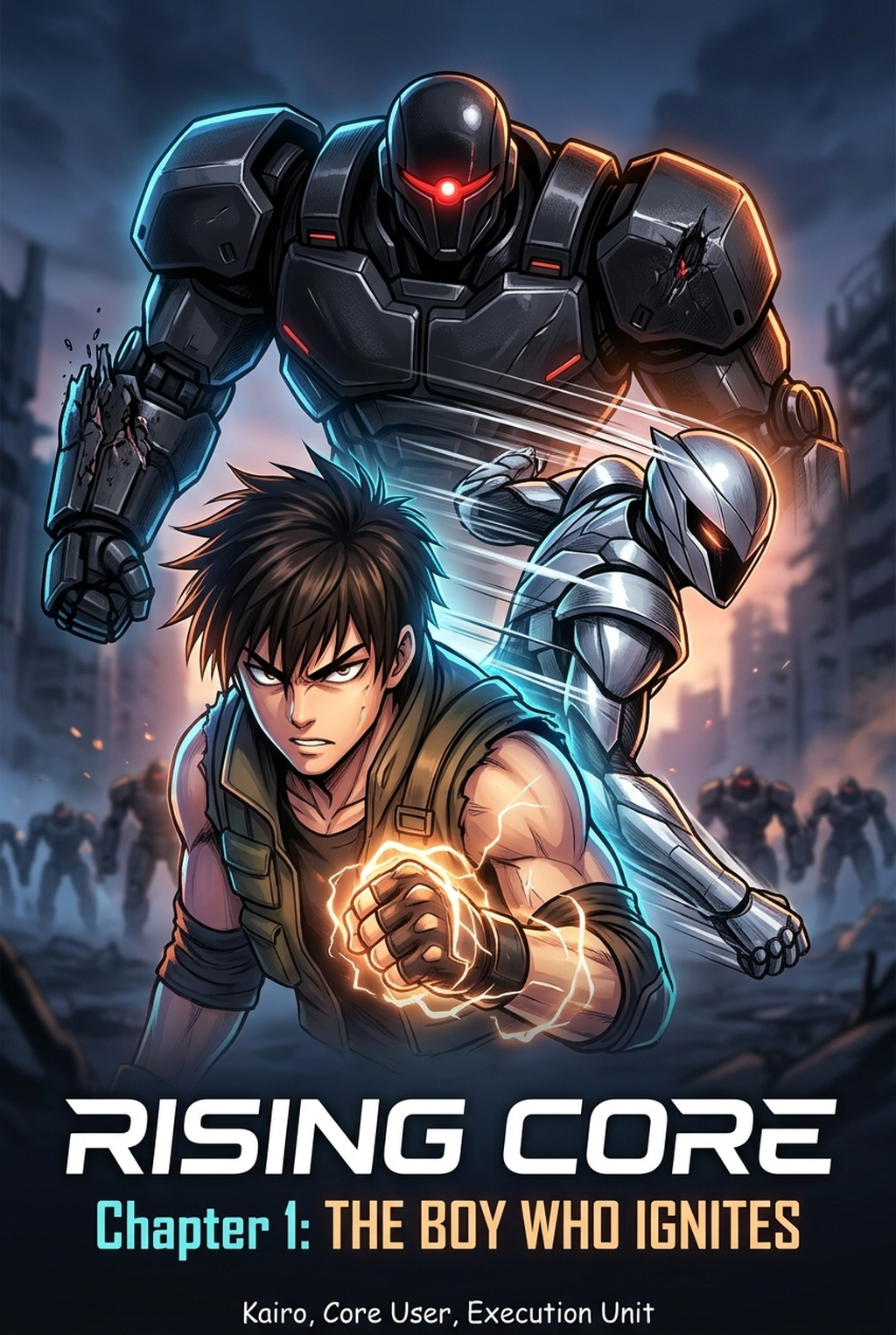
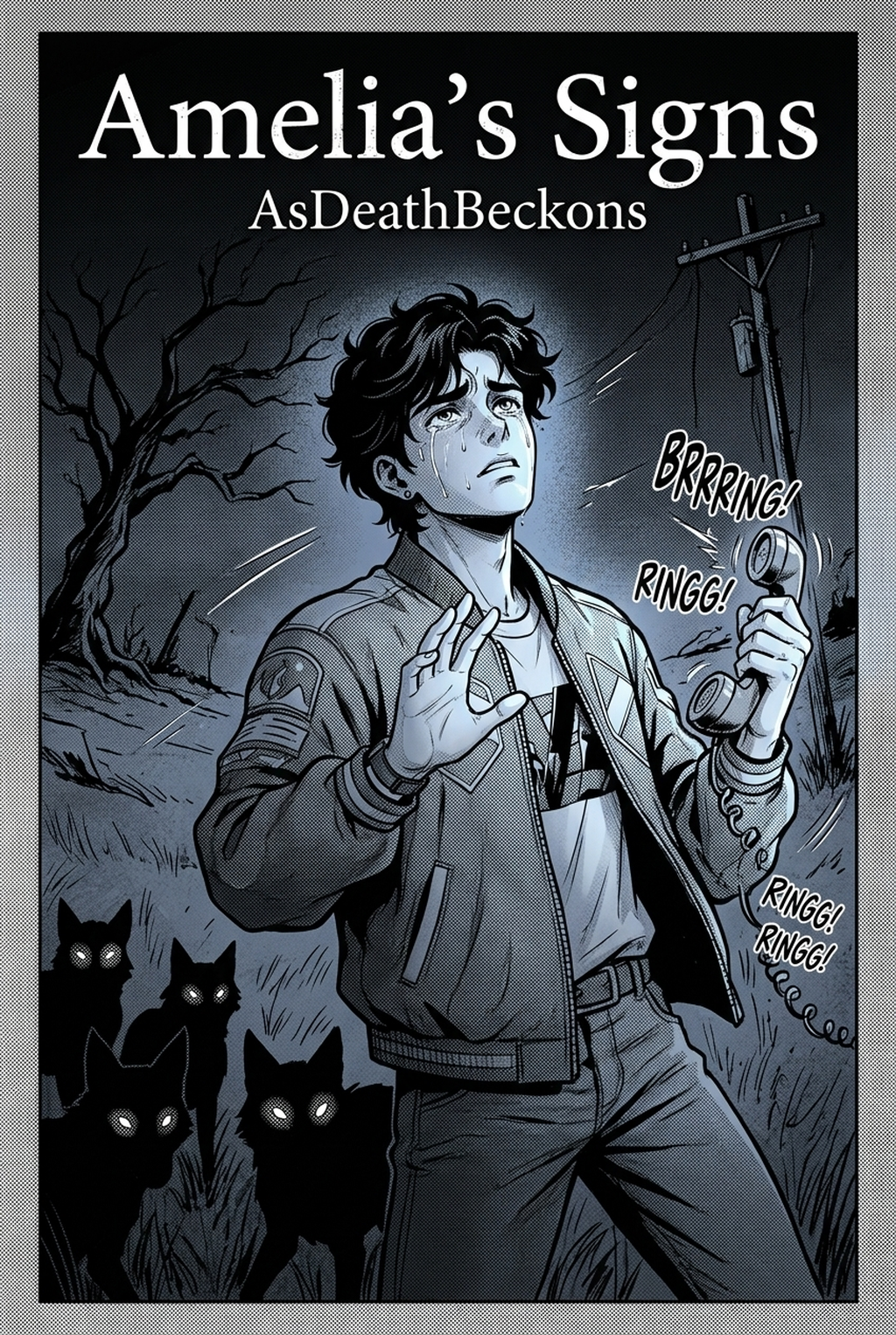
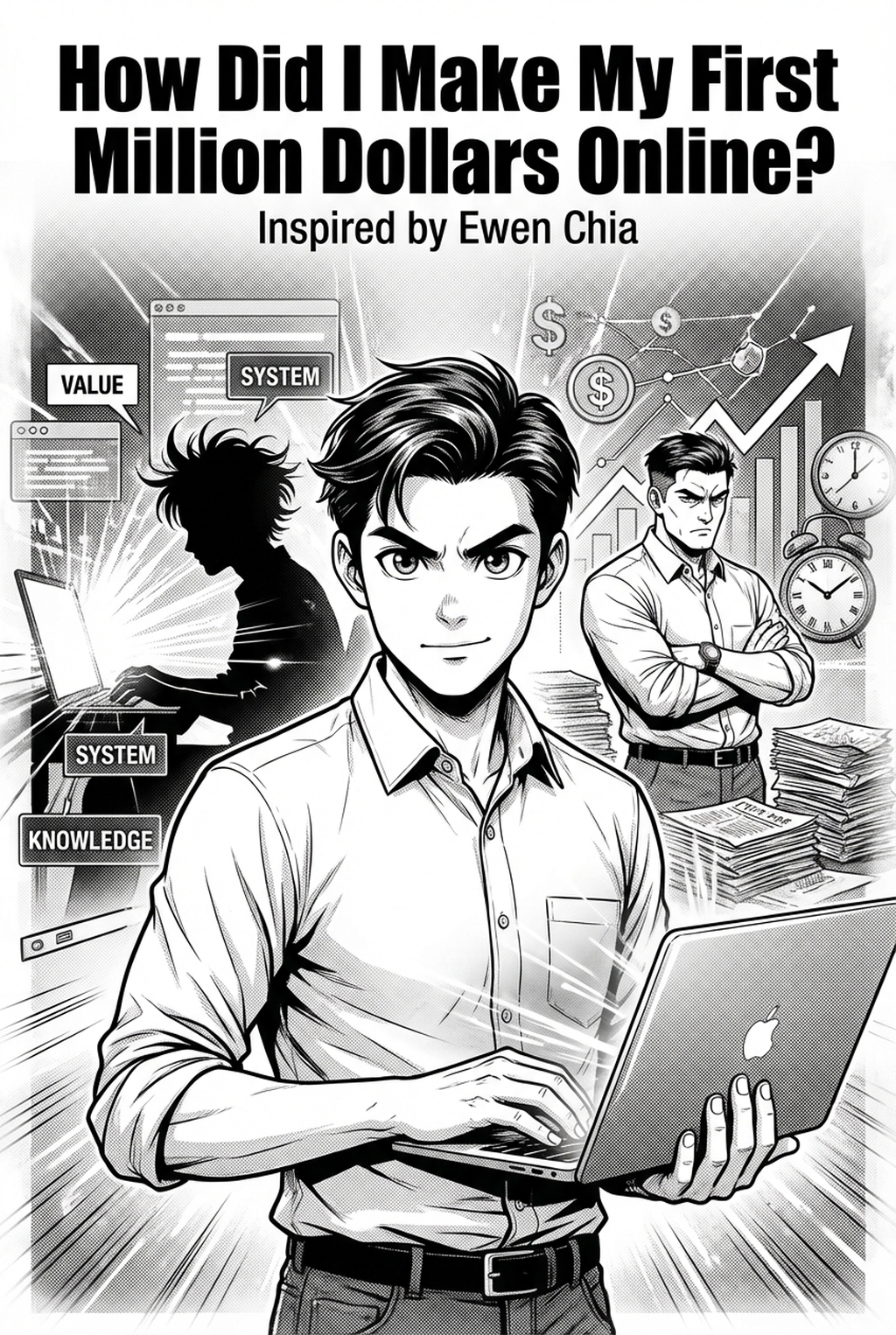
Professional inking is defined by the strategic application of G-pen dynamics to establish hierarchy, where thicker lines carry the weight of foreground characters and thinner lines recede into the backdrop. Achieving this requires mastery over cross-hatching density to ensure that shadows don't overwhelm the page during the transition from digital files to physical tankōbon print.
- G-pen dynamics: The mastery of pressure-sensitive strokes that taper at the ends to provide a sharp, professional finish to hair and fabric folds. * Screen tone integration: Matching your ink density to the underlying dot patterns so that gradients remain clean and free from visual noise. * Line clean-up: The process of de-noising digital paths to ensure that jittery, shaky strokes are transformed into smooth, uniform lines before the final export.
Why Precision Inking Matters for Serialization
Inking acts as the final quality gate where raw, loose layouts are hardened into professional assets that editors expect for serialized publication. Consistent line quality across every panel is the only defense against visual fatigue, which occurs when inconsistent character proportions or stray ink-bloat pixels force the reader’s eye to stumble while following a complex seinin-style narrative.
You must account for the specific technical limitations of standard print resolution, specifically avoiding "ink-bloat" where thin, dense lines bleed together. If a panel is overly saturated with fine details, the mechanical transition to high-density screen tones or printing plates can trigger moiré patterns. Maintaining a clear hierarchy of line width ensures that focal characters remain distinct even in chaotic, multi-character action spreads where overcrowding is common.
Using AI to Accelerate the Production Process
Mangaka automates the conversion of your rough pencil sketches into clean, high-resolution vector paths, effectively removing the manual tracing bottleneck that consumes most of your production time. By leveraging manga inking with Mangaka as a foundational tool, you reclaim the hours typically lost to basic ink cleanup, allowing you to reallocate that focus toward advanced creative direction and panel composition.
Advanced models act as a digital assistant that interprets your specific pen-pressure style, ensuring the machine understands which lines define a character’s silhouette versus which lines are merely temporary texture markers. This automated workflow supports a non-destructive production loop where you can refine line weights or adjust style preferences even late in the cycle without starting from scratch.
| Feature | Manual Inking | Automated AI Inking | Hybrid Workflow |
|---|---|---|---|
| Tracing Speed | Hours per page | Seconds per page | Minutes per page |
| Line Fidelity | Artist-dependent | High (vector-based) | High (artist-led) |
| Revision Effort | Total redrawing | Instant adjustments | Final polish only |
Common Use Cases for Automated Workflows
Most professional pipelines move from thumbnail sketches to detailed pencils, followed by a dedicated inking layer and finally the application of screen tones. Integrating an AI tool creates a streamlined review owner workflow where the artist steps back to act as an "ink supervisor," focusing on the final expressions and layout dynamics rather than fighting against individual shaky lines.
Imagine a double-page spread featuring a character mid-dash. By using Mangaka, you import your 600 DPI sketch, define the priority levels for the foreground figure, and the tool cleans the character outline into a professional vector path in seconds.
Check character consistency, panel readability, line quality, and export readiness before publishing. Creators should also record why the page passed review, which panel details still need manual cleanup, and which export format the next collaborator will use. That makes the subsection useful instead of leaving a short checklist under a large heading.
How to Get Started with the Digital Process
Adopting AI inking does not replace the artist’s touch; it offloads the mechanical labor so that you can focus on aesthetic output and emotional resonance. The software distinguishes between complex perspective grids in background architecture and the soft, organic features of characters, applying line priority logic to keep delicate hair strands sharp while maintaining bold, readable borders for action-heavy anatomy.
- Resolution standards: Always maintain a source file of at least 600 DPI to ensure your final TIFF or PSD assets meet the strict requirements of professional publishers. * Layer management: Keep your rough sketches on a separate, non-printing layer so you can toggle between your pencil energy and the final inked lines for comparison. * Feedback loops: Perform a test print of a single complex panel to ensure that the density of your lines aligns with the specific print format of your chosen platform.
- Before Export. Creators should compare the generated line art with the original sketch and confirm that facial expressions, props, speed lines, and speech-bubble space still support the scene. A repeatable review pass should cover character consistency, panel readability, background clarity, and whether the final file is ready for coloring, lettering, or editor feedback.
- For Longer Projects. Creators should save approved examples of line weight, face detail, clothing folds, and background density. Those references keep later chapters closer to the intended style. For collaboration, creators should mark which panels are final and which panels still need redraws. Clear status labels prevent an assistant, editor, or colorist from polishing the wrong version.
- For Publishing. Creators should review the page at the actual reading size before export. Small screens expose crowded dialogue, weak silhouettes, and line details that looked fine while zoomed in. This keeps the review focused on story intent, line weight, panel readability, and the export quality behind the final AI Manga Inker output.
The Bottom Line
AI Manga Inker workflow remains a vital, time-intensive step in the production lifecycle, but you no longer need to sacrifice hours to basic tracing to achieve professional results. Creators who integrate manga inking into their creative production process successfully reclaim their time, ensuring each panel hits the high visual standard required by modern publishers.
Related articles
What Is a 4-Koma Strip? A Guide to Manga Micro-Stories 2026
Automate Your Manga Inking Process with AI | Mangaka 2026
Professional Inking Manga Pages Faster with AI Tools in 2026