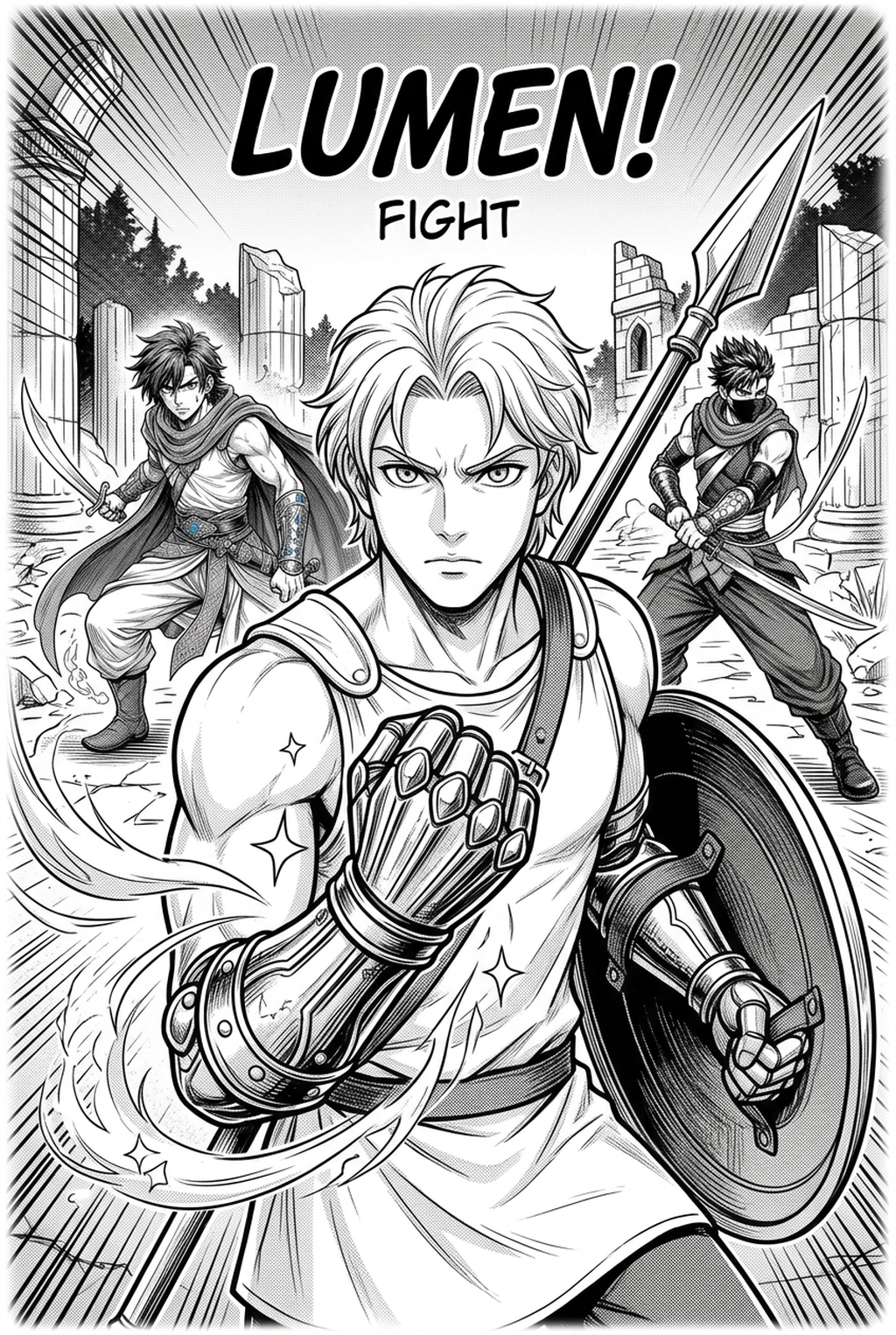
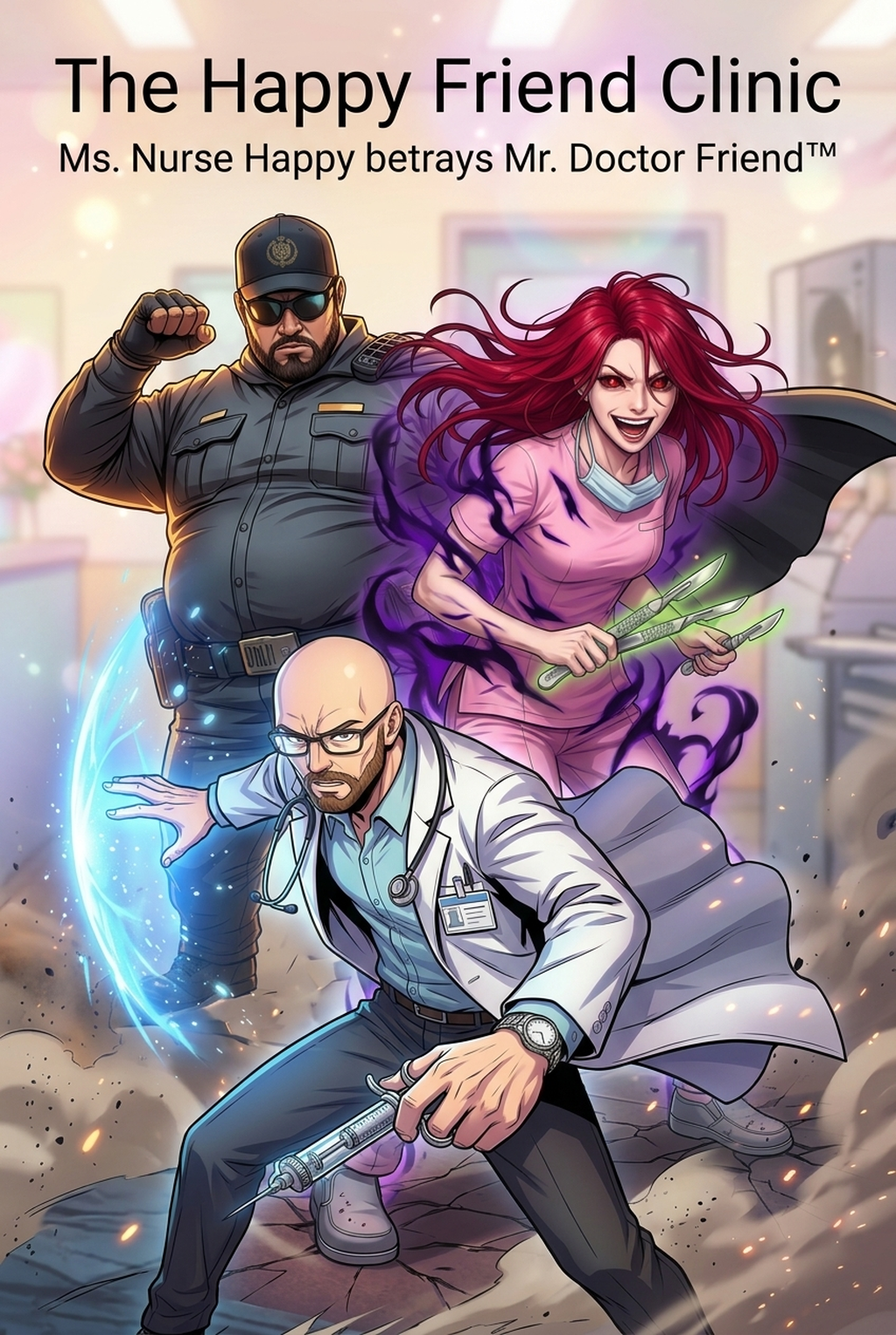
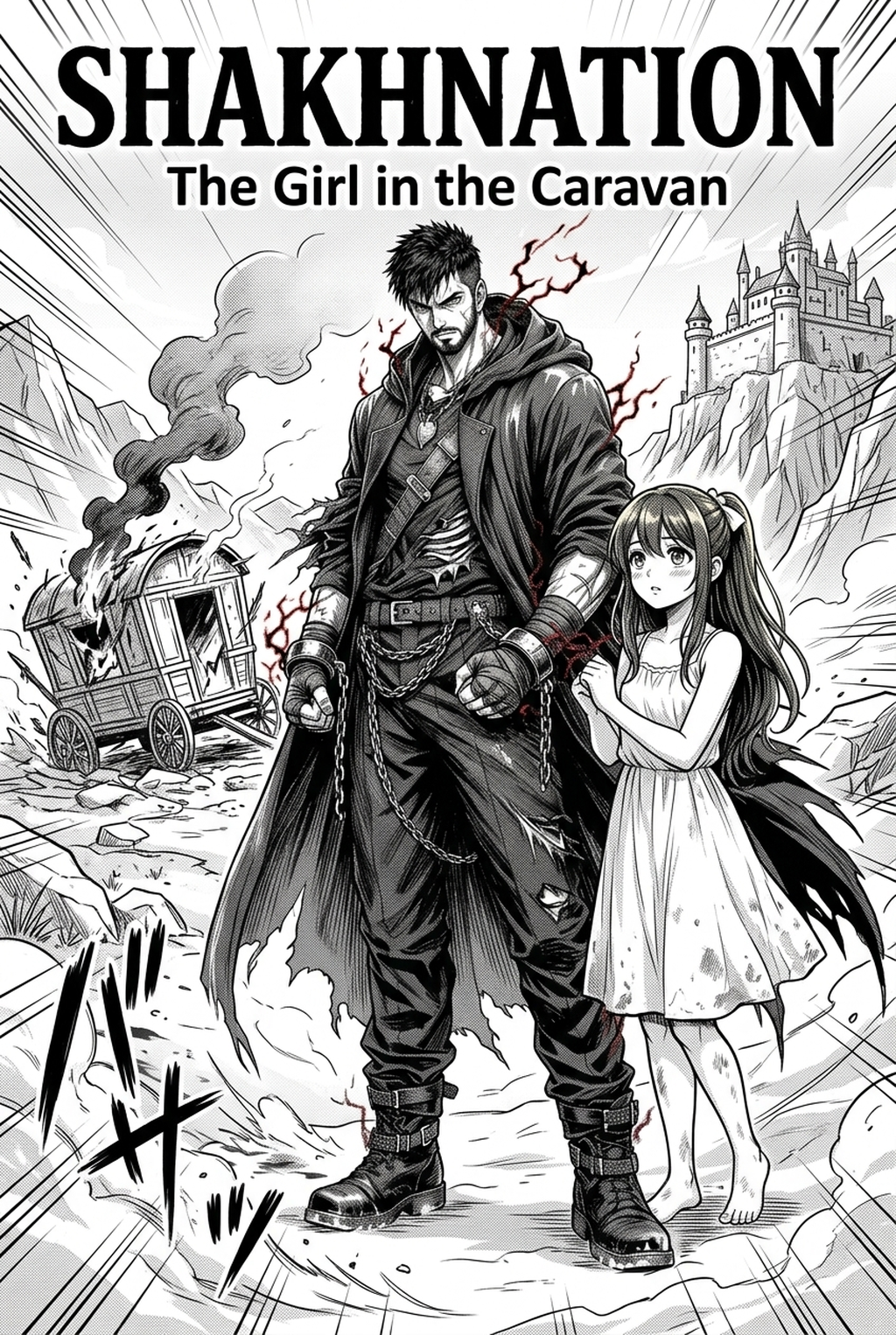
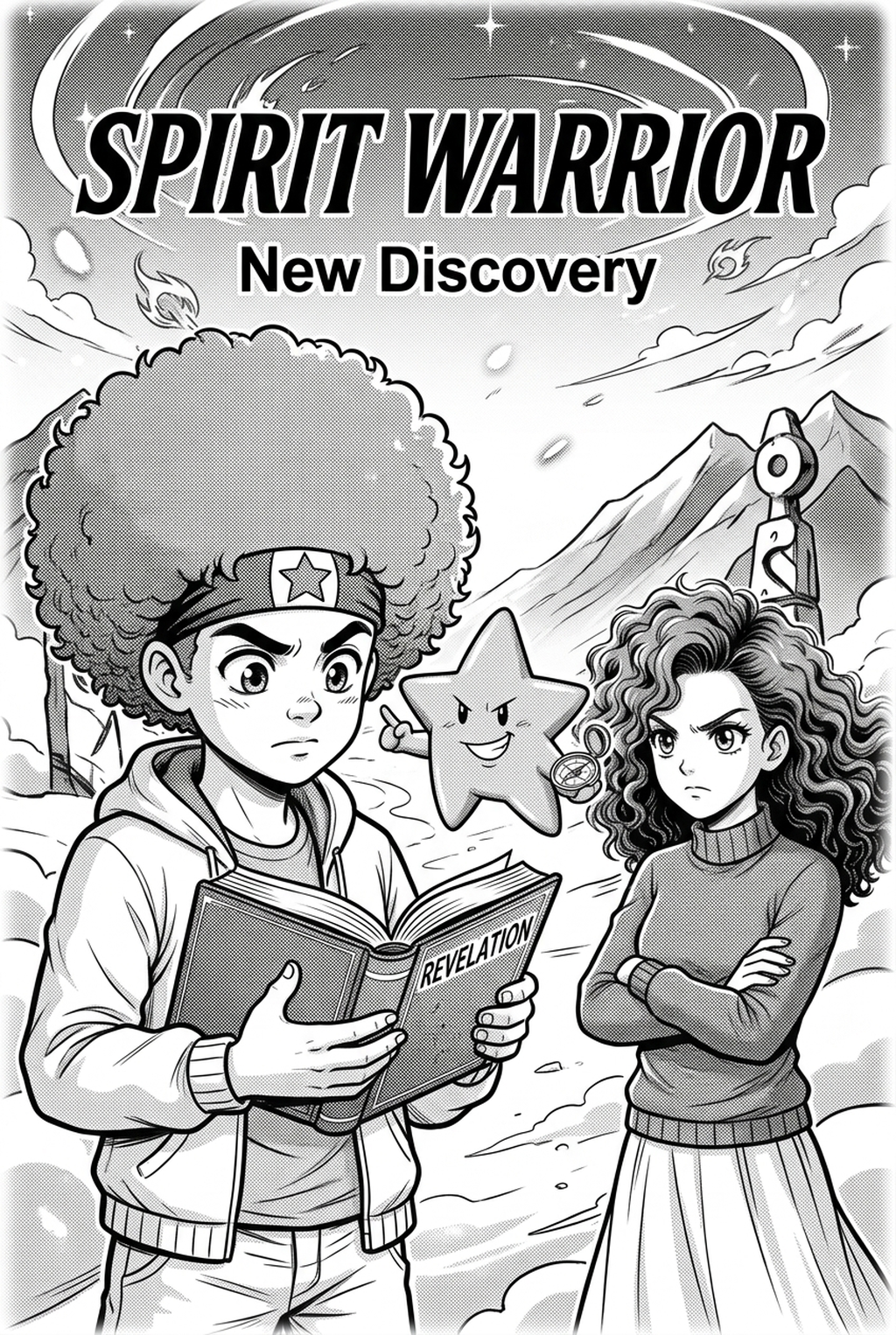
Defining the Visual Blueprint
A professional manga storyboard acts as a sequence of thumbnail sketches that establish visual hierarchy and narrative rhythm before detailed art begins. It centers on the "reader's eye path," ensuring that the transition between gutters and panel sizes creates the specific cinematic pacing required for the scene.
Core elements that define the final composition include:
- Dialogue Placement: Strategic anchoring of bubbles to avoid covering critical character expressions. * Character Positioning: Establishing the line of action across the gutter to maintain momentum. * Perspective Cues: Utilizing low or high-angle camera tilts to signal shifts in scene intensity or power dynamics.
Why Structural Planning Dictates Narrative Impact
Creators often jeopardize the success of a page by prioritizing character rendering over the structural requirements of the narrative. If the layout does not guide the reader fluidly through the sequence, the resulting disorientation breaks immersion and hides your artistic intent.
Strategic panel distribution is the difference between a sluggish scene and a high-impact reveal:
- Splash Panels: These are essential for climax moments, yet they lose their weight if overused; they must be preceded by smaller, tighter panels to reset the reader's focus. * Action Sequences: High-tension scenes require diagonal panel borders that push the reader’s eye quickly toward the next beat, simulating speed. * Psychological Beats: Seinen narratives benefit from high-negative space and deconstructed panel shapes, which allow the reader to pause on micro-expressions.
How Mangaka Streamlines Panel Orchestration
Mangaka functions as an AI-driven storyboard builder that generates optimal panel arrangements based on the specific narrative beat you define in your script. By inputting character context and story sequence, the tool handles the complex geometry of panel-to-panel flow, effectively removing the "blank page paralysis" that stops artists when transitioning from the initial thumbnail sketch to final line art.
When you use manga storyboard with Mangaka to handle the layout phase, you gain several technical advantages:
- Automated Geometry: The tool calculates the ideal aspect ratio for every panel to ensure it matches the surrounding page flow.
- Narrative Consistency: You can lock in specific character positions, preventing the proportion drift that often occurs when shifting between storyboard and final rendering.
- Iterative Speed: Rather than manually erasing and redrawing layout lines, you can test three different panel-flow arrangements in the time it takes to draw one.
Strategic Genre Application for Layouts
Every genre has a visual vocabulary that readers expect, and your storyboard must reflect these conventions to succeed in the market. Shonen, for example, demands a distinct Z-pattern" eye flow to manage the velocity of combat, whereas Josei or Seinen often favor horizontal flow with heavier reliance on atmospheric detail in the background.
| Layout Factor | Shonen High-Tension | Seinen Psychological |
|---|---|---|
| Panel Shapes | Jagged, diagonal cuts | Clean, rectangular/grid |
| Gutter Width | Narrow for rapid pacing | Variable for slow tension |
| Negative Space | Minimal to prioritize impact | High to allow reflection |
Transitioning from Rough Layout to Final Render
The most effective way to start is by blocking out your page with simple shapes and silhouettes, focusing entirely on the reading order rather than aesthetic detail. By allowing the AI to generate the skeletal structure of your page, you can focus your limited energy on the "ink and tone" quality gate rather than struggling with layout geometry. Creative Decisions and Export Quality.
- Step 1: Define the primary emotional beats of the page. * Step 2: Generate the panel grid, keeping the silhouette count low. * Step 3: Verify that the eye path leads naturally from the top-right to the bottom-left of the page. * Step 4: Perform a final review of the source context to ensure the pacing matches your original script.
- Before Export. Creators should compare the generated line art with the original sketch and confirm that facial expressions, props, speed lines, and speech-bubble space still support the scene. A repeatable review pass should cover character consistency, panel readability, background clarity, and whether the final file is ready for coloring, lettering, or editor feedback.
- For Longer Projects. Creators should save approved examples of line weight, face detail, clothing folds, and background density. Those references keep later chapters closer to the intended style. For collaboration, creators should mark which panels are final and which panels still need redraws. Clear status labels prevent an assistant, editor, or colorist from polishing the wrong version.
- For Publishing. Creators should review the page at the actual reading size before export. Small screens expose crowded dialogue, weak silhouettes, and line details that looked fine while zoomed in. This keeps the review focused on story intent, line weight, panel readability, and the export quality behind the final AI Manga Storyboard Builder output.
- For Style Control. Creators should keep a short reference board beside the draft and compare hair shapes, eye details, costume folds, and texture choices before approving the final page. For revision planning, creators should separate art fixes from story fixes. Line cleanup, panel order, dialogue clarity, and character acting each need a different review question.
- For Solo Creators. The most useful workflow is one that keeps rough ideas editable until the final pass. That reduces rework when the scene mood changes after the first read-through. For teams, handoff notes should explain why a panel was accepted, not just whether it was accepted. That context helps later coloring, lettering, and export decisions stay consistent.
The Bottom Line
The AI AI Manga Storyboard Builder workflow Builder workflow is the most critical stage of the production process, dictating the readability and emotional resonance of your work. By integrating AI-driven tools into your workflow, you can secure professional-grade pacing and structural layouts without sacrificing your unique creative voice. Structure your narrative path first, then let your artistic vision fill the gaps using the manga storyboard for seamless production.
Related articles
Streamline Your Manga Storyboard Creation with Mangaka 2026
Manga Storyboard: Draft Not Generated 2026 Guide Manga Guide
Manga Storyboard Guide: How to Map Out Your First Chapter