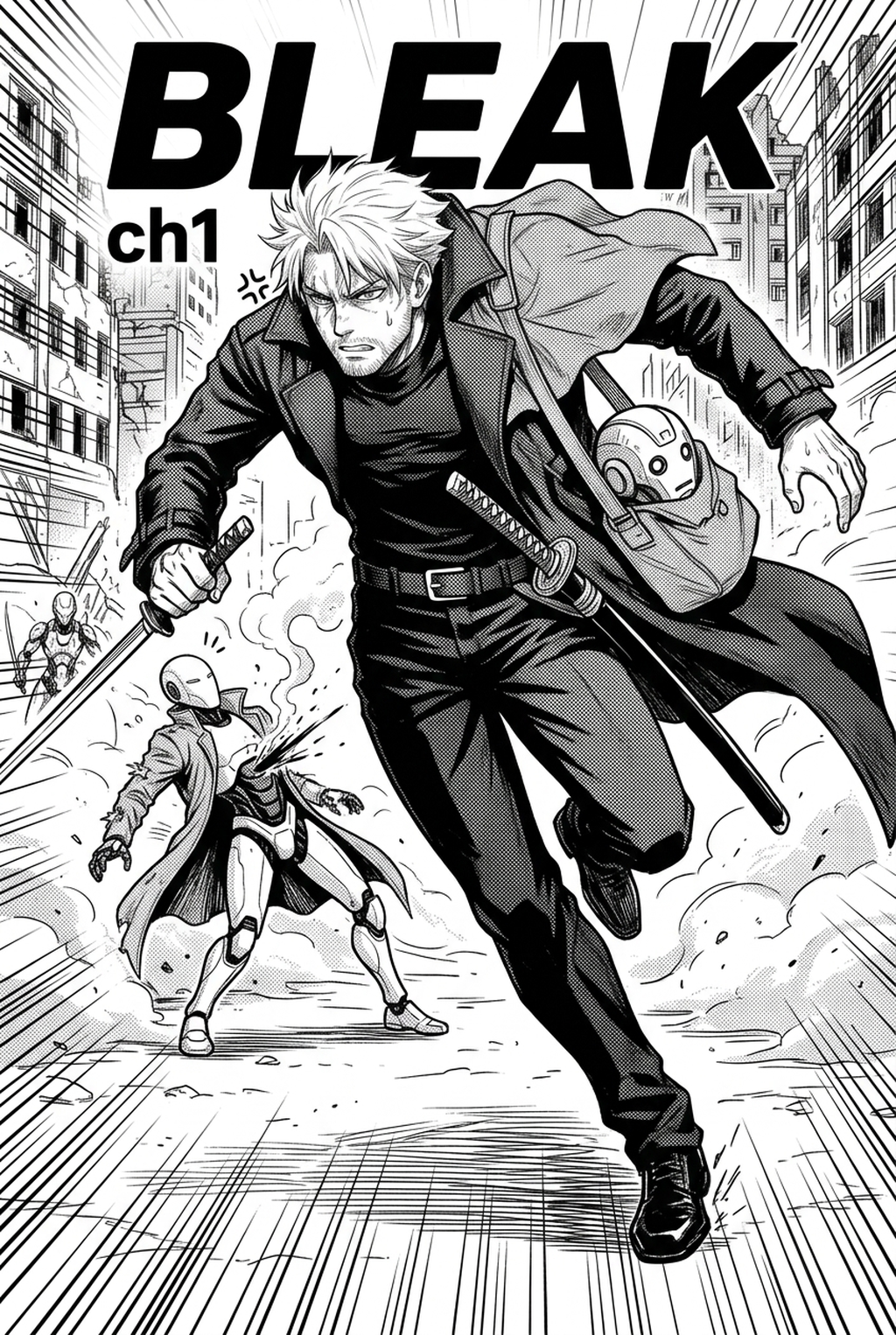
AI Manga Style Transfer: What to Look for in AI Manga Style Transfer Tools for Shojo
The Anime News Network feature on how manga is made describes manga as staged work from rough draft to finished page. That production context matters for Shojo creators because AI assistance is useful only when the sketch, inking pass, and final page review stay connected.
AI Manga Style Transfer for Shojo manga helps creators choose the right Mangaka workflow for cleaner pages, steadier style, and review-ready output. The comparison starts with production speed, manual control, line quality, and export readiness because those factors shape whether a page can move into final review. When you are evaluating technology to assist your creative process, your primary goal is to maintain the soul of your hand-drawn work. You need to ensure that the software understands the difference between a character’s hair flow and a background pattern, preventing the "flattening" effect often found in general-purpose filters.
Creative Goals and Style Context
Your tools must integrate seamlessly into a narrative-heavy workflow where character consistency is paramount. Look for solutions that allow you to define a "style profile," ensuring that your lead protagonist retains their soft, wide-eyed look across every chapter. If a tool requires you to spend more time correcting its mistakes than you would have spent drawing from scratch, it isn't serving your page needs.
Quality Checks Before Export
Check for line stability and color bleed. Shojo art relies on clean, thin line work that doesn't get muddied by texture overlays. You should also verify that the tool exports files compatible with standard digital art software, preserving your layers so you can add finishing touches like screen tones or additional sparkle effects.
How We Evaluated These Tools
We assessed these platforms based on their ability to interpret Shojo-specific aesthetics without losing the artist's original intent. We prioritized software that minimizes technical overhead so you can focus on the emotional beats of your story.
Line Weight and Panel Readability
We looked for tools that allow for rapid iteration. Because a single vertical comic platforms episode can span dozens of panels, the ability to batch-process or apply styles with minimal clicks is essential. We measured this by how quickly a sketch can be transformed into a finished, publication-ready frame without requiring complex setting adjustments.
Character Consistency Through Review
For a Practical Workflow. AI Manga Style Transfer for Shojo manga with Mangaka should be tested against one real creator brief, one rough page, and one expected export format. That keeps the product link tied to the same review concerns readers care about: sketch cleanup, panel readability, line quality, and final handoff.
Review the Top Tools Before Choosing
Navigating the landscape of AI tools requires a clear understanding of what each platform is designed to achieve. Whether you need a specialized rendering engine or a broader creative suite, finding the right fit for your specific artistic requirements is key to consistent production.
Export Quality Before Publishing
Mangaka stands out because it is built specifically to bridge the gap between rough sketches and final, high-quality manga pages. By utilizing specialized models trained on professional Shojo aesthetics, it allows you to AI Manga Style Transfer for Shojo manga into finished, pastel-themed panels with one click. This solves the pain point of spending hours on rendering, allowing you to focus on panel layout and narrative flow instead.
Line Weight and Panel Readability for Review the Top Tools Before Choosi
These tools are powerful for inspiration, but they often struggle with the "sequential" nature of comics. While they can create stunning individual character portraits, they lack the memory required to maintain costume continuity or consistent eye shapes across an entire sequence. Use these for color palette brainstorming or background mood boards, but be prepared for a heavy manual touch-up process afterward.
Character Consistency Through Review for Top Tools Reviewed
Software like Clip Studio Paint remains the industry standard for manual production. While these are not AI" tools in the sense of generative rendering, they now include many automated features for background extraction and gradient mapping. They are excellent for the final polish, though they lack the instant "sketch-to-finished-style" capability that specialized renderers provide.
Export Quality Before Publishing for Top Tools Reviewed
These platforms are designed to help you organize your storyboards and speech bubbles. They are excellent for managing the pacing of your vertical comic platforms, but they do not typically perform style transfer. You will likely want to use these in tandem with a rendering tool to manage the administrative side of your comic creation.
Line Weight and Panel Readability for Top Tools Reviewed
Traditional production is the baseline against which all AI is measured. It offers the most control but consumes the most time. If you choose this route, you maintain 100% of your artistic autonomy, but you lose the speed efficiency offered by modern automated solutions. For this criterion, check character consistency, panel readability, line quality, and export readiness before publishing. That makes the subsection useful instead of leaving a short checklist under a large heading.
Compare Options Side by Side Before Choosing
Creative Decisions and Export Quality
Mangaka excels in volume-heavy vertical comic platforms production, where you need to maintain a light, airy look for every single page. General generators require significant creative brief engineering, which can become a bottleneck during the tight deadlines of a weekly release.
Workflow Fit and Review Needs
When using Mangaka, the quality check is minimized because the model is trained to respect your original sketch lines. In contrast, manual production or general generators often require you to manually reconstruct missing detail or fix artifacts introduced during the rendering process.
Which Tool Should You Choose?
Your choice depends entirely on your current bottleneck. If you find that your art is losing its personality during the inking phase, or if the coloring process is preventing you from meeting your upload schedule, it is time to pivot to a specialized solution.
Reader Impact Before Publishing
Creative Decisions and Export Quality for Which Tool Should You Choose
Regardless of the tool you select, always keep a high-resolution version of your raw line art. This acts as your safety net. If an AI render misses a detail on an eye or a subtle highlight in the hair, you can quickly overlay your original work to restore the exact expression you intended.
Release cadence belongs in the production context for manga tools. For creators, the useful product question is whether pages stay readable when schedule pressure rises. Export quality depends on whether the creator can still adjust cleanup, line weight, and handoff settings after AI assistance. Wacom comic and manga creation guidance ties that point to drawing practice instead of broad AI-image claims.
Creators should compare the generated line art with the original sketch and confirm that facial expressions, props, speed lines, and speech-bubble space still support the scene. A repeatable review pass should cover character consistency, panel readability, background clarity, and whether the final file is ready for coloring, lettering, or editor feedback. For longer projects, creators should save approved examples of line weight, face detail, clothing folds, and background density. Those references keep later chapters closer to the intended style.
Reader expectations. MyAnimeList manga news keeps genre expectations visible for readers who scan action, character acting, and page rhythm quickly. Shonen inking should preserve panel clarity, not just cleaner lines.
Drawing practice. Wacom's comic and manga creation guide ties tool choice to brush control, cleanup effort, and export readiness. That keeps review grounded in creator workflow.
Render Ethereal Shojo Lineart and Emotional Screen Patterns with Mangaka.app
Shojo manga aesthetics require delicate feathery line weights, sparkling ocular reflections, floating floral tone patterns, and romantic lighting. Mangaka.app provides the dedicated sequential production engine built specifically for shojo manga and comic creators:
Feathery Ethereal Inking & Soft Contour Tapering: Transform rigid pencil sketches into gossamer, expressive linework tailored for romantic emotion.
Intricate Shojo Eye Reflections: Automatically render multi-layered pupil stars, gentle catchlights, and emotive tearful sheen gradients.
Botanical & Sparkling Screentone Libraries: Seamlessly overlay decorative rose petals, starry glimmers, and atmospheric heart patterns.
Commercial Shojo Tankōbon Output: Export crisp vector linework paired with fine halftone dots that avoid moiré artifacts during printing.
Master Luminous Shojo Romance Aesthetics with Mangaka.app
Shojo manga thrives on delicate linework, luminous eyes with multi-layered highlights, and emotional environmental abstraction. Mangaka.app elevates romantic sequential art with dedicated shojo styling tools.
- Luminous Eye Highlight Architecture: Render sparkling iris reflections, intricate eyelashes, and emotional tear glints automatically.
- Flowing Hair Silhouette Dynamics: Emulate featherlight maru-pen linework with soft wind-swept hair strands and delicate curls.
- Abstract Tone Backgrounds: Overlay floating rose petals, gentle bokeh bubbles, and sparkling screentone gradients to reflect internal romance.
- Soft Borderless Panel Overlaps: Break traditional rigid gutters with floating character close-ups and bleeding emotional vignettes.
For mangaka and creative teams looking to streamline chapter production without sacrificing signature style, Mangaka.app provides industry-leading AI tools for storyboarding, character model sheet locking, clean line inking, and expressive multi-panel layouts.
The Bottom Line
A useful creator workflow keeps the story goal, visual style, and review step clear before export. AI Manga Style Transfer gives creators a faster first pass without removing the final human review. Creators can use each revision decision to clarify panel readability, character consistency, and export quality before publishing or sharing. Start creating with AI Manga Style Transfer for Shojo manga when you are ready to turn the reviewed idea into finished manga pages. Test it with one real page goal, one reference boundary, and one export requirement so the decision stays tied to production quality.