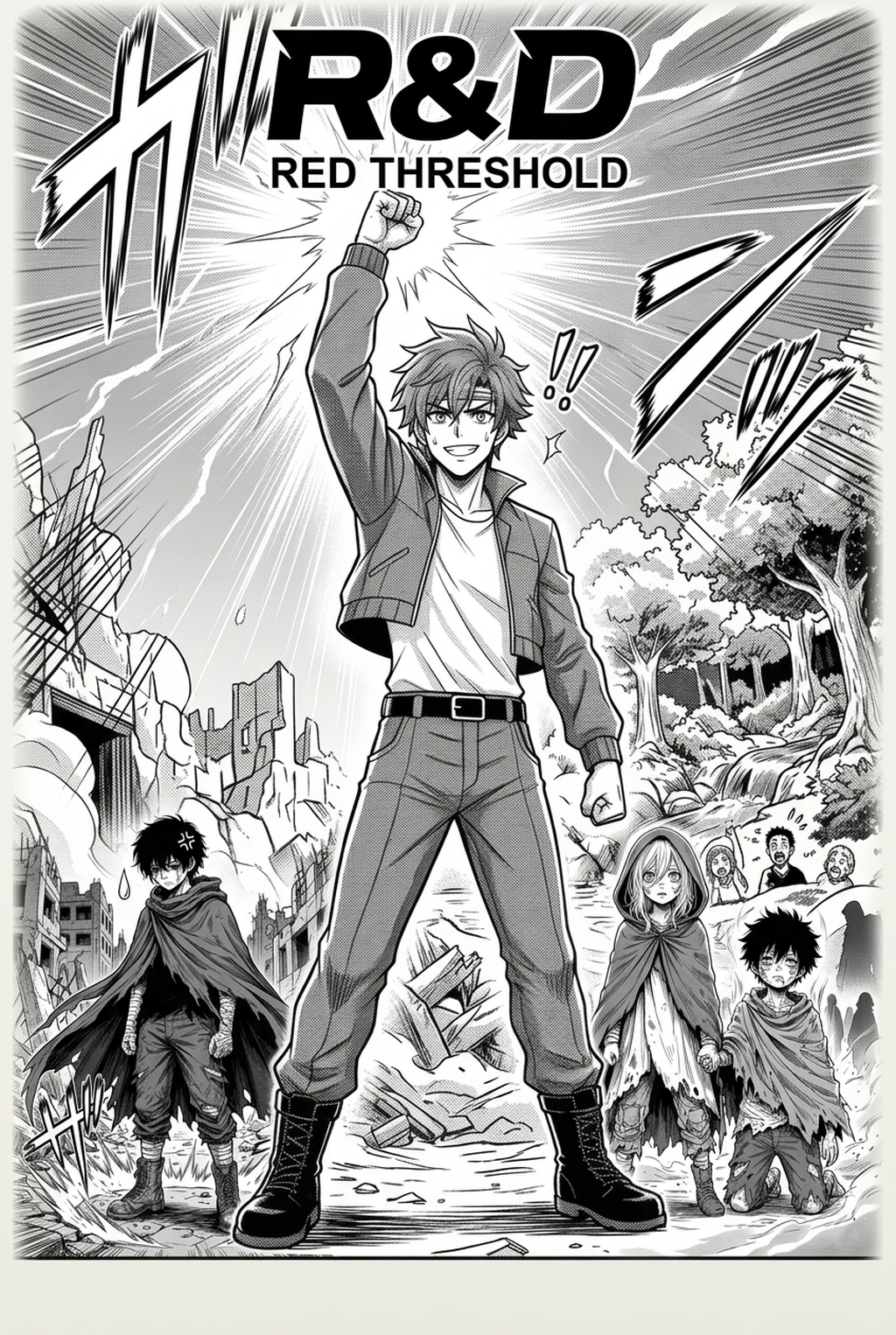
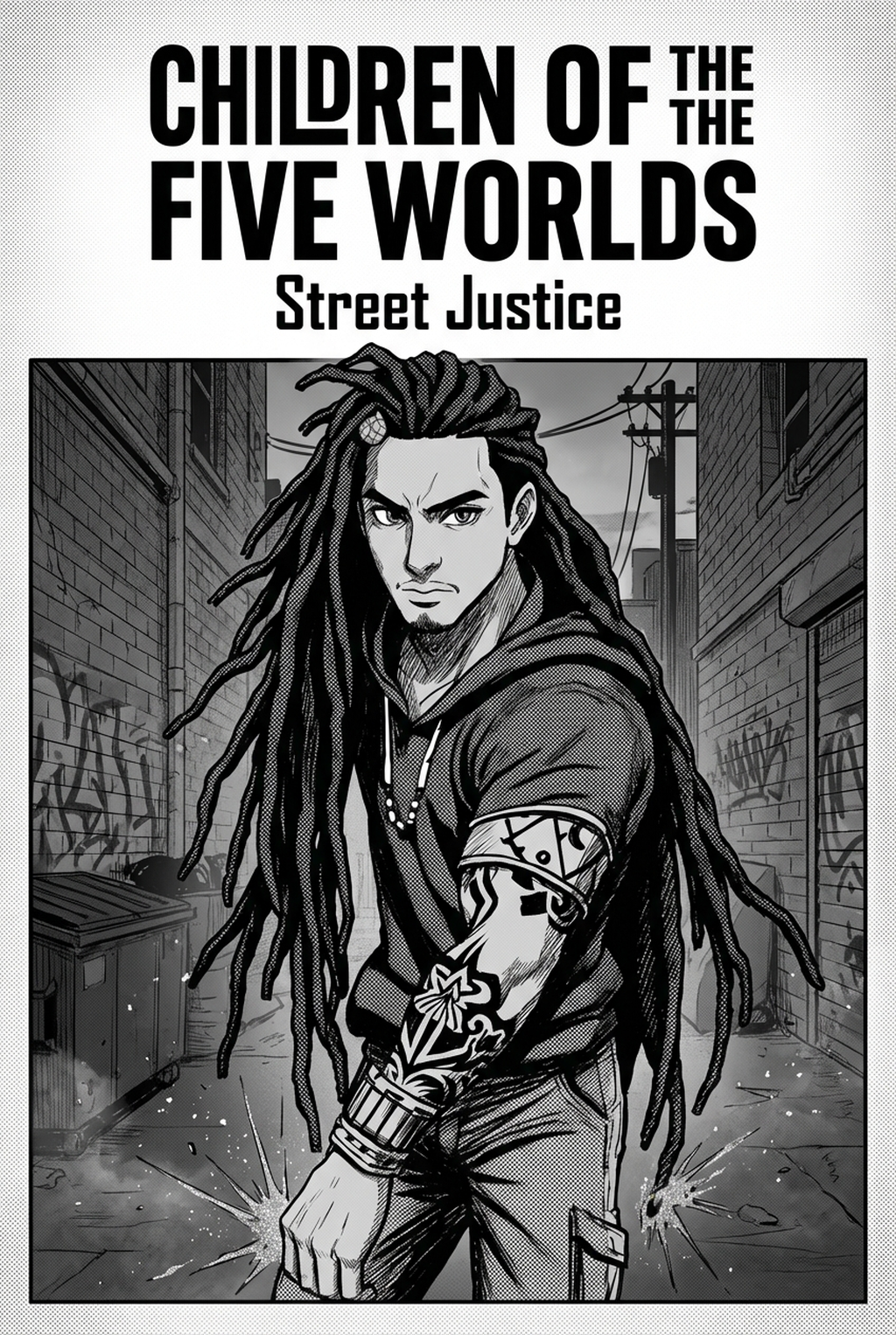
Definition of the AI Manga Colorist
A robust manga colorist workflow centers on the high-fidelity rendering of base colors and ambient lighting effects without compromising the integrity of your original ink strokes. By utilizing specialized AI-driven tools, artists can bypass the manual flatting stage, which traditionally consumes nearly 40% of the production time for a standard chapter.
The engine provides a comprehensive toolset designed to interpret your line art as a distinct layer, ensuring that colors stay within bounds and do not bleed over delicate inking details. * Intelligent Flatting: Automatically identifies closed loops in your line work to assign base colors, preventing common issues like color spill or jagged edges. * Atmospheric Depth: Applies dynamic shading layers that respond to the composition of your panels, adding visual weight to background elements and character depth. * High-Resolution Output: Delivers files at 600 DPI, ensuring that your final digital assets remain sharp enough for high-quality print distribution or high-definition screens.
Why This Workflow Matters for Creators
Transitioning to an automated coloring system allows you to scale your output capacity without hiring additional assistants or sacrificing your unique artistic signature. The platform offers tiered access structures designed to match your specific production requirements, whether you are a hobbyist handling a single-page short or a professional managing a serialized publication with rigorous deadlines.
| Feature Type | Hobbyist Tier | Professional Tier | Enterprise Option |
|---|---|---|---|
| Panel Volume | Single Page | Monthly Chapter | Multi-Series Batches |
| Priority | Standard | High | Critical/Dedicated |
| Tool Access | Essential | Full Suite | API + Batch |
The credit-based system ensures that you only pay for the specific panels you process, providing a predictable expense model that avoids the overhead of monthly subscription bloat. For high-frequency release schedules, enterprise users gain access to batch-coloring capabilities that can process an entire chapter simultaneously, drastically reducing the time between the final sketch and the final export.
How the Colorist Workflow Operates
Mangaka respects the sanctity of your artistic copyright by treating your original drawings as the immutable foundation of every generation. You maintain 100% control over the output, with the ability to manually adjust layers or refine the color palette pinning after the engine has processed your inputs.
The platform is designed to preserve your unique style, ensuring that the software acts as an assistant rather than a replacement for your creative intent. * Manual Layer Adjustments: After the initial color generation, you can tweak opacity and shadow density to ensure the final mood aligns with your creative vision. * Palette Pinning: You can specify custom color palettes for recurring characters, ensuring that a lead protagonist looks identical from the first page to the last. * Line Integrity: Because the engine applies color beneath the line layer, your intricate inking techniques remain unblemished, preventing the "blurry" look common in less specialized software.
Use Cases for the Workflow
Creators often wonder how a digital tool handles the diverse requirements of different manga genres and artistic methods. The engine is trained on diverse ink-stroke patterns, allowing it to adapt to your specific hand-drawn or digital habits with high precision.
The workflow supports granular parameter settings that allow you to match the visual expectations of your chosen genre. If you are drawing a dark, moody Seinen, you can shift the color-intensity parameters toward desaturated or high-contrast palettes. Conversely, a bright, energetic Shonen series can utilize vibrant, high-saturation settings to emphasize movement and emotional intensity during fight sequences.
The engine is explicitly trained to recognize the tactile nature of traditional ink strokes. If you scan your hand-drawn pages into the system, it will treat your paper-and-ink lines with the same fidelity as a native digital file, effectively filling the space beneath your hand-drawn lines without blurring or pixelating your original work.
Getting Started with Mangaka
Moving from manual labor to an AI-accelerated process is the most efficient path for any creator looking to increase page volume without increasing stress. By removing the bottleneck of manual coloring, you can redirect your focus toward panel pacing, composition, and storytelling. You can AI AI Manga Colorist workflow with Mangaka to upload your first set of pages and see the speed of the output for yourself.
- Before Export. Creators should compare the generated line art with the original sketch and confirm that facial expressions, props, speed lines, and speech-bubble space still support the scene. A repeatable review pass should cover character consistency, panel readability, background clarity, and whether the final file is ready for coloring, lettering, or editor feedback.
- For Longer Projects. Creators should save approved examples of line weight, face detail, clothing folds, and background density. Those references keep later chapters closer to the intended style. For collaboration, creators should mark which panels are final and which panels still need redraws. Clear status labels prevent an assistant, editor, or colorist from polishing the wrong version.
- For Publishing. Creators should review the page at the actual reading size before export. Small screens expose crowded dialogue, weak silhouettes, and line details that looked fine while zoomed in. This keeps the review focused on story intent, line weight, panel readability, and the export quality behind the final AI Manga Colorist output.
The Bottom Line
Adopting an automated coloring workflow is no longer an optional step for modern artists; it is a necessity for keeping pace with the demands of digital publishing. By letting the engine handle the technical burden of flatting and shading while you retain absolute control over the final aesthetics, you protect your time and your creative energy. Start your transition today by visiting Manga Colorist Workflow to optimize your production process for the future of manga.
Related articles
What Is 4-Koma Manga? A Beginner’s Guide to Panel Comics
Mastering Cooking Manga Art Style: A Creator's Guide 2026
AI-Assisted Manga Background Art: A Creator’s Guide 2026