Manga Character Generator: How to Maintain Visual Consistency Across Panels and Chapters
Direct answer: To maintain character consistency across panels and chapters using a manga character generator, creators must establish a persistent Character Model Sheet (Bible) containing standardized facial landmarks, distinct hair silhouettes, and fixed costume keys. Rather than relying on random prompt regeneration, specialized sequential engines anchor character seed vectors and multi-angle embeddings to preserve facial geometry, eye proportions, and costume details across any camera perspective.
One of the most persistent bottlenecks in modern digital comic creation is character drift. For decades, traditional manga artists spent years mastering anatomical proportions to ensure that their protagonist looked identical in panel one and panel one hundred.
With the emergence of generative AI, writers and independent creators gained the ability to produce breathtaking concept illustrations in seconds. Yet, attempting to string those images into a sequential narrative often resulted in failure: the protagonist’s face shape morphed, their hairstyle changed between angles, and signature clothing details vanished.
In this comprehensive guide, we explore how modern manga character generators solve the consistency dilemma, how to structure professional character reference sheets, and how to deploy persistent character assets across multi-chapter comic production.
What Is a Dedicated Manga Character Generator?
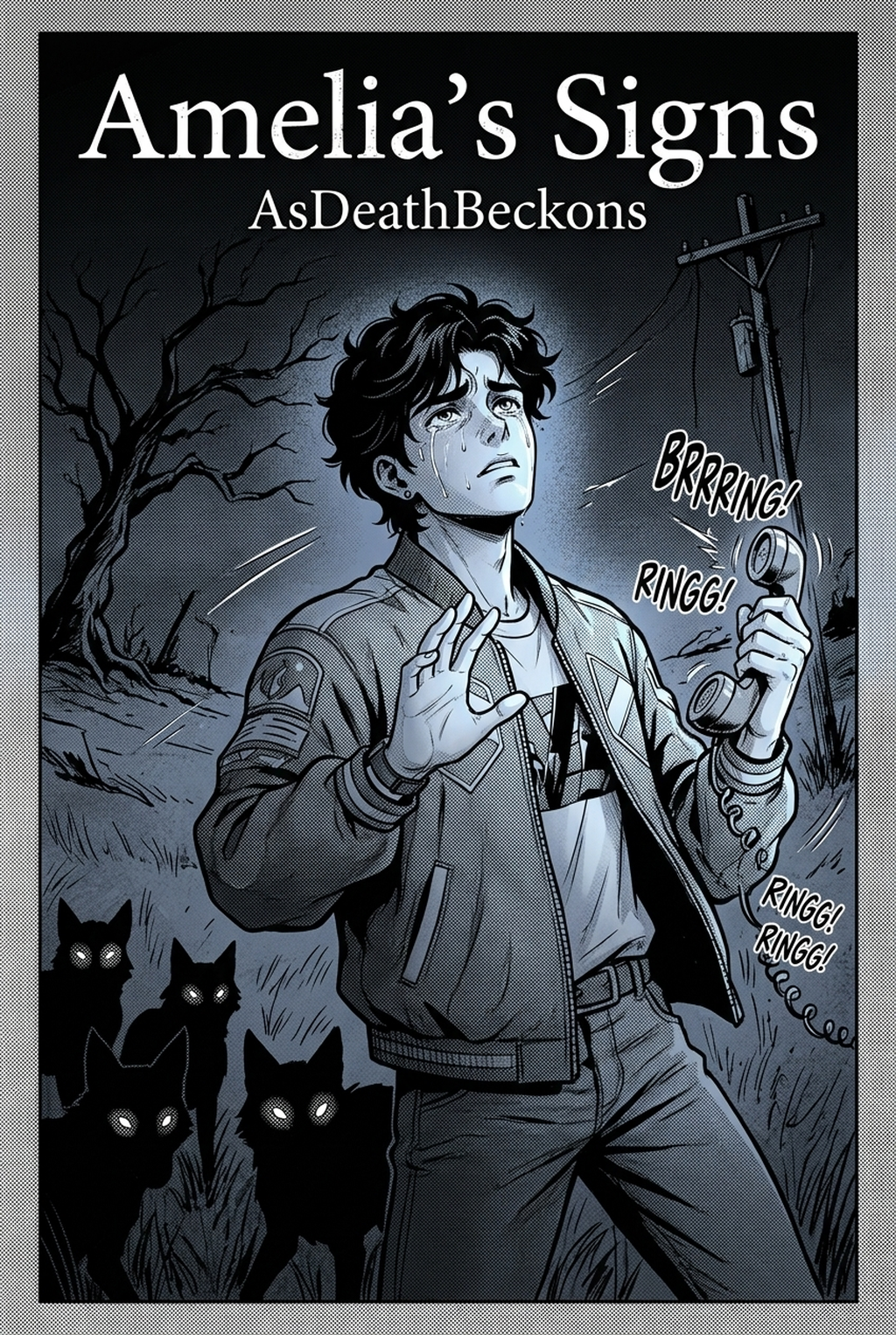
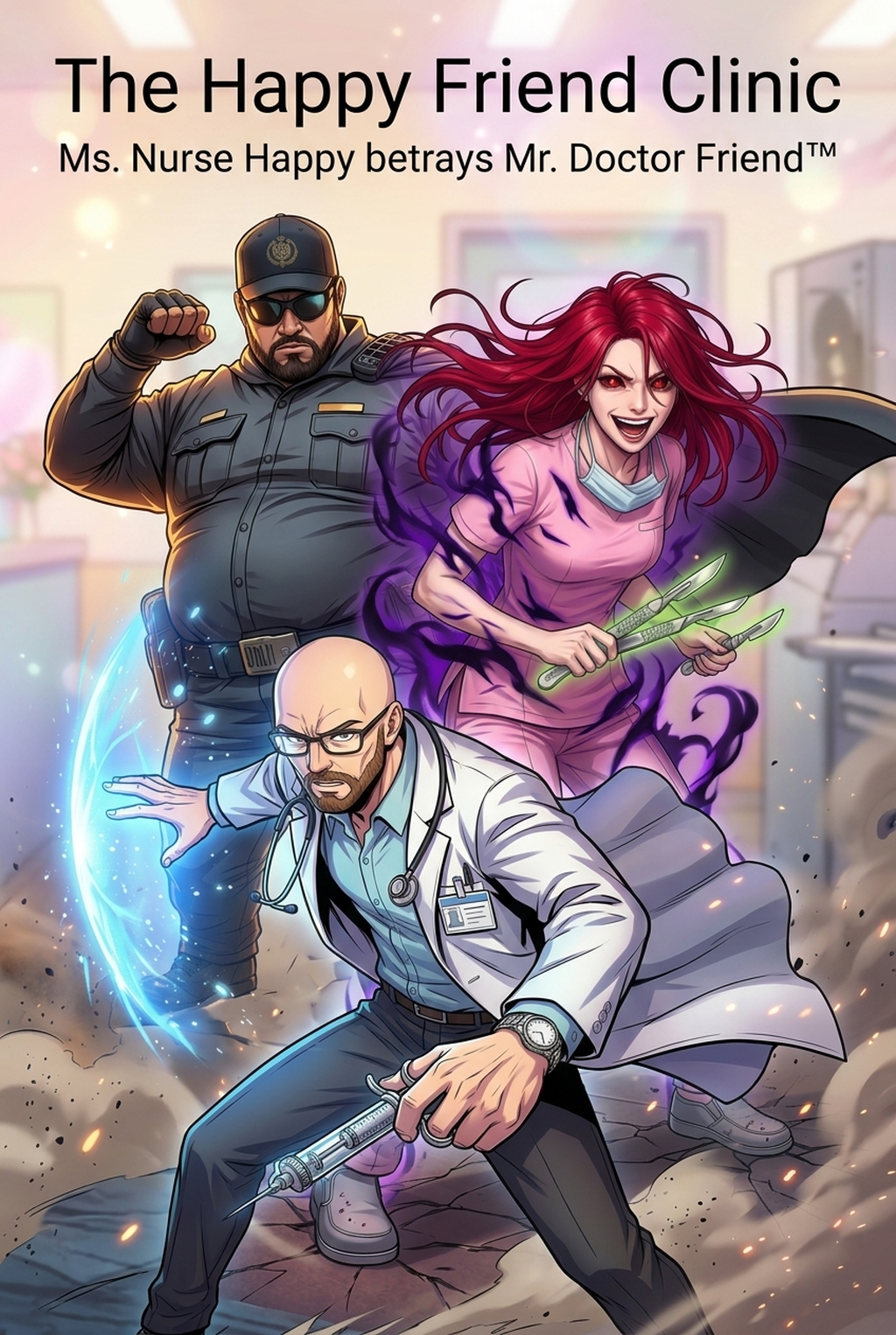
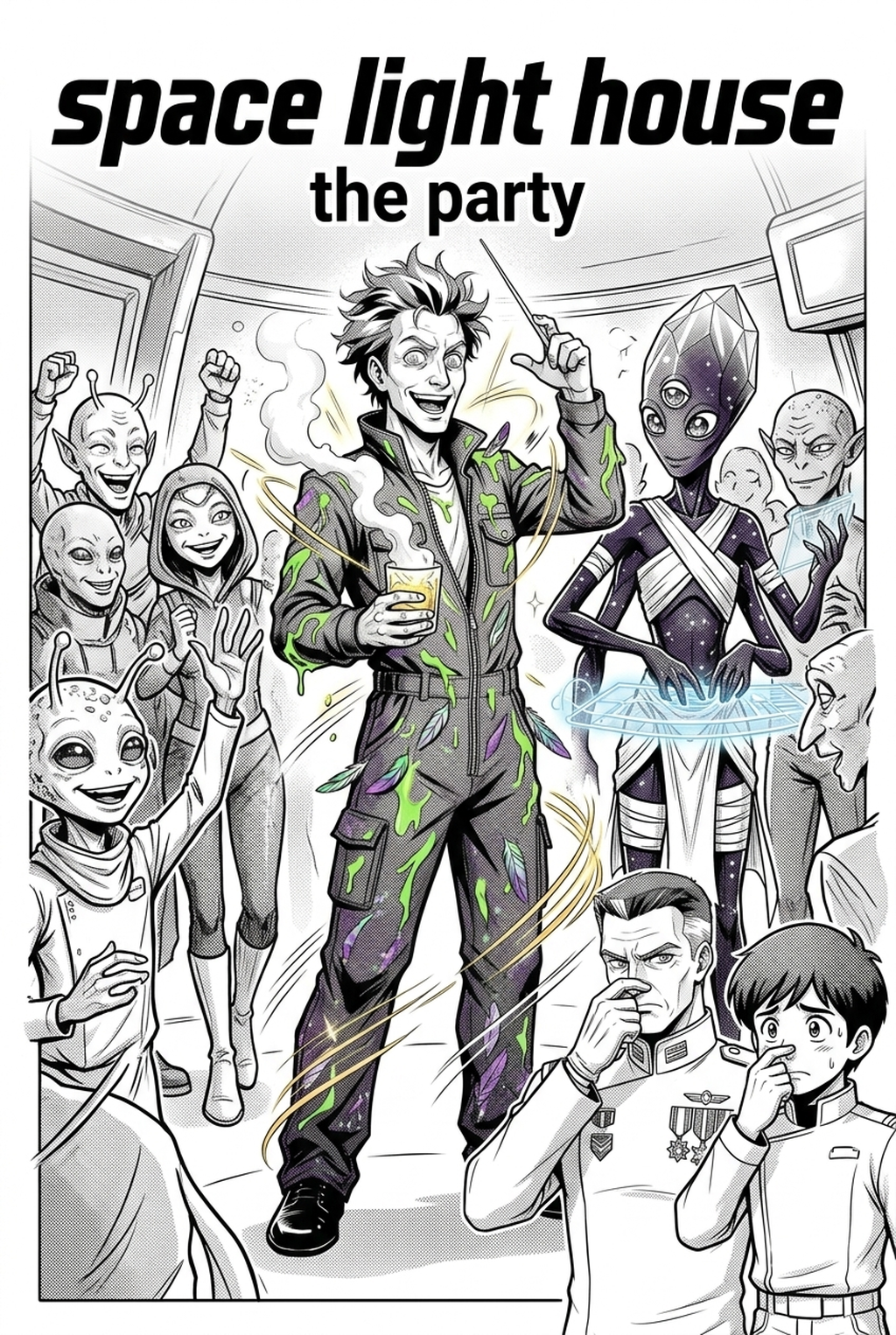
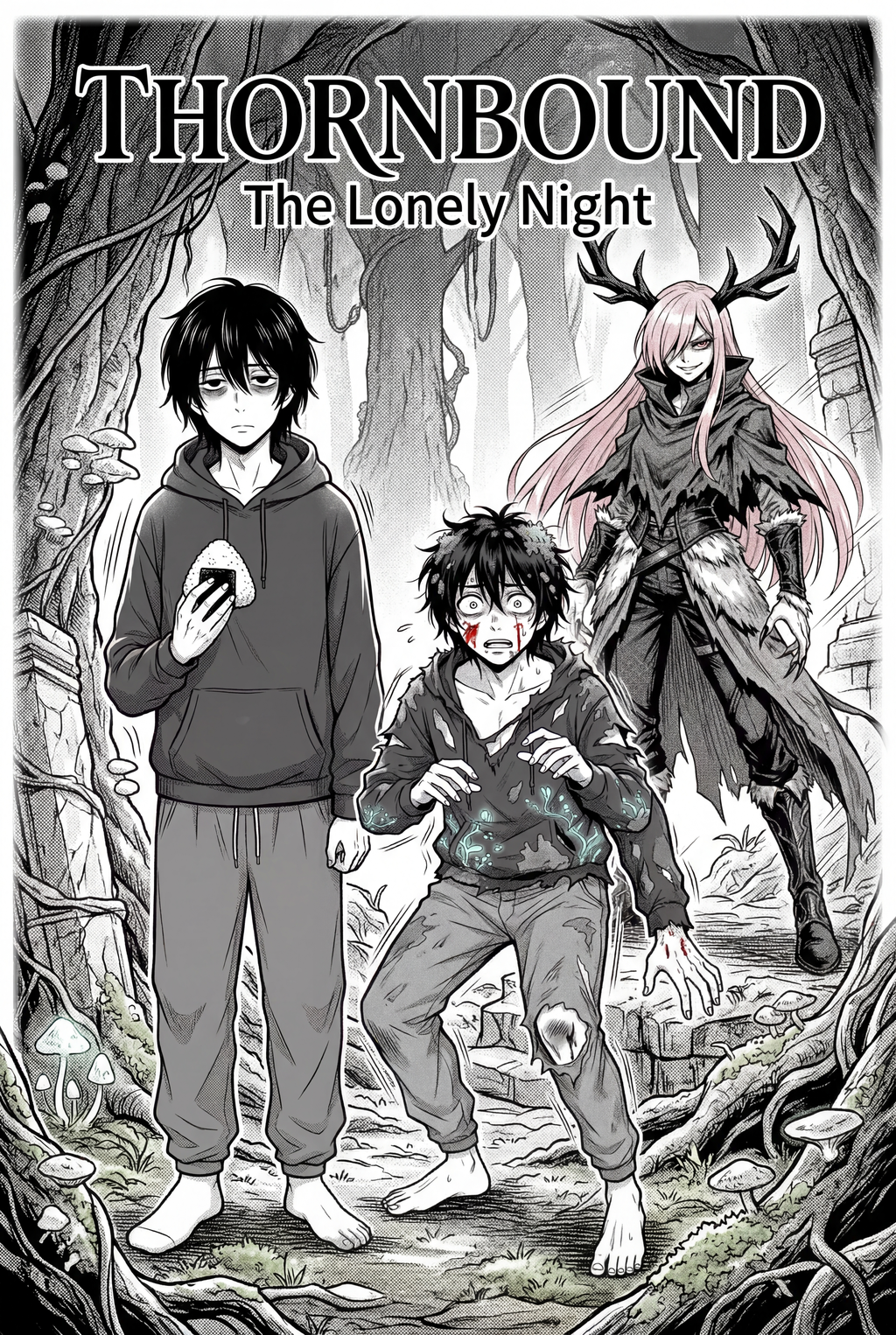
A manga character generator is a specialized creative tool engineered to construct, anchor, and reproduce consistent fictional personas across sequential art panels, comic strips, and multi-page graphic novels.
Unlike generic text-to-image models that treat every prompt as an isolated composition, a dedicated manga character engine operates with persistent memory:
- Facial Geometry Locking: Retains eye spacing, nose curvature, jawline angles, and signature facial marks (scars, beauty marks, piercings) regardless of perspective.
- Turnaround Reference Profiles: Maintains front, three-quarter, side profile, and back-view silhouettes to enable seamless cinematic camera blocking.
- Emotional Rigging: Generates accurate facial expressions—from standard neutral to extreme shonen battle cries, comedy chibi reactions, and subtle romance glances—without breaking the character's core identity.
- Manga screentone and line art fidelity: Matches the specific visual style of manga, including clean ink line weights, hatching, and monochrome mechanical screentones.
Character Consistency Comparison: Generic AI vs. Dedicated Sequential Engines
| Dimension | Generic Image Generators (Midjourney, DALL-E) | Dedicated Manga Engine (Mangaka.app) |
|---|---|---|
| Identity Retention | Faces shift randomly between consecutive generations | Identity vector anchors preserve facial structure across 100+ panels |
| Costume Continuity | Accessories and clothing patterns mutate constantly | Locked wardrobe sheets ensure consistent outfits across scenes |
| Angle Versatility | Struggles with high-angle and low-angle dramatic shots | Native support for dynamic cinematic camera placement |
| Expression Freedom | Intense expressions often distort character likeness | Expression bibles allow emotional depth while keeping recognition intact |
| Workflow Efficiency | Requires endless rerolling and complex Photoshop blending | Instant character deployment into multi-panel comic pages |
Step-by-Step: Building a Persistent Manga Character Bible
Step 1: Establish Distinctive Silhouette Markers
In black-and-white manga, silhouette recognition is paramount. Before refining intricate facial shading, ensure your character is immediately recognizable by their outline alone:
- Signature Hairstyle: Sharp geometric spikes, asymmetrical bangs, or flowing twin tails.
- Proportions and Height: Standard heroic 7.5-head proportion, athletic martial artist build, or exaggerated chibi dimensions.
- Key Visual Anchor: An unmistakable silhouette element, such as a high-collared trench coat, goggles, or an oversized weapon.
Step 2: Create a 360-Degree Model Sheet (Turnaround Sheet)
Professional studios never begin production without a model sheet. Generate reference anchors for four fundamental angles:
- Frontal View: Calibrates baseline eye shape, nose position, and mouth width.
- Three-Quarter View: The most common panel angle in sequential storytelling.
- Full Profile (Side View): Locks jaw projection, ear placement, and hair volume.
- Back View: Essential for over-the-shoulder conversational shots and dramatic departures.
On Mangaka.app , creating a character sheet establishes a persistent model profile that automatically propagates across your comic projects.
Step 3: Define the Emotional Expression Matrix
A static face cannot carry a gripping story. Map out key emotional states for your protagonist:
- Neutral / Baseline: Standard conversational dialogue.
- Determined / Battle Focus: Sharpened eyebrows, intense pupil contraction, dynamic speedlines.
- Vulnerable / Melancholic: Softened eyes, downturned mouth, gentle screentone shading.
- Comedic Deformed (Chibi): Simplified cartoon proportions for comedic relief beats.
Step 4: Deploying Characters into Sequential Panels
Once your character bible is locked, integrate your persona into actual page layouts:
- Establishing Shots: Position your character in the environment to ground spatial context.
- Shot-Reverse-Shot Dialogue: Maintain consistent eye-lines between conversing characters.
- Action Sequences: Apply dynamic foreshortening while preserving costume details and hair physics.
Why Independent Creators Use Mangaka.app for Character Creation
For indie comic authors, light novel writers, and webtoon creators, Mangaka.app removes the technical barriers to professional serialization:
- Zero Illustration Experience Required: Bring your storytelling vision, scripts, and worldbuilding; the platform handles panel generation and character consistency.
- Built-in Model Bible System: Save and organize recurring casts for long-term multi-chapter series.
- Seamless Page Integration: Move from character design directly into script parsing, panel layouts, and vector lettering in a unified creative workspace.
- Full Commercial Ownership: Retain complete intellectual property and commercial monetization rights over your original characters and finished comics.
Frequently Asked Questions (FAQ)
Can I generate multiple distinct characters in the same comic panel?
Yes. Dedicated manga engines allow you to assign distinct character profiles to individual actors within the same panel, preserving the unique facial traits and height differences of both protagonists in a single shot.
How does a character generator handle costume changes across story arcs?
You can create secondary wardrobe profiles linked to the primary character token. This keeps the facial architecture, eye color, and hairstyle identical while swapping everyday clothing for combat gear or formal attire.
Are character sheets exported in high resolution for print?
Yes. Character reference sheets and final comic pages can be exported in crisp, high-resolution formats suitable for digital distribution on Webtoon Canvas or high-DPI physical printing.