Defining the Inking Process
Manga inking serves as the technical foundation that translates chaotic, light-handed pencil work into the permanent, high-contrast black-and-white art required for high-quality publication. By applying deliberate line weights, artists dictate where the reader's eye should focus, isolating foreground characters from dense, intricate background environments.
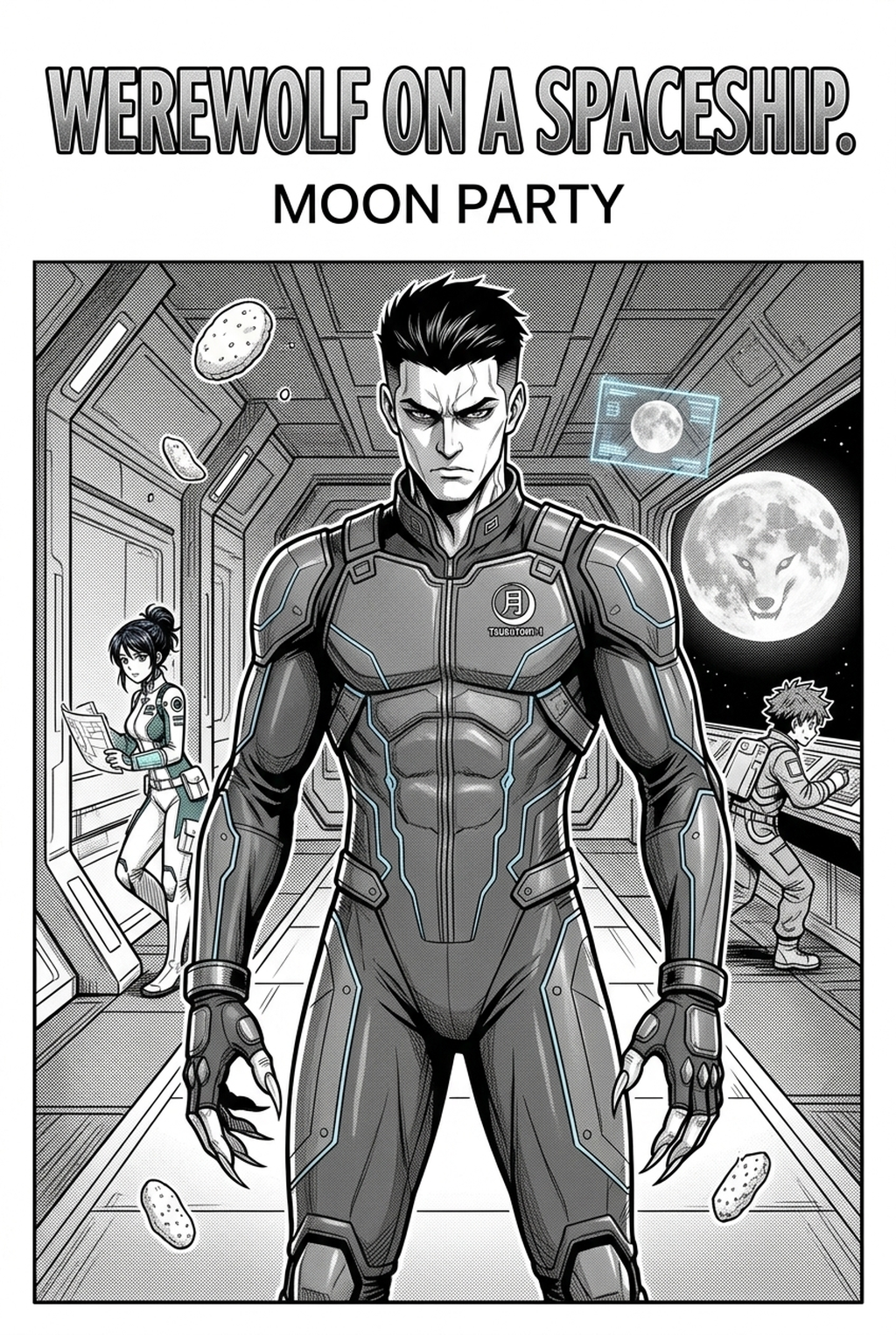
Inking must emphasize high-energy impact lines that capture explosive movement and intense combat scenarios. In this style, thick, tapered lines define character silhouettes, while thinner, broken strokes add velocity and kinetic force to action panels. Check character consistency, panel readability, line quality, and export readiness before publishing. Creators should also record why the page passed review, which panel details still need manual cleanup, and which export format the next collaborator will use. That makes the subsection useful instead of leaving a short checklist under a large heading.
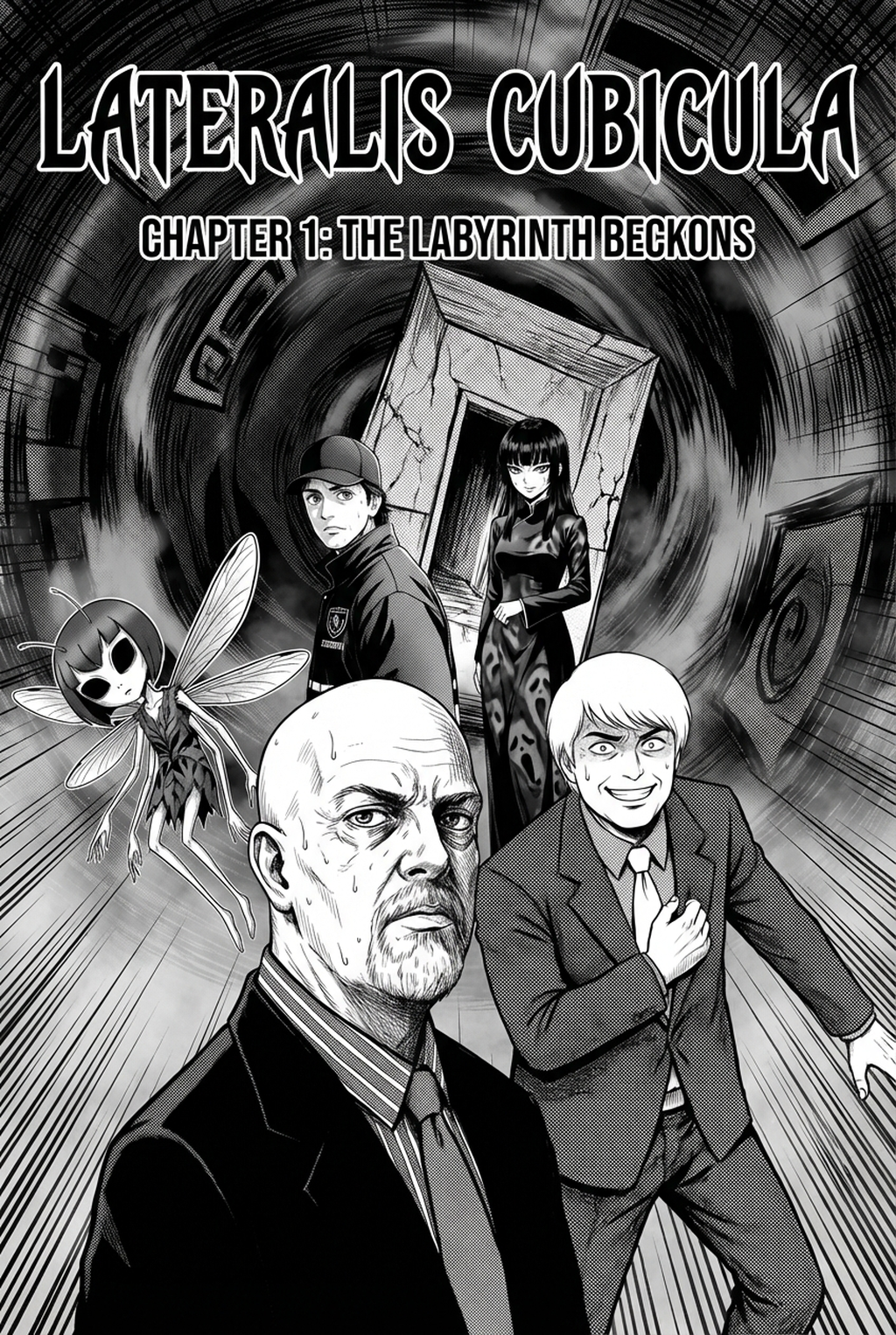
Seinen artists must prioritize intricate, realistic textures and nuanced shading to ground their narratives in a more gritty, grounded reality. This requires a mastery of fine cross-hatching and dot-based gradients that can easily be ruined by inconsistent ink density or shaky hand-drawn lines.
Professional Advantages for Creators
Professional studios utilize AI-assisted inking to maintain a unified visual standard across multiple assistants, preventing the inevitable stylistic drift that occurs when different hands work on the same chapter. By offloading the repetitive labor of cleaning scan artifacts and closing vector paths, lead artists protect themselves from the burnout threshold often triggered by massive, high-volume production cycles.
AI tools act as a 'digital ink master' by recognizing the natural pressure and trajectory of your original pencil work, which is frequently lost during manual vector tracing. Because the system analyzes the source context of your strokes, it interprets whether a line is meant to be a sharp contour or a soft shadow, maintaining the "hand-made" feel that readers expect.
Serializing a weekly manga often leaves little time for manual corrections, forcing artists to choose between deadline-compliant speed and aesthetic quality. By automating the technical 'cleaning' phase, you gain the freedom to double down on storyboard composition and script revisions, ensuring the narrative remains sharp even if the production timeline is aggressive.
Mechanics of AI-Driven Ink Paths
The Mangaka engine analyzes the spatial relationships within your sketches to identify intended paths and intersections, effectively 'ink-filling' the strokes with precision that mimics a G-pen. This process respects your specific input resolution, ensuring that exported line art remains sharp when scaling for different print formats.
The software applies intelligent vector smoothing that respects the artist’s original intent, allowing you to manipulate line thickness post-generation without needing to re-ink the entire panel. If a specific line feels too heavy or thin, you can adjust the final output, providing a layer of safety that traditional ink on paper cannot offer.
Unlike generic image-processing filters that smudge fine details into blobs, this engine preserves the structure of your cross-hatching and stippling. These patterns are essential for depth, and by maintaining the gaps between strokes, the tool ensures that your shading remains distinct and printable even at high zoom levels.
Common Hurdles in Production
Traditional manual inking is notoriously slow, frequently requiring days of labor to complete a single chapter of high-detail manga. Many creators experience 'line jitter' during long, high-stress production sessions, where fatigue leads to shaky, inconsistent lines that damage the professional polish of the final product.
Maintaining consistent ink density across dozens of pages is a constant struggle for independent creators working without a large team of specialized inkers. When character line quality shifts from page 5 to page 15, the visual continuity of the chapter suffers, which can subconsciously distract the reader from your story’s impact.
- Resolution loss: Manually tracing sketches often results in a loss of fine tip-work, leading to pixelated output on screen. * Intersection gaps: Failing to connect line paths properly results in "leaks" when applying flat colors or screentones later in the workflow. * Pacing fatigue: The sheer volume of panels per page—often 5 to 7 in a standard layout—makes manual inking a prime source of repetitive strain injuries for full-time mangaka.
Getting Started with Mangaka
AI inking acts as a highly specialized assistant that enhances your personal style rather than attempting to replace it. By using manga inking with Mangaka , you retain control over your line pressure and style traits while the machine handles the repetitive cleanup and pathing.
You can adjust the final line output at any stage, enabling you to add emphasis to specific elements like character eyes or impact lines without starting from scratch. This granular control ensures that your vision for the scene remains intact, allowing for creative experimentation that manual inking would make too costly in terms of time.
The platform is designed to support both independent beginners achieving their first professional-grade chapter and established studios scaling their production velocity. For a beginner, it provides an instant bridge to cleaner art, while for a pro, it serves as a force-multiplier that ensures high-quality delivery for every page exported. Before export, creators should compare the generated line art with the original sketch and confirm that facial expressions, props, speed lines, and speech-bubble space still support the scene.
The Bottom Line
AI Manga Inker workflow remains the most vital step in the aesthetic realization of your work, but it no longer requires a labor-intensive, multi-day manual process. By integrating AI-powered tools, you can focus on narrative impact and panel layout while automating the technical heavy lifting of line art production. Get started today by visiting manga inking to see how your sketches translate into production-ready line art.
Inking clean line art in Mangaka
Mangaka streamlines line art rendering from rough rough pencil sketches to clean manga ink. Test multiple brush dynamics, feathering weights, and screentone fills directly in your web workflow.
- Convert pencil drafts into defined vector-feel line art.
- Fine-tune line weights between foreground silhouettes and background details.
- Apply tone presets and hatching textures without external plugins.