AI Manga Colorist: Defining the Professional Role
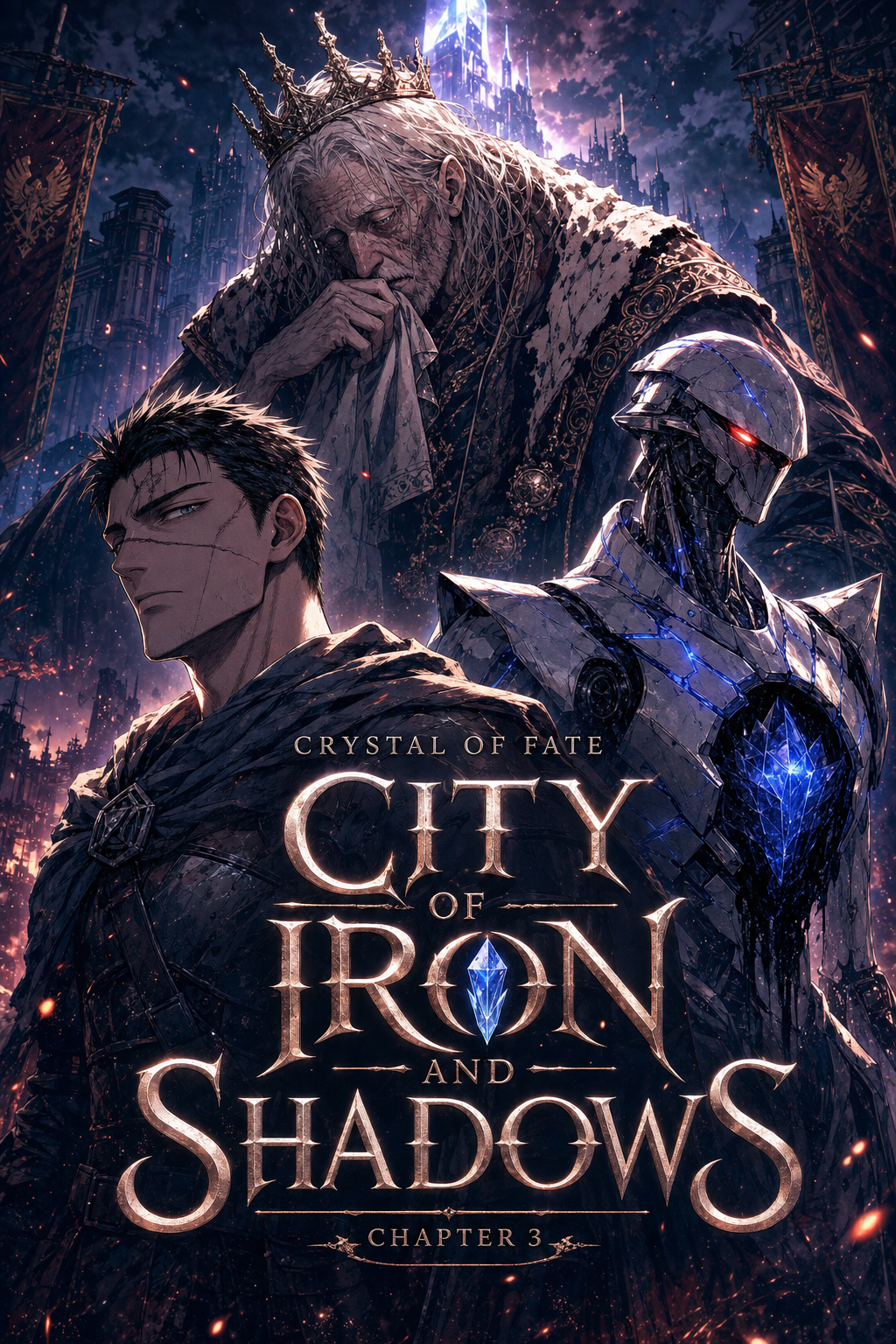
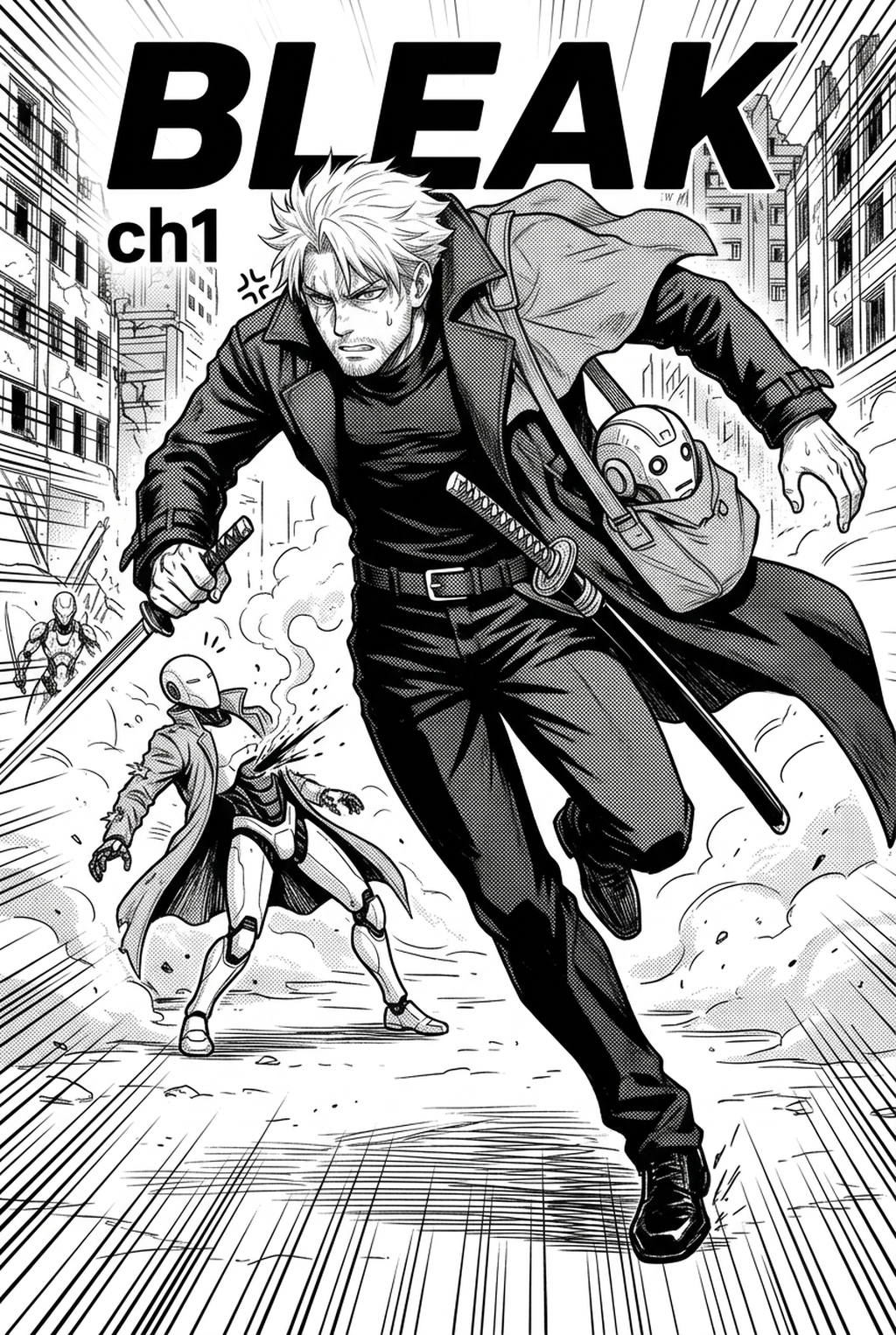
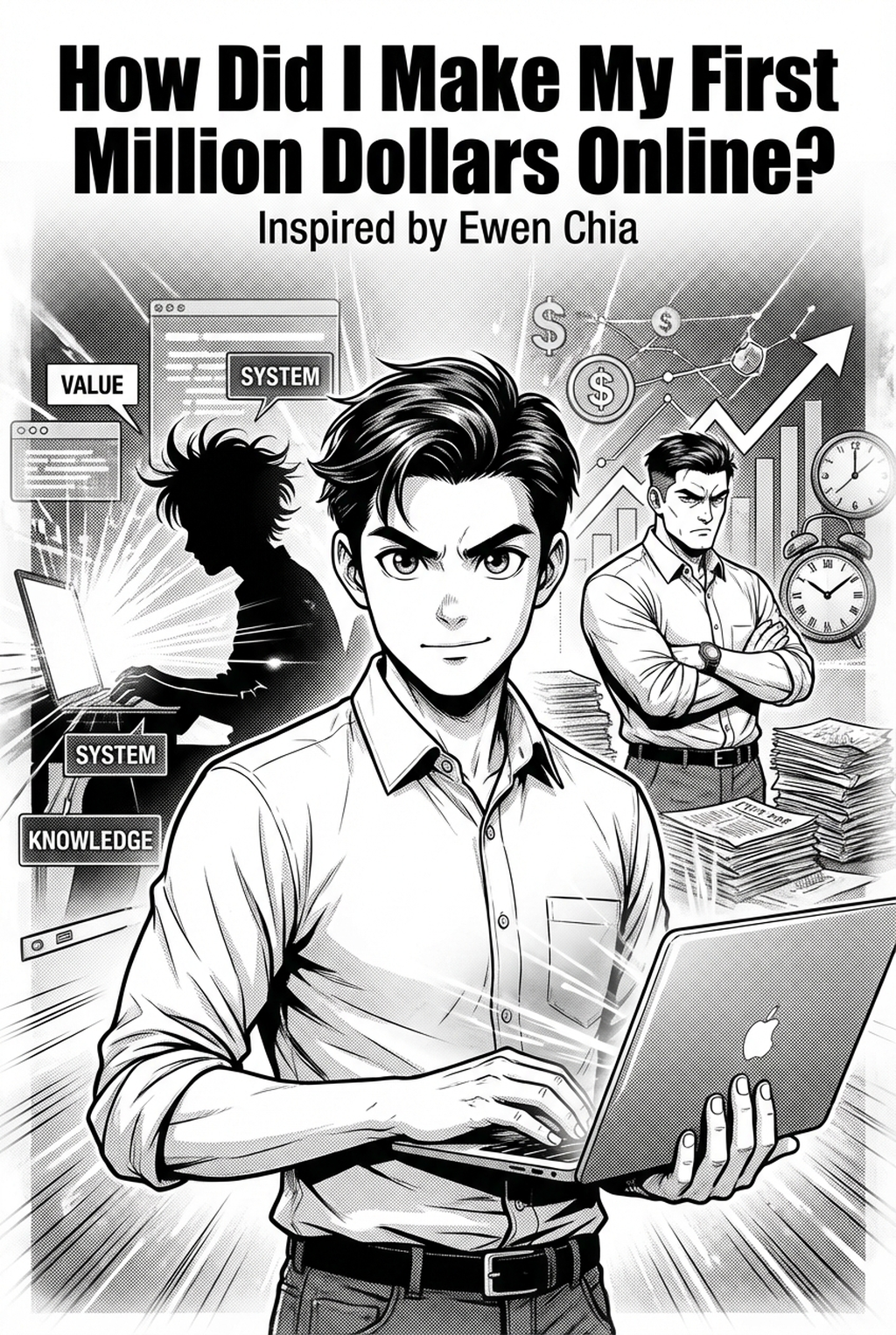
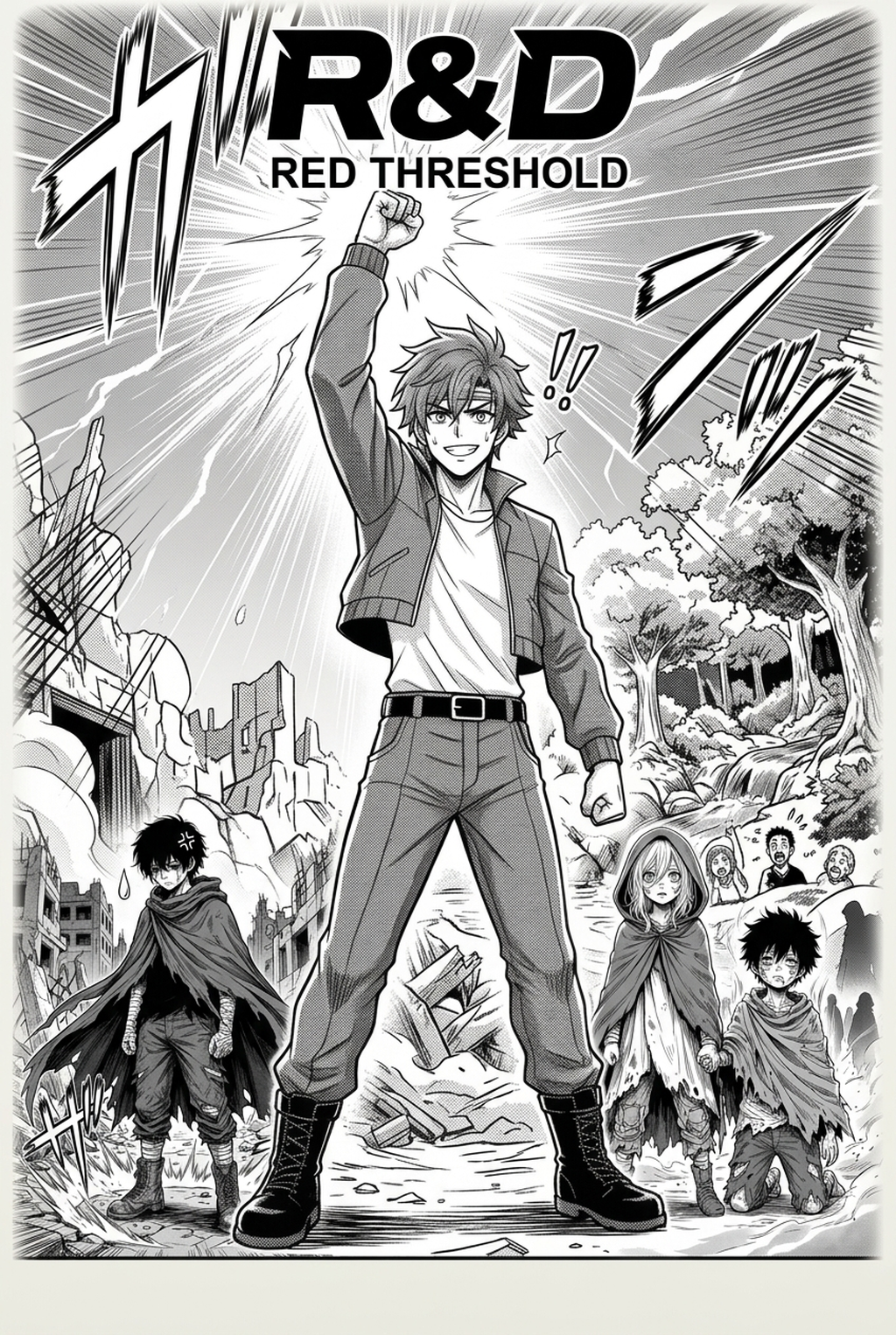
The primary task of this specialist is to transform monochromatic panels into immersive, color-coded visual sequences. By applying a consistent color palette across dozens of pages, they establish the visual atmosphere that readers encounter in modern vertical comic platforms platforms.
- Flatting: The process of defining distinct color regions for skin, hair, and clothing across an entire 20-page chapter. * Rendering: Adding complex light sources, shadows, and textures that provide depth to fight sequences or dramatic dialogue scenes. * Narrative Impact: Strategic use of color to signal character development or shifts in environmental tension between panels.
Many creators now replace manual, time-consuming pixel-by-pixel coloring with intelligent, AI-driven systems. This transition is essential for independent artists who struggle with the high overhead of hand-coloring hundreds of vertical-scroll panels, as manual techniques often lead to inconsistent saturation levels or accidental blurring of detailed inking.
Why Technical Coloring Matters for Creators
Effective use of color is the primary driver of reader engagement in high-volume digital environments. When a creator successfully maintains clean line art while integrating vibrant, studio-quality coloring, they distinguish their work from amateur, over-processed edits. Proper color theory clarifies complex action panels by distinguishing characters from background details. Without a professional approach, a densely drawn fight scene may become a visual mess, causing readers to lose track of the action or skip through the page entirely.
Check character consistency, panel readability, line quality, and export readiness before publishing. Creators should also record why the page passed review, which panel details still need manual cleanup, and which export format the next collaborator will use. That makes the subsection useful instead of leaving a short checklist under a large heading.
The time cost of manual flatting is the greatest barrier to consistent release cycles. Many creators find that they spend nearly 60% of their production window on coloring, leaving little time for refining storyboards or iterating on panel pacing. Offloading these repetitive technical tasks allows the artist to focus on the final review owner pass, ensuring the creative soul of the work remains intact.
Integrating AI into the Production Workflow
Mangaka functions as an intelligent assistant that analyzes the underlying line structure of your manga page to apply color without bleeding across delicate ink lines. By mapping your specific source context—such as pre-defined color palettes for character hair or armor—the tool ensures high fidelity across an entire series.
- Spatial Analysis: The system identifies closed line structures to prevent color from leaking into unwanted panel regions. * Consistency Control: Users define the primary palette, and the engine maintains those exact values across every page export, preventing the common issue of color drift. * Efficiency Gains: Artists bypass the tedious hours of hand-flatting, using that time to perfect panel transitions or refine character expressions.
If you are producing a 50-panel episode, you begin by uploading your clean, high-resolution line art. After the engine maps your chosen color palette, you receive a base-colored output that preserves 100% of your original ink strokes. You then perform a final review owner check to adjust the ambient shadows or highlight placement, ensuring the final manga colorist with Mangaka output meets your studio’s specific visual standards before distribution.
Strategic Use Cases for Coloring Tools
Modern tools enable creators to scale their output by standardizing the technical elements of their page production. This allows small studios to maintain the volume required by competitive vertical comic platforms platforms while keeping a lean production team.
- Episodic vertical comic platforms Scaling: Efficiently process 60+ panels per week by using automated coloring for standard dialogue scenes, leaving manual labor only for high-impact splash pages. * Atmospheric Storytelling: Rapidly experiment with different color temperatures during high-stakes sequences to see how lighting influences the reader's perception of the scene’s danger or safety. * Commercial Production Efficiency: Eliminate the need to hire specialized technical assistants for basic flatting, allowing you to reallocate budget toward better storyboarding or higher-quality paper/digital stocks.
Getting Started with Automated Tools
Success in modern coloring begins with your input file quality. Since the tool relies on your original ink work, you must ensure that your lines are closed and clearly defined before starting the process. This keeps the review focused on story intent, line weight, panel readability, and the export quality behind the final AI Manga Colorist output.
- File Preparation: Upload your high-resolution artwork, ensuring that all lines forming a color boundary are connected to prevent light or shadow bleed. * Review and Iterate: Once the engine generates the initial pass, use your creative eye to shift the lighting intensity or modify local colors to reflect the specific narrative mood of the panel. * High-Res Export: Save your finalized pages directly from the interface as high-resolution PNG or PSD files, which are ready for immediate upload to digital distribution platforms.
Creators should compare the generated line art with the original sketch and confirm that facial expressions, props, speed lines, and speech-bubble space still support the scene. A repeatable review pass should cover character consistency, panel readability, background clarity, and whether the final file is ready for coloring, lettering, or editor feedback. For longer projects, creators should save approved examples of line weight, face detail, clothing folds, and background density. Those references keep later chapters closer to the intended style.
The Bottom Line
The traditional role of the AI AI Manga Colorist workflow workflow has evolved into a strategic position focused on creative direction rather than manual labor. By adopting modern AI solutions, you can significantly reduce your production time while preserving the emotional weight and aesthetic detail of your original ink work. Embracing this technology is the most effective way for indie creators to scale their content and compete in today's demanding market. Start by optimizing your creative process today at manga colorist to focus on the story you want to tell.