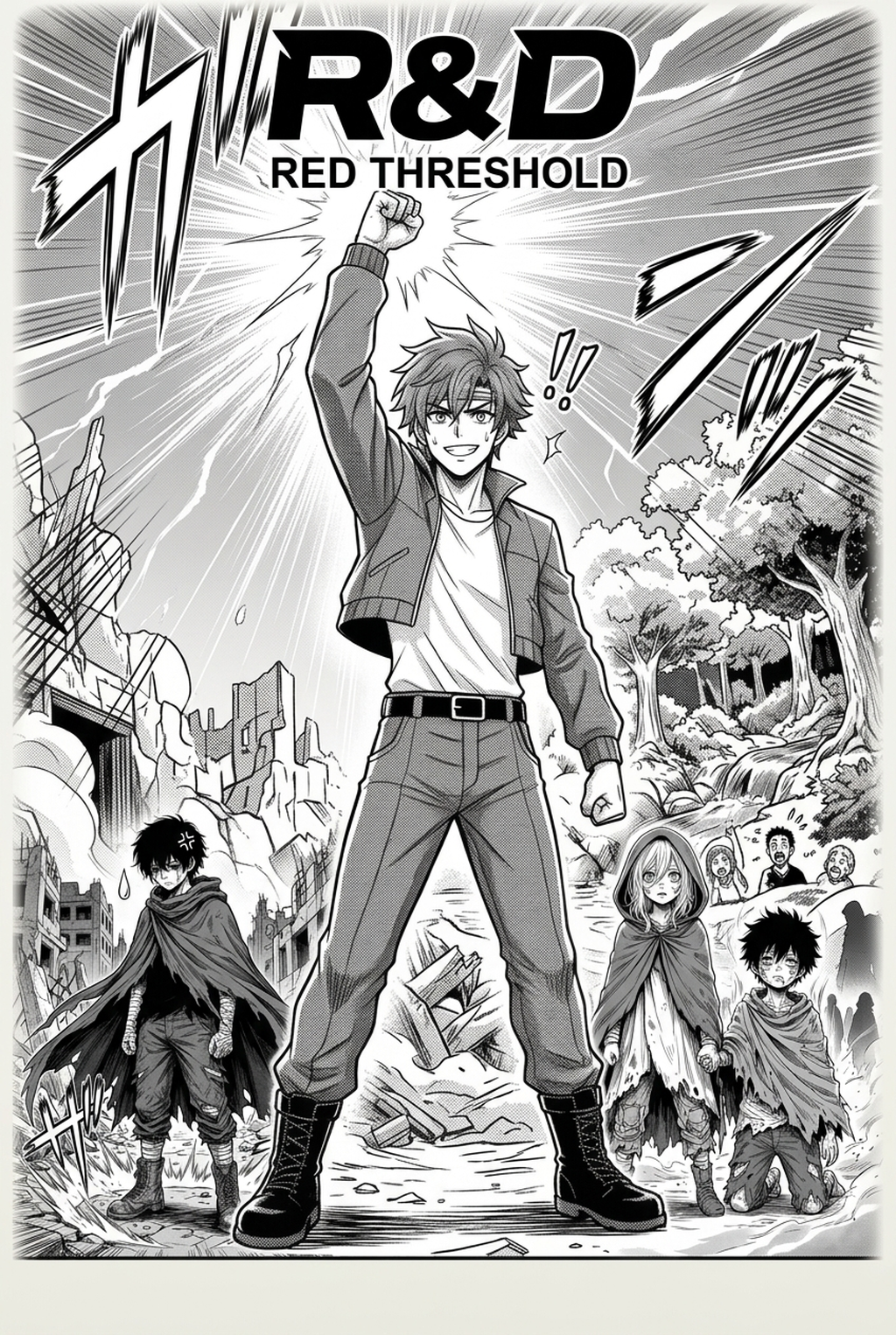
AI Manga Style Transfer: Mangaka and the Araki-Influenced Workflow
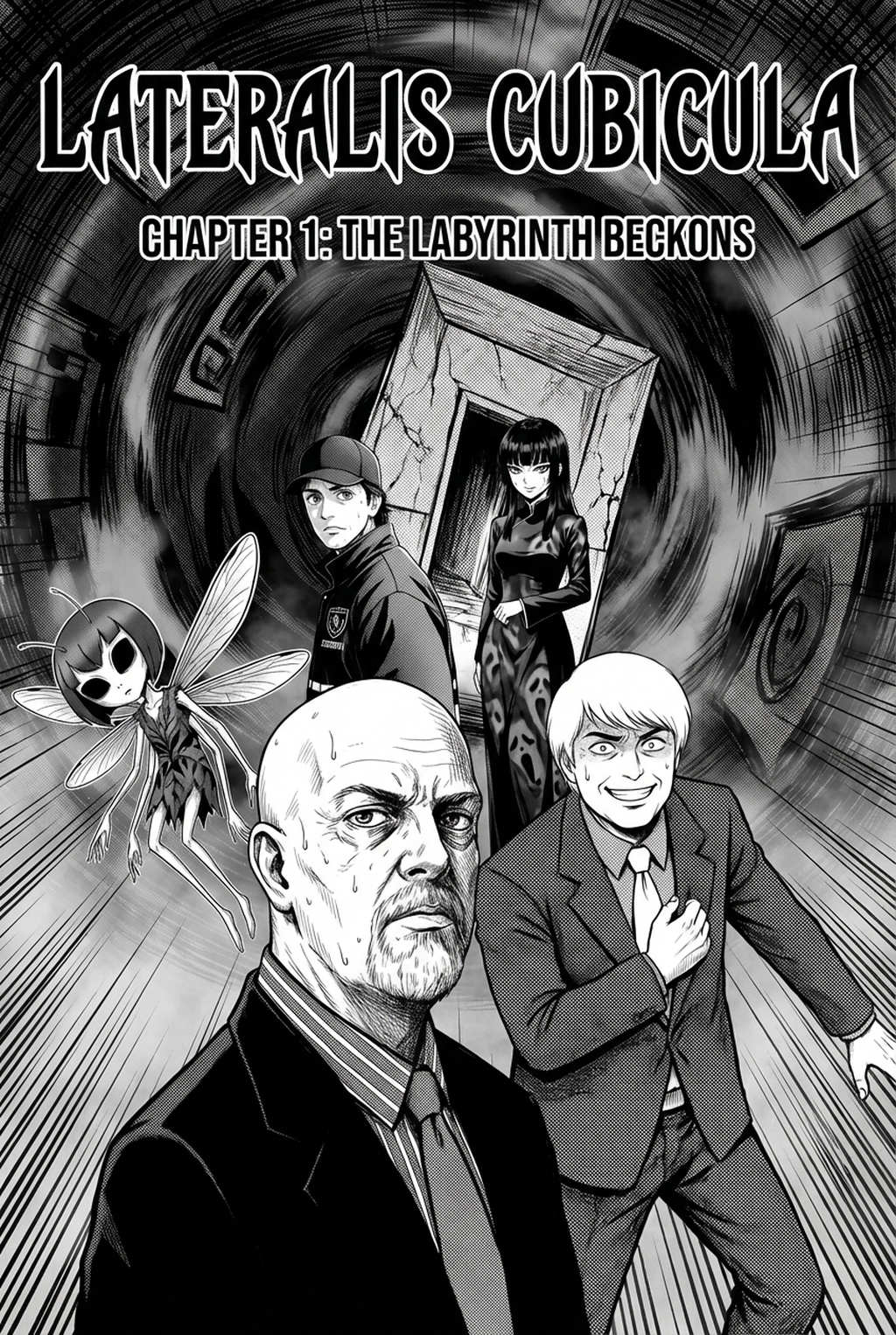
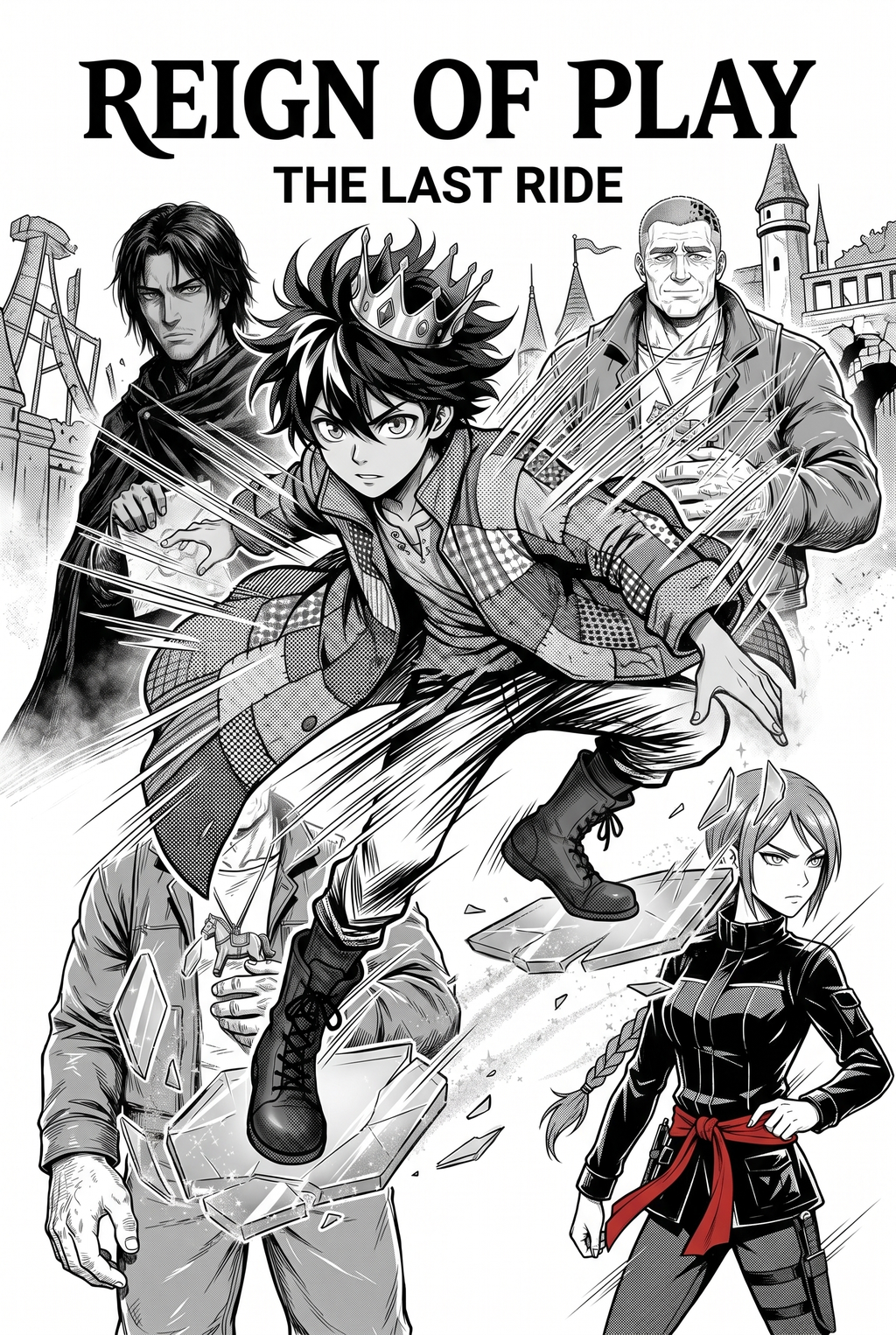
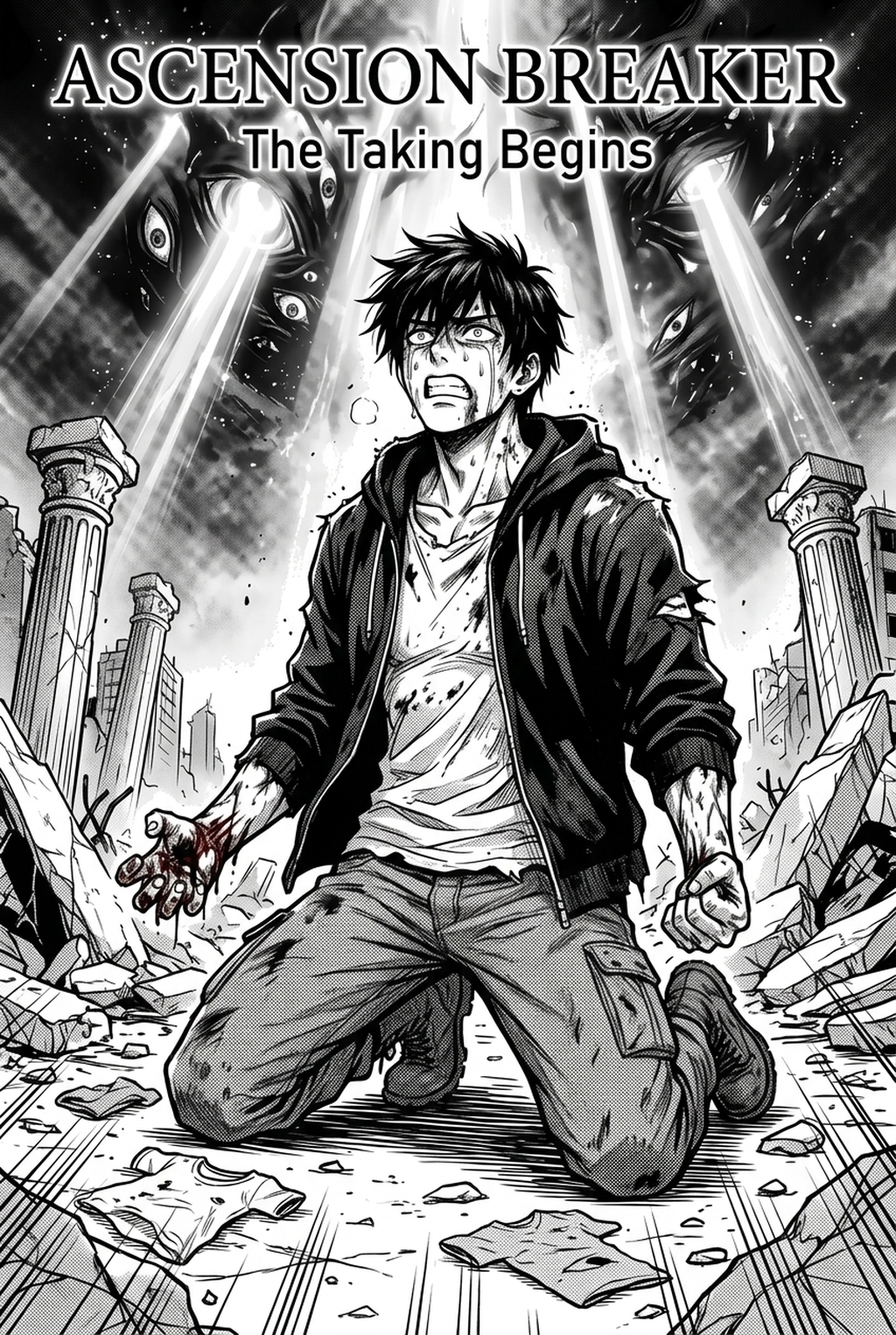
Mangaka streamlines the production of intricate panels by mapping your rough, low-fidelity sketches onto specialized style models that understand the nuances of Araki-influenced shading. This process eliminates the tedious manual labor of hand-inking thousands of individual cross-hatched lines while preserving the artist’s original pose and composition.
You can use the JoJos Bizarre Adventure art style with Mangaka to dictate the specific intensity of shadow patterns. By uploading a rough storyboard as a source context, the system analyzes your line-art fidelity and re-renders the final output with the high-contrast aesthetic required for the series. This ensures that even in complex panels, your character consistency remains intact across multiple pages, preventing the proportion-drift that often plagues long-running series.
- Chapter cadence. Use the AI pass for pages where speed matters most, such as repeated action poses, transformation beats, or dense speed-line panels. Keep manual cleanup for hero panels where the line style defines the emotional peak.
- Character continuity. Compare the generated lines against the same model sheet, costume notes, and facial-expression range used during sketching. This prevents a fast inking pass from drifting away from the character identity readers recognize.
- Export readiness. Check whether the final manga output can move into lettering, coloring, or final layout without rebuilding panel borders or speech-bubble space. A good manga workflow should save time while keeping the next production step predictable.
Specific Use Cases for Stylized Panels
Creators often leverage this AI-assisted production to prototype and finalize high-fashion elements that might otherwise take days to render. Consider these three distinct ways to apply the style to your project: Creators can use each revision decision to clarify panel readability, character consistency, and export quality before publishing or sharing.
- Character Concept Sheets: Use the tool to generate JoJo-ified" versions of your sketches to test how specific outfits and accessory silhouettes translate into the sharp, edgy style. * Dynamic Panel Polishing: Transform standard rough sketches into fully inked pages, applying the signature dramatic, angular shadows that define the series' high-stakes tension. * Atmospheric Lighting Shifts: Re-render specific panels to experiment with bold, non-naturalistic color palettes, allowing you to match the visual language of the anime without manual layer-by-layer repainting.
Consider a creator designing a 20-page chapter. This allows the artist to focus entirely on panel pacing and composition rather than the repetitive technical requirements of heavy shadow blocking. That extra context helps the reader connect the creative choice to character consistency, composition, speech-bubble space, and final file format.
Integration Strategy for Your Project
To begin integrating these styles into your own workflow, upload your existing storyboards or character concepts directly into the interface. After you have imported your files, select a stylistic preset that aligns with the specific era of the JoJo universe you are emulating, whether that is the boxier aesthetic of the late 80s or the sleek, avant-garde silhouettes of modern chapters.
Creative Decisions and Export Quality
Creative Decisions and Export Quality. Execute the style transfer with one click and then utilize the built-in refinement tools to adjust the density of the ink and the thickness of the lines. This non-destructive process ensures you can maintain total control over your final output, adjusting the influence of the source style on your original work to keep the final product uniquely yours while satisfying the requirement for that high-contrast, dramatic finish.
Creators should compare the generated line art with the original sketch and confirm that facial expressions, props, speed lines, and speech-bubble space still support the scene. A repeatable review pass should cover character consistency, panel readability, background clarity, and whether the final file is ready for coloring, lettering, or editor feedback.
Creators should save approved examples of line weight, face detail, clothing folds, and background density. Those references keep later chapters closer to the intended style. For collaboration, creators should mark which panels are final and which panels still need redraws. Clear status labels prevent an assistant, editor, or colorist from polishing the wrong version.
- Before Export. Creators should compare the generated line art with the original sketch and confirm that facial expressions, props, speed lines, and speech-bubble space still support the scene. A repeatable review pass should cover character consistency, panel readability, background clarity, and whether the final file is ready for coloring, lettering, or editor feedback. - For Longer Projects. Creators should save approved examples of line weight, face detail, clothing folds, and background density. Those references keep later chapters closer to the intended style. For collaboration, creators should mark which panels are final and which panels still need redraws. Clear status labels prevent an assistant, editor, or colorist from polishing the wrong version. - For Publishing. Creators should review the page at the actual reading size before export. Small screens expose crowded dialogue, weak silhouettes, and line details that looked fine while zoomed in. For style control, creators should keep a short reference board beside the draft and compare hair shapes, eye details, costume folds, and texture choices before approving the final page.
Workflow Fit and Review Needs
Creators can evaluate JoJos Bizarre Adventure art style mid-workflow when they need the product path tied directly to review, refinement, and export. A real test should use the same sketch, character goal, or panel sequence that would otherwise need manual cleanup after generation. For longer projects, creators should save approved examples of line weight, face detail, clothing folds, and background density.
The Bottom Line
Mastering a complex, fashion-forward aesthetic is as much about anatomical discipline as it is about stylistic flourish. By integrating AI-assisted style transfer into your production, you can bridge the gap between a raw sketch and the professional-grade, high-contrast finish that defines the genre. Start refining your own project style and see how this approach transforms your creative process.
Related articles
Shinsengumi Manga Character Design: A Creator’s Guide 2026
Vtuber Character Design: A Guide for Manga Creators 2026
Mastering the Shonen Manga Art Style: A Creator's Guide 2026