AI Manga Storyboard Builder: Optimized Storyboard Generation with Mangaka
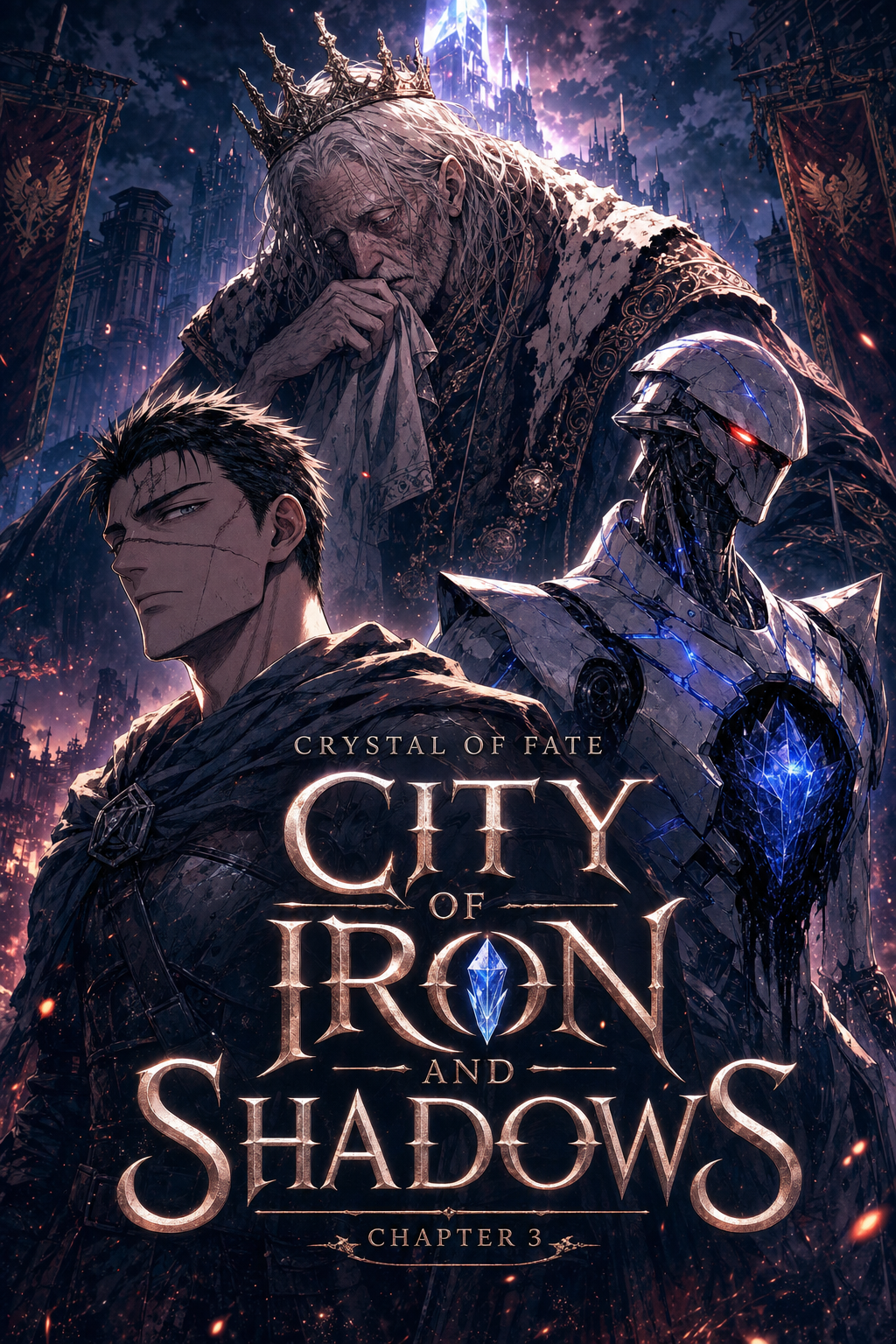
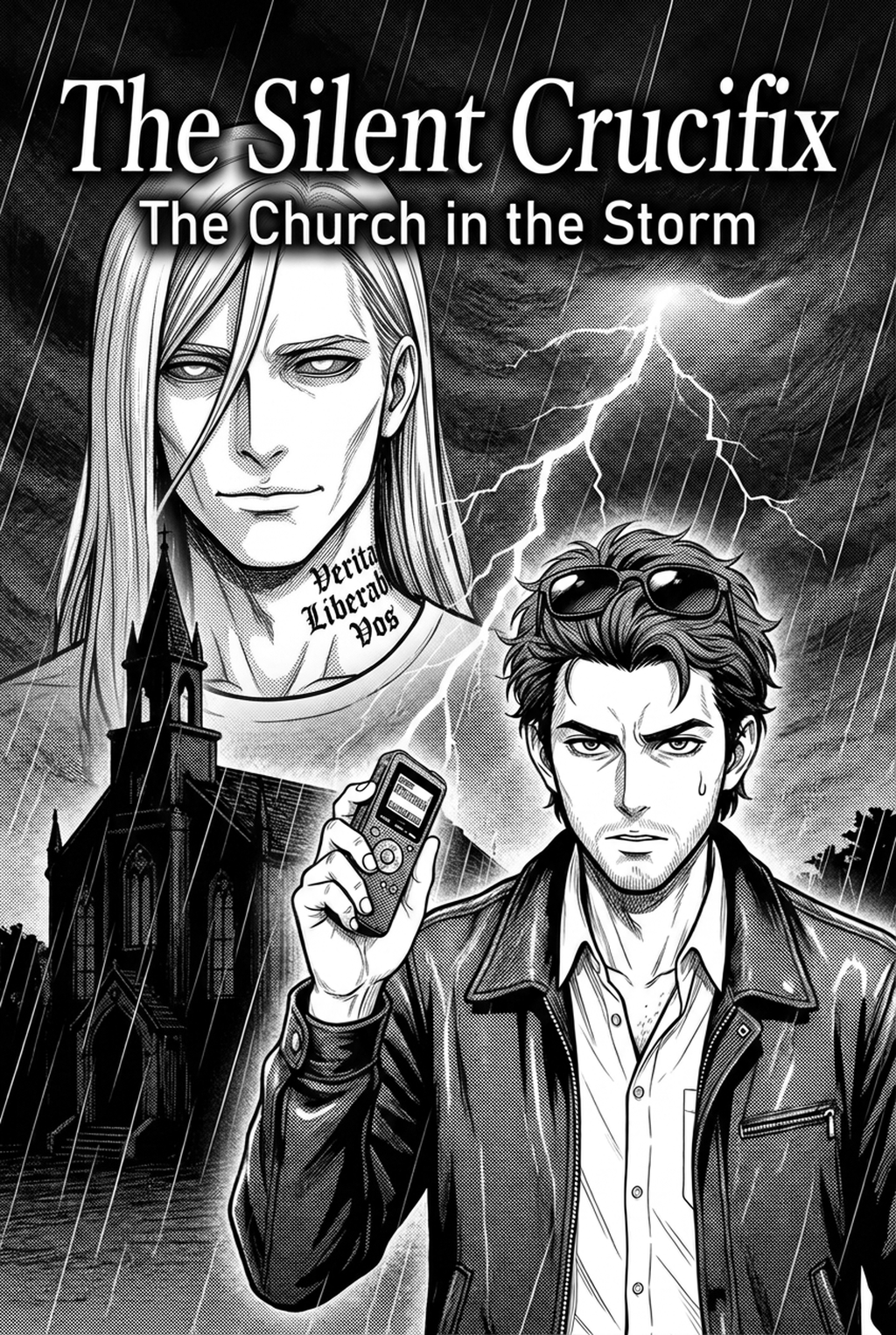
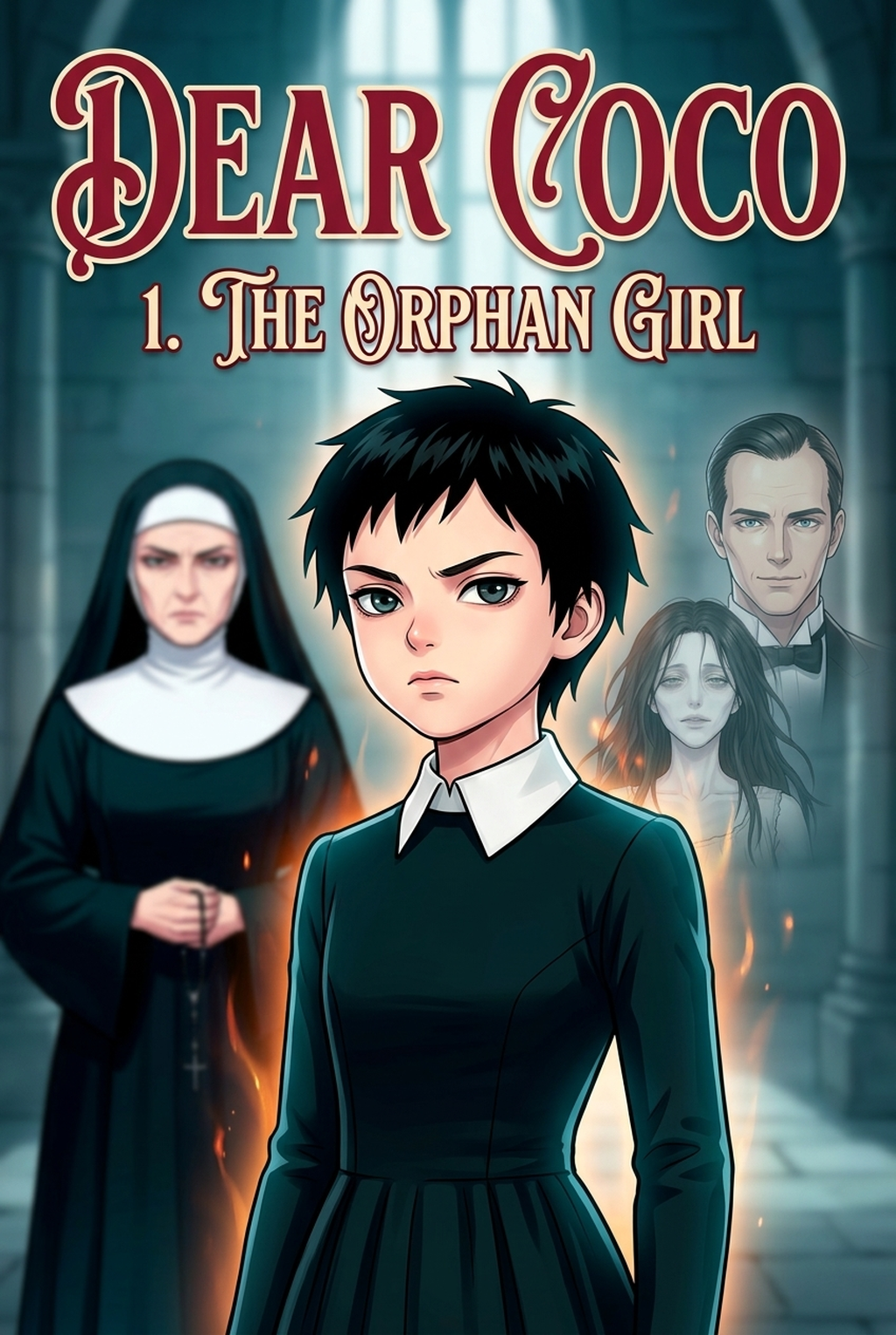
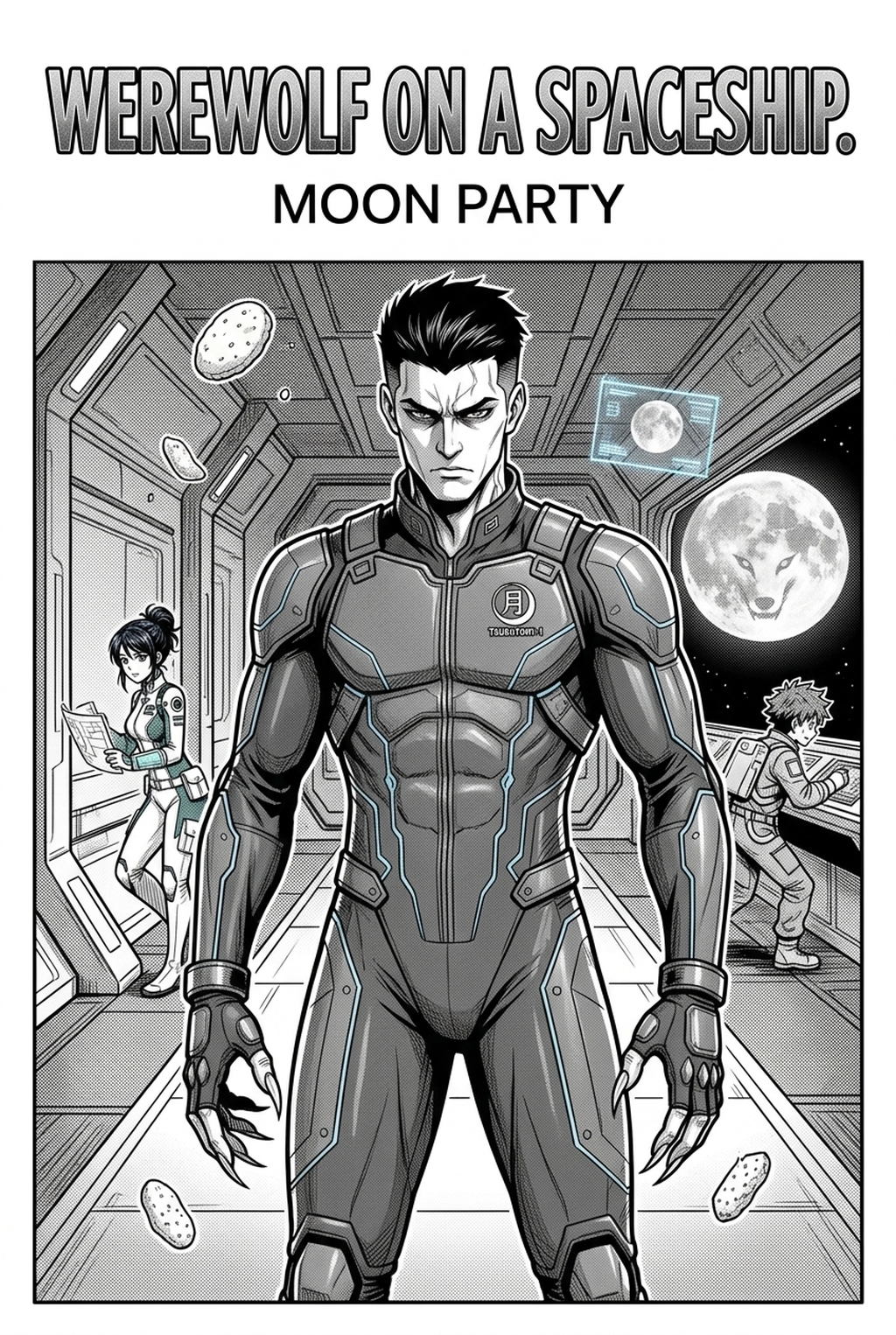
Mangaka acts as a digital layout assistant that auto-arranges panels for narrative flow, preventing the cramped, over-exposed layout trap common in epic fantasy manga. Creators input their core story beats, and the tool suggests panel sequences that maximize the impact of grand locations, ensuring the story logic holds firm before you commit to the final ink work. This system bridges the gap between rough thumbnail sketches and finalized storyboards by maintaining strict continuity for complex environmental sets that would otherwise require manual perspective corrections for every single frame.
- Spatial Consistency: The AI manages the complex geometry of palace halls or fortress walls, which is where most creators encounter line-weight drift and perspective errors during the draft stage. * Viewpoint Control: By generating panels that emphasize the specific scale of your kingdom, the tool preserves your original intent during the export of page files for further refinement. * Pre-Inking Logic: You gain a clean template that allows you to focus on the high-level emotional beats rather than agonizing over whether your character matches the background scale on page five.
Common Failures in Kingdom Layouts
Many creators fail by front-loading too much exposition in the first five pages, resulting in dense, wall-of-text layouts that bury the kingdom's visual identity under clutter. Over-complicating background architecture early on often leads to inconsistent perspective, which becomes a major bottleneck when you attempt to ink the final page. You must also avoid the mistake of failing to link environmental changes to emotional beats; if the kingdom is falling, the layout should reflect that descent through harsher, tighter panel angles that mimic a sense of confinement.
| Problem Type | Common Symptom | Recommended Fix |
|---|---|---|
| Perspective Drift | Buildings shift angle in subsequent panels | Use a consistent grid for background assets |
| Exposition Bloat | Panels filled with text instead of action | Limit dialogue to 25% of total panel space |
| Scale Inconsistency | Character size varies against the backdrop | Anchor characters to defined architectural points |
Integrating Digital Tools into Your Workflow
Ensure consistent character placement in a massive kingdom by mapping your locations on a primary reference sheet before generating your first panel sequence. When drawing large palace interiors, use the layout tools to fix your perspective lines, preventing the "vanishing point drift" that makes throne rooms look lopsided. Mapping the layout of your capital is not just about geography; it is about knowing where your protagonist stands when the climax occurs. Creative Brief and Source Input.
- Zone Identification: Identify the five most important locations in your story and map their proximity to each other in a simple top-down view.
- Atmospheric Tagging: Assign a specific visual mood or color palette to each zone so that readers instantly recognize the setting when you return to it.
- Flow Testing: Visit fantasy kingdom manga storyboard with Mangaka to generate a basic storyboard for a single scene to see if your pacing feels natural or rushed.
- Before Export. Creators should compare the generated line art with the original sketch and confirm that facial expressions, props, speed lines, and speech-bubble space still support the scene. A repeatable review pass should cover character consistency, panel readability, background clarity, and whether the final file is ready for coloring, lettering, or editor feedback. - For Longer Projects. Creators should save approved examples of line weight, face detail, clothing folds, and background density. Those references keep later chapters closer to the intended style. For collaboration, creators should mark which panels are final and which panels still need redraws. Clear status labels prevent an assistant, editor, or colorist from polishing the wrong version. - For Publishing. Creators should review the page at the actual reading size before export. Small screens expose crowded dialogue, weak silhouettes, and line details that looked fine while zoomed in. For style control, creators should keep a short reference board beside the draft and compare hair shapes, eye details, costume folds, and texture choices before approving the final page.
- Before Export. Creators should compare the generated line art with the original sketch and confirm that facial expressions, props, speed lines, and speech-bubble space still support the scene. A repeatable review pass should cover character consistency, panel readability, background clarity, and whether the final file is ready for coloring, lettering, or editor feedback.
- For Longer Projects. Creators should save approved examples of line weight, face detail, clothing folds, and background density. Those references keep later chapters closer to the intended style. For collaboration, creators should mark which panels are final and which panels still need redraws. Clear status labels prevent an assistant, editor, or colorist from polishing the wrong version.
- For Publishing. Creators should review the page at the actual reading size before export. Small screens expose crowded dialogue, weak silhouettes, and line details that looked fine while zoomed in. For style control, creators should keep a short reference board beside the draft and compare hair shapes, eye details, costume folds, and texture choices before approving the final page.
The Bottom Line
Creating a AI Manga Storyboard Builder workflow is an exercise in both world-building and precise visual engineering that requires a disciplined approach to space. By leveraging AI-driven layout tools like Mangaka, you can focus on the emotional arc of your story while ensuring the physical space of your world remains consistent and immersive. You should start your storyboard process by focusing on the narrative flow of key locations before you commit to the final aesthetic of your fantasy world; fantasy kingdom manga storyboard today to build a foundation that supports your vision.
Related articles
Mastering the Manga Storyboard: A 2026 Guide for Solo
Mastering Romantic Comedy Manga Layout for Better Pacing
Crafting a Romantic Suspense Manga Storyboard: A 2026 Guide