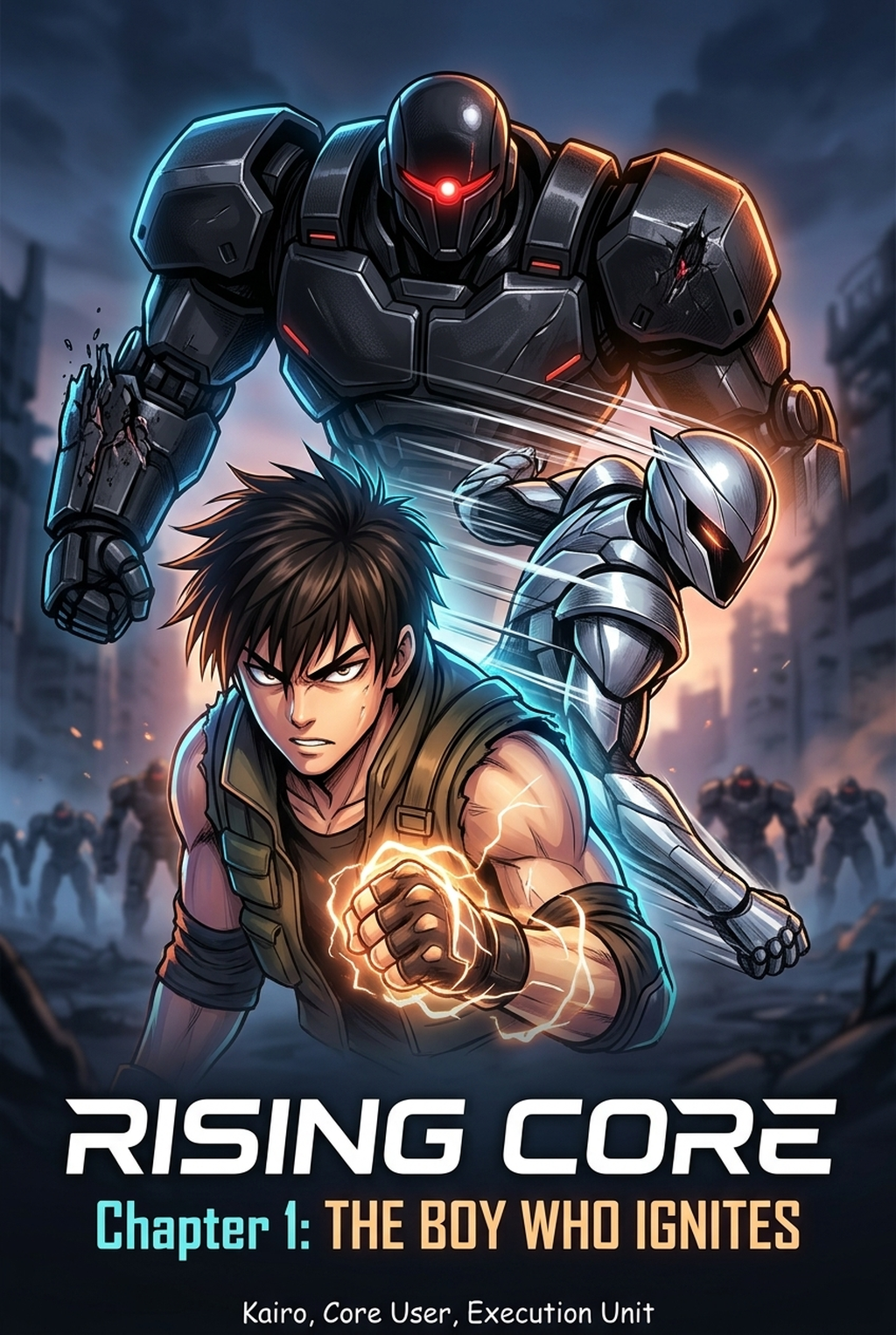
Defining the Visual Landscape of Your World
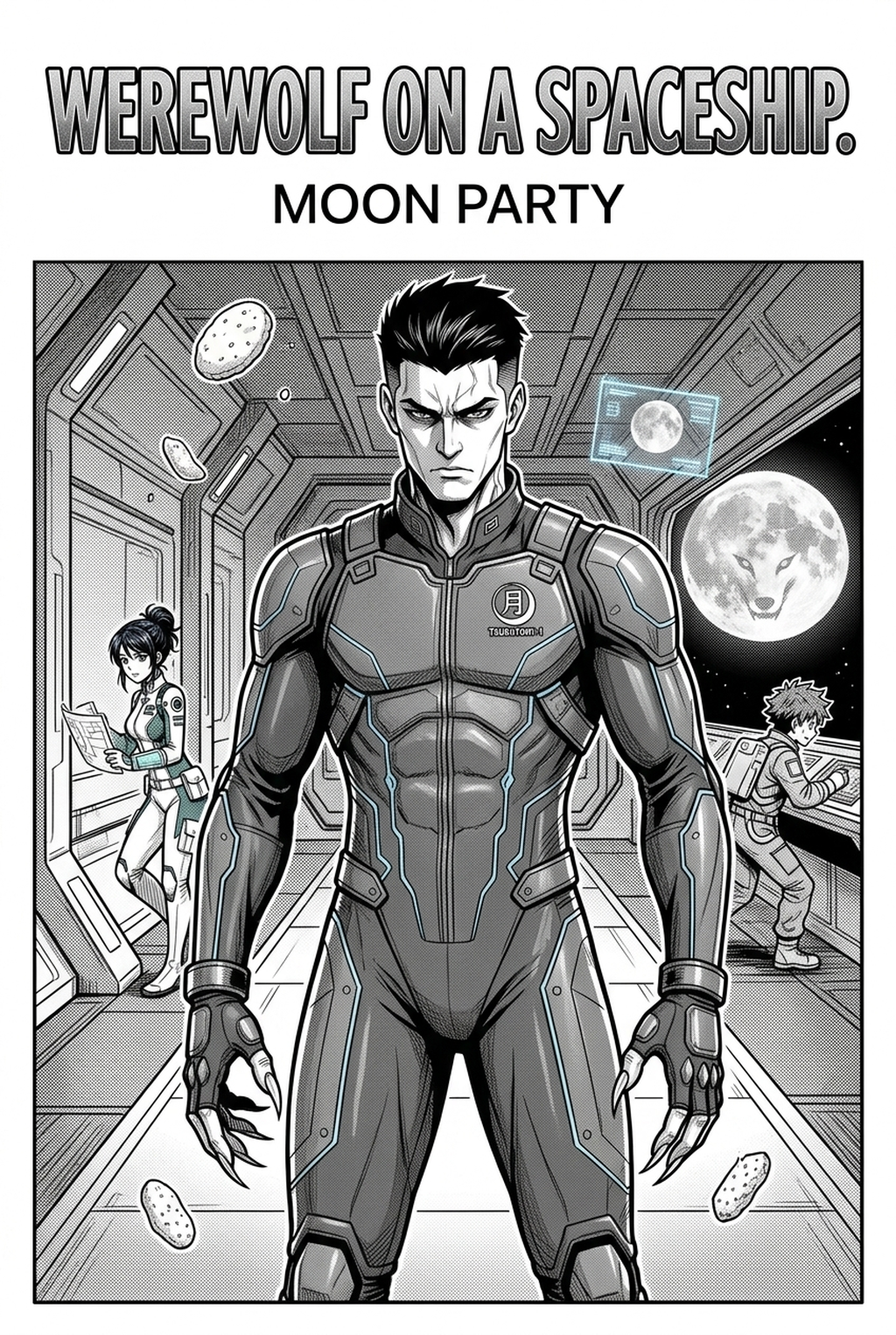
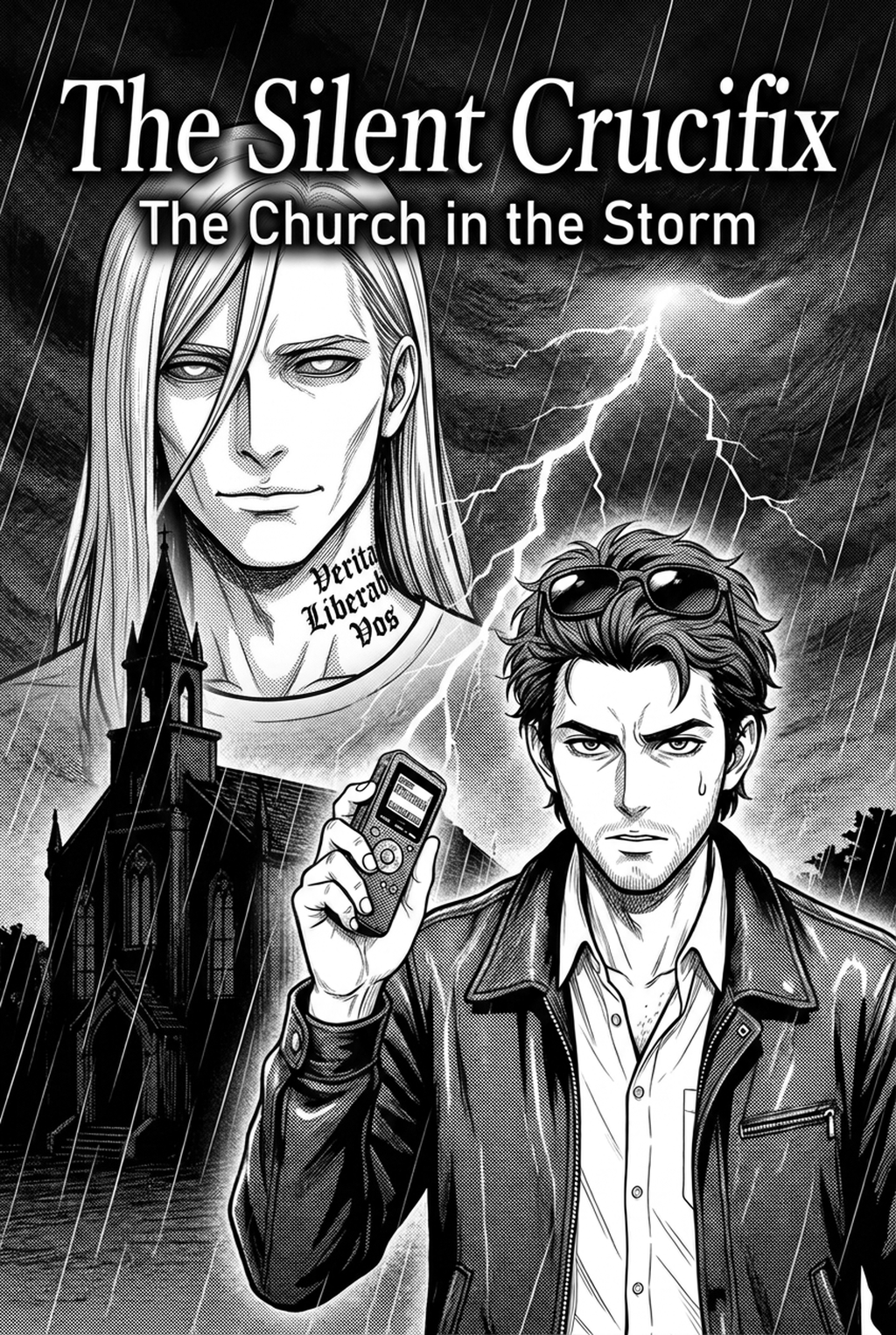
Manga background design functions as the stage where your narrative unfolds, requiring a careful balance between rigid architectural accuracy and the expressive, organic line work found in Shonen or Seinen manga. You must navigate the tension between strict vanishing points—essential for maintaining consistent depth—and the atmospheric needs of your story, such as emotional lighting or background clutter that communicates a character’s internal state.
Effective environments rely on clean vanishing points to maintain spatial integrity across multiple panels. When you rely solely on manual wireframe construction, even a slight deviation in the grid can lead to skewed perspectives, forcing you to redraw entire compositions to ensure that furniture or urban structures align with the character’s position.
Backgrounds should never compete with your foreground characters for the reader’s eye. Achieving this hierarchy requires disciplined line-weight variation, where fine, light lines define the distant cityscape while bolder, more aggressive strokes ground the immediate surroundings. If your line work is uniform across the entire page, the character's silhouette loses its impact, and the resulting visual noise makes the action difficult to follow.
Why This Design Phase Matters for Your Workflow
Manual rendering of dense urban sprawl or intricate architectural interiors consumes upwards of 70% of a production schedule, often causing significant burnout and missed release deadlines. When you are forced to choose between producing a high-quality page and hitting a weekly quota, the background is almost always the first element sacrificed, resulting in empty panels or over-reliance on simple, generic shapes.
| Factor | Manual Backgrounds | AI-Enhanced Workflow |
|---|---|---|
| Production Time | 4-6 hours per page | 15-30 minutes per page |
| Perspective Accuracy | High (manual labor) | High (automated) |
| Stylistic Consistency | Prone to drift | Fully adjustable |
The complexity of wide-angle or isometric perspectives often creates a high barrier to entry for solo creators. Many artists find themselves spending more time managing protractors and perspective rulers than actually focusing on the character expressions or the punch of their action scenes.
Check character consistency, panel readability, line quality, and export readiness before publishing. Creators should also record why the page passed review, which panel details still need manual cleanup, and which export format the next collaborator will use. That makes the subsection useful instead of leaving a short checklist under a large heading.
Maintaining a consistent aesthetic, such as matching screen-tones or specific cross-hatching styles, is a massive challenge for collaborative teams. When multiple assistants work on different chapters, background designs often suffer from "style drift," where the visual language of your world changes enough to distract your audience from the unfolding story.
How Mangaka Streamlines Environmental Production
The Mangaka tool automates the generation of perspective-accurate environments from simple scene descriptions, removing the need for manual wireframe drafting or tedious tracing of reference photos. By defining your spatial parameters, including specific room layouts, complex environmental lighting, and your unique genre-style, you can generate a base layer that perfectly matches your established art signature.
To start, input your scene description to establish the setting, then adjust the style settings to match your specific inking techniques, such as the gritty, high-contrast look typical of seinen manga or the cleaner, sharper aesthetic of modern digital shonen. This ensures that the generated base layer does not look like a generic import, but rather like a natural extension of your own hand-drawn art.
Once the base layer is generated, you retain full creative control over the final presentation. You can easily add "human-touch" details—such as scattered debris, specific interior clutter, or unique posters—that ground the background in your story’s reality and make the environment feel lived-in. Visit manga background design with Mangaka to see how this approach reduces your drafting time while maintaining high-quality visuals.
Use Cases for Your Manga Pages
Maintaining character-to-background scale is the most common failure point for indie creators, as it results in "floating" characters that do not interact physically with their environment. By utilizing generated assets as a primary layer, you ensure that every object in the room maintains its proper scale relative to your character's height and position.
Such as a school classroom or a protagonist’s apartment, create a set of base assets that you can reuse across different chapters. This source context allows you to change the camera angle or lighting conditions instantly while keeping the architectural layout identical.
You can blend AI-generated base layers with your own character line art by focusing on layer-blending modes. If you use a high-contrast brush for your characters, match the AI-background line art to a similar density, ensuring the two elements occupy the same visual plane.
Getting Started with Professional Tools
When you begin using Mangaka, ensure your output matches your existing style by utilizing presets that define your brush-stroke signature. You do not need to worry about commercial constraints or generic appearances; because you use these backgrounds as a base layer for your final polish, your unique creative quirks remain the centerpiece of every panel.
You can effectively tailor your environment generation to suit specific genre tropes. For example, if you are drawing a cyberpunk-themed seinen, you can creative brief the tool for high-density, multi-layered urban settings, and then apply custom noise or gritty texture overlays in your final export phase to achieve a cohesive, professional look.
The Bottom Line
Effective background design is no longer a matter of manual labor and perspective drafting; it is about choosing the right technology to support your storytelling pacing. By reducing the time spent on repetitive environmental rendering, you can focus on the character moments that actually drive your reader's engagement. You can reclaim your production schedule and improve your final output by exploring the AI Manga Background Artist at manga background design today.
Related articles
Mastering Manga Character Design: A Guide for Indie Artists
Isekai Manga Character Design: A Guide for Creators 2026
Mastering Manga Character Design: A Guide for Creators 2026