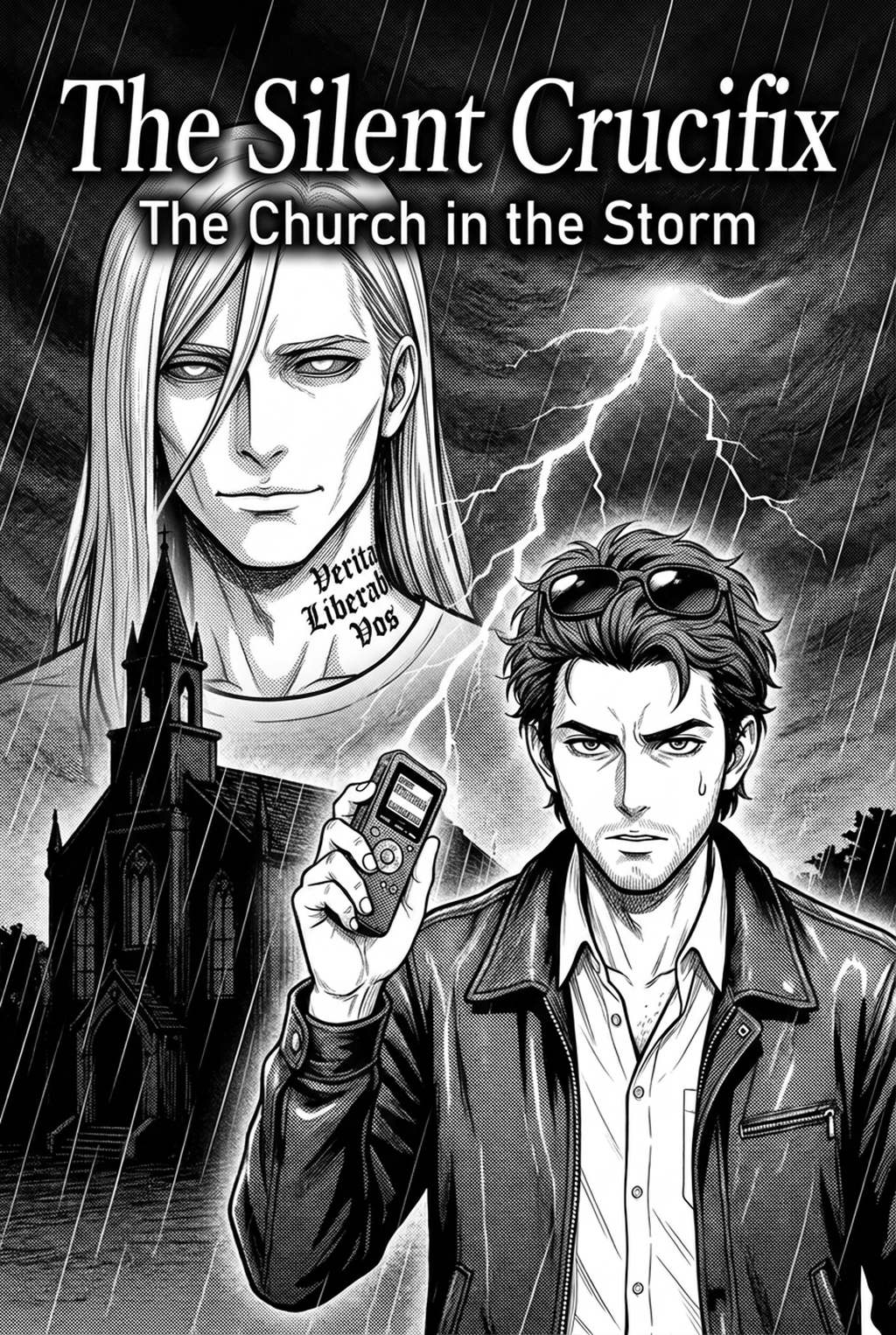
Defining the Role of Digital Inking
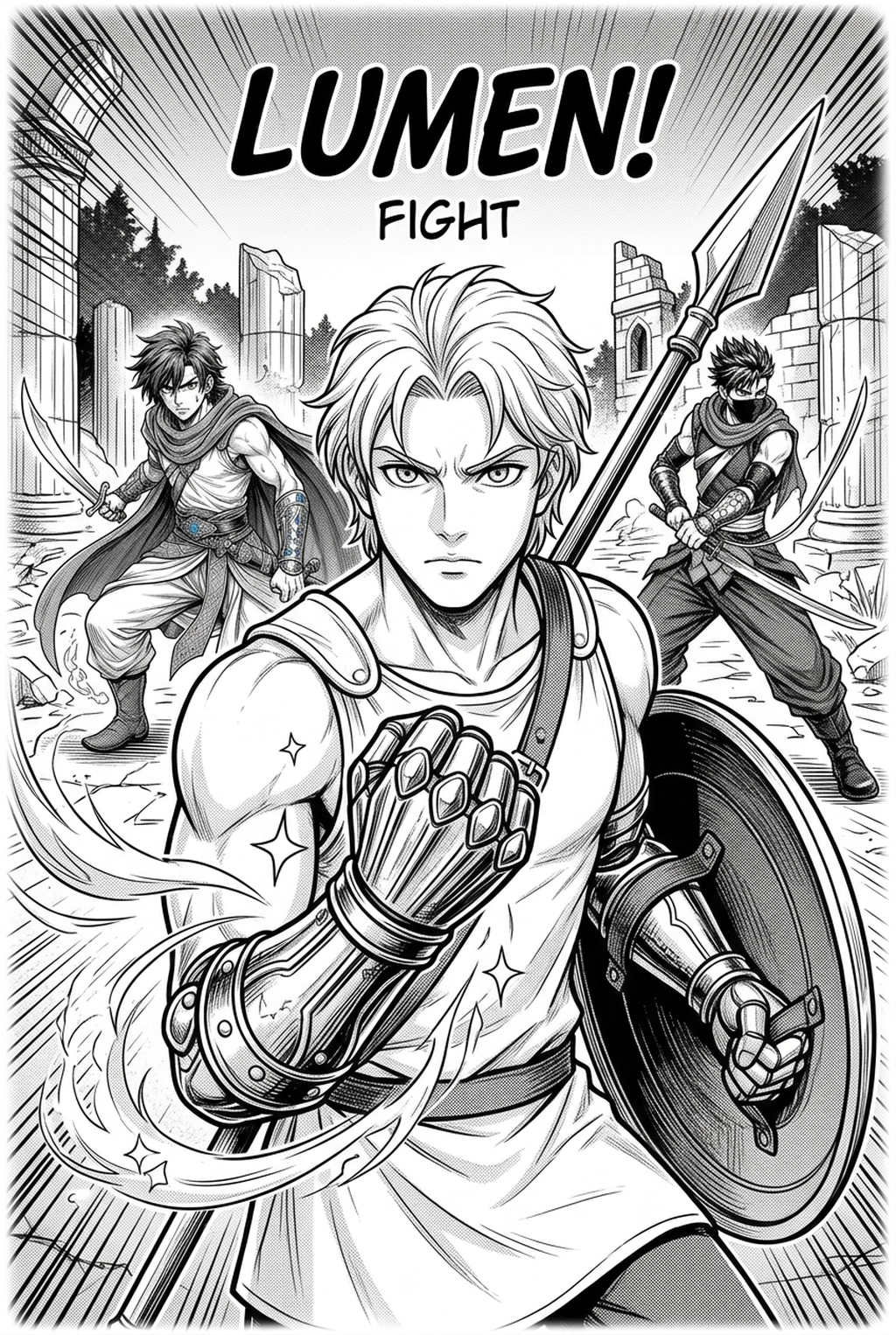
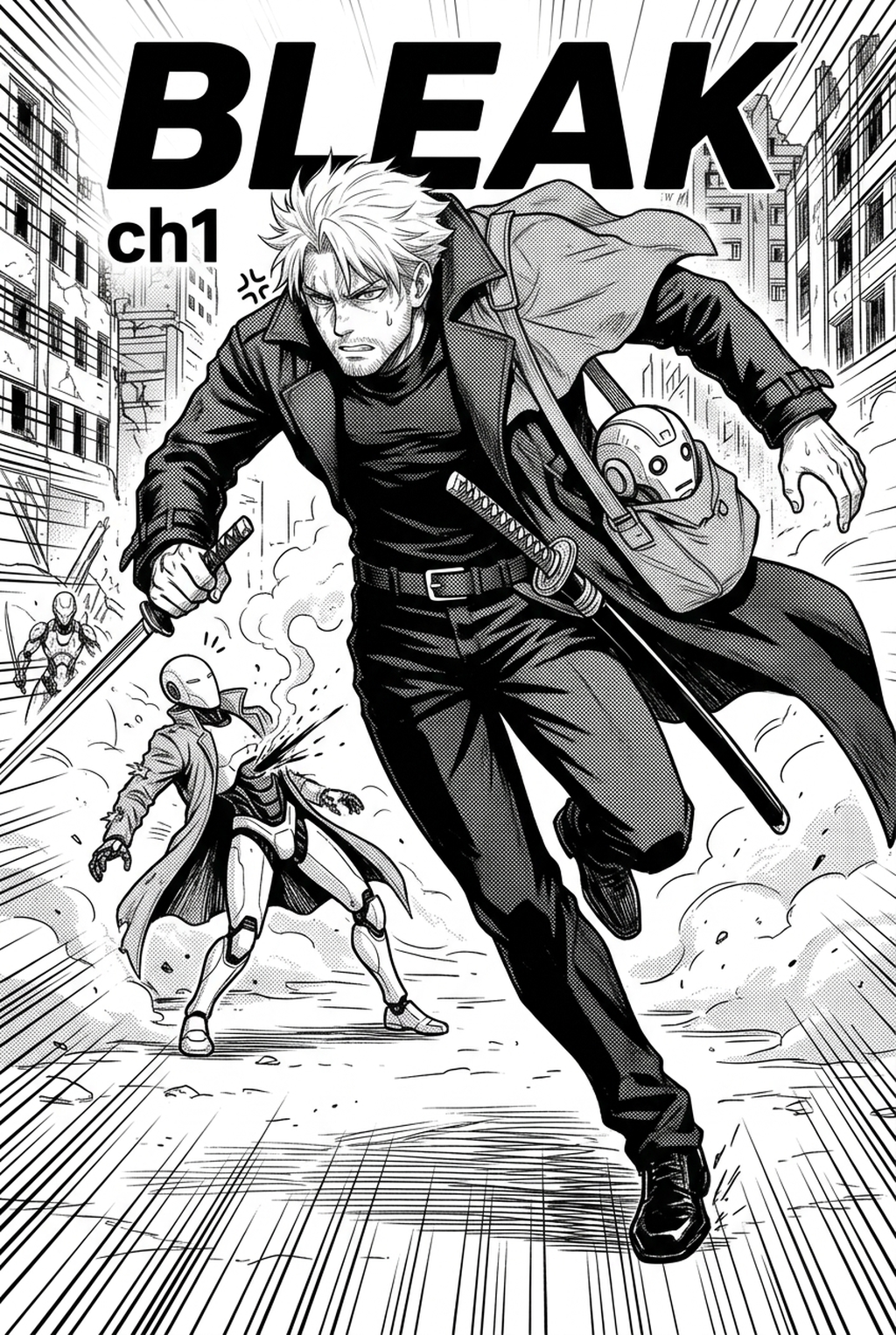
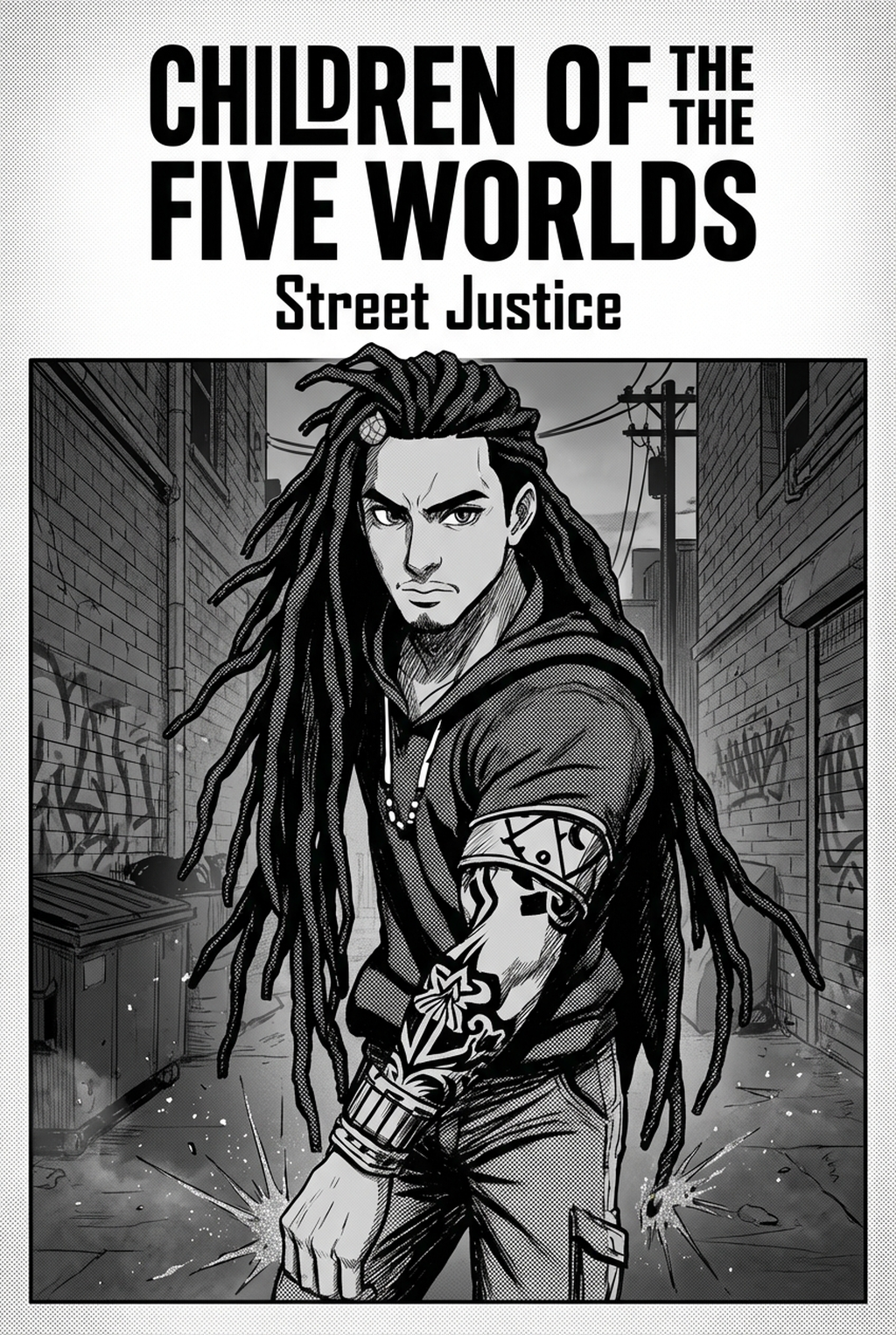
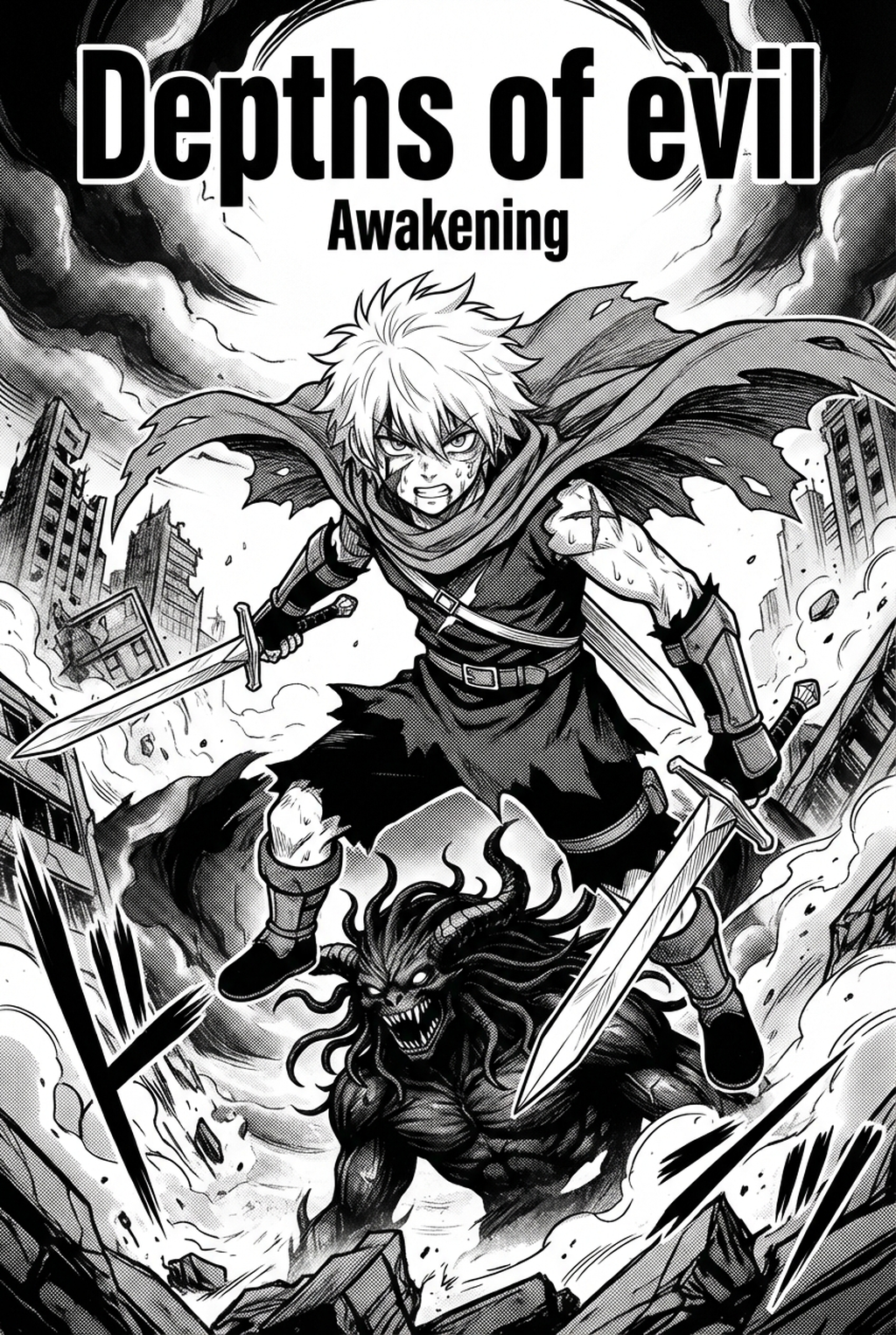
Manga inking acts as the final 'truth' of a page, defining the character silhouettes and panel depth before the screentone application. Professional standards require varying line weight to indicate perspective, with thinner lines for background elements and thicker strokes for character outlines. This process serves as a quality gate where layout intent is locked into a reproducible delivery format for printing.
The visual hierarchy of a manga panel relies entirely on how you balance your ink thickness. If every line has the same weight, the panel loses its spatial context, making character silhouettes appear flat against background buildings or foliage. 5-point weight to distant environmental details, you create the optical illusion of depth necessary for professional layouts.
Your inked layers must serve as the clean base for all subsequent steps in your workflow. If your lines remain blurry or inconsistent in density, your later screentone masks will fail to snap to the correct boundaries, leading to jagged edges or unsightly white gaps around characters. Ensuring your line art is output as a high-resolution 600 DPI monochrome bitmap is the only way to guarantee that your finished page will not suffer from resolution degradation when scaled down for printed tankobon volumes.
Why Manual Inking Exhaustion Threatens Your Production
Indie artists often struggle with 'inking fatigue,' where manual tracing leads to loss of original expression from the source context. The friction between raw sketch spontaneity and the precision required for high-contrast, scalable art often causes artists to sacrifice detail for the sake of speed.
| Feature | Manual Inking | AI-Assisted Inking |
|---|---|---|
| Line Weight Consistency | Manual adjustment only | Automated based on input |
| Tracing Time per Panel | 30–60 minutes | 2–5 minutes |
| Stylistic Fidelity | Dependent on hand speed | Matches input brush intent |
| Vector Output | Requires manual cleanup | Native vector-ready files |
When you trace your own sketches by hand for several hours, your hand-eye coordination inevitably declines, leading to "wobbly" strokes that lack the crispness of your initial, energetic thumbnail designs. Professional studios mitigate this through rigid, time-consuming review passes. By automating the technical foundation of your line work, you reclaim the energy required to focus on artistic choices like cross-hatching density and specific ink-brush pressure, which define your signature style.
How Mangaka Elevates Your Creative Output
AI-driven inking tools automatically identify pencil strokes from a scan and vectorize them into clean, high-resolution line art. By removing the repetitive task of manual tracing, artists can focus on artistic choices like cross-hatching and ink-brush intensity. Integration with Mangaka allows creators to convert rough sketches into professional-ready files instantly, preserving the creator's specific style.
Eliminating the Tracing Bottleneck. Instead of manually clicking and dragging points to clean up messy sketches, the tool analyzes the intensity of your input strokes. If you upload a rough pencil sketch of a combat scene, the AI interprets the pressure values to generate smooth, ink-like paths that honor your original composition. This manga inking with Mangaka ensures that even your most frenetic action lines retain their visual energy without the requirement of a secondary cleanup pass.
Use Cases for Your Inking Production Process
You can build a library of recurring character 'anchor lines' to ensure visual consistency across chapters. Using automated cleanup to isolate 'ink-layer' masks prevents background clutter from interfering with your screentone process. Implementing a 'sketch-to-ink' production process allows you to generate storyboard variations, providing you with the agility to test different panel compositions before committing to your final inking.
Imagine your current workflow: you finish your storyboards, spend three days manually tracing, and realize your background perspective is slightly off. With this new approach, you skip the manual labor entirely, allowing you to test three different panel-pacing options for a single scene in the time it usually takes to finish one panel. This efficiency is critical for maintaining high-quality character consistency in serialized projects.
- Chapter cadence. Use the AI pass for pages where speed matters most, such as repeated action poses, transformation beats, or dense speed-line panels. Keep manual cleanup for hero panels where the line style defines the emotional peak.
- Character continuity. Compare the generated lines against the same model sheet, costume notes, and facial-expression range used during sketching. This prevents a fast inking pass from drifting away from the character identity readers recognize.
- Export readiness. Check whether the final manga output can move into lettering, coloring, or final layout without rebuilding panel borders or speech-bubble space. A good manga workflow should save time while keeping the next production step predictable.
Initiating Your Workflow with Mangaka
AI-inked art remains fully customizable; it serves as the base layer, and artists retain full control to adjust weight and detail. Automatic inking does not ruin the hand-drawn feel when using tools that interpret pencil pressure and artistic intent. Furthermore, these parameters can be calibrated to handle the high-detail requirements of Seinen or the dynamic, bold lines of Shonen.
Whether you prefer the high-density shading typical of Seinen or the clean, high-contrast, bold lines common in Shonen, the tool's parameters adjust accordingly. You are not forced into a singular output; you control the final brush sensitivity and the threshold for line simplification. This ensures that your finished art reflects your personal artistic vision rather than a generic machine-generated look. Before export, creators should compare the generated line art with the original sketch and confirm that facial expressions, props, speed lines, and speech-bubble space still support the scene.
The Bottom Line
Modern inking is moving toward a hybrid model where AI handles the technical heavy lifting of line refinement, allowing you to maintain your focus on storytelling and creative expression. By adopting these tools, you can match the output speed of a full-scale studio without sacrificing the professional quality your readers expect. To begin transforming your own rough sketches into industry-standard line art today, visit manga inking and see how much time you save on your next chapter.
Related articles
Best Manga Colorist Tools: AI vs. Manual Coloring Review
What Is 4-Koma Manga? A Beginner’s Guide to 2026 Strip
Mastering Manga Background Settings for 2026